

Cost / License
- Free
- Proprietary
Platforms
- Windows
- Online
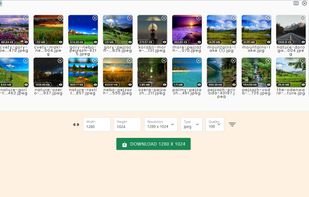



Apps similar to ImBatch include Image Toolbox, which is free and open source. Other options are FastStone Image Viewer, XnView Classic, Caesium Image Compressor and JPEGView. You're spoiled for choice with Image Converters like ImBatch: we list more than 50 alternatives for Windows, Mac, the web, Linux and Android.

Batch compress JPEG, PNG, HEIC, and WEBP images with drag-and-drop functionality, maintain high visual quality, and optimize files for storage, websites, and sharing across platforms without cloud upload or watermarks, supporting offline privacy.
 Germany
 EU
EU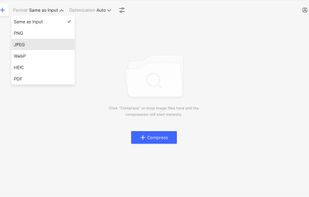


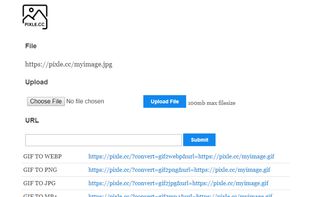
Pixle controlled conversions is a free easy-to-use URL system developed for those who need to convert a variety of files via URL command line. Simply pass in the URL of any image file with the correct parameters to convert your jpg, png, gif, or webp image and it will download...


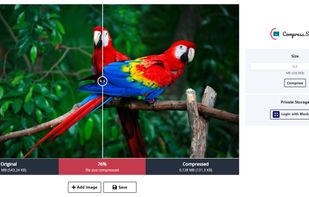
Compress.Studio is a serverless image compression tool with decentralized storage. Open/Add any .jpeg, .jpg or .png image. By default, it compresses your image to the best size and quality. Select your preferred size to compress the image. Login with .




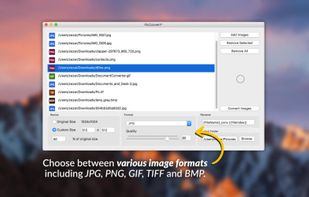
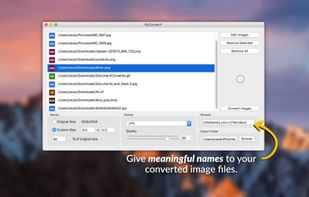
Convert, resize and rename thousands of image files in batch mode. Select the images that you want to convert, choose an image format, select the folder where you want your converted images to be saved and you're done!.
 ItalyEU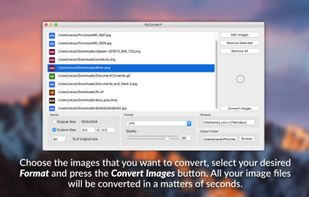



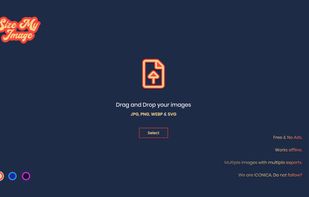
A fast image resizer and compressor, identical to exports of Figma and Sketch apps. Ideal for batch thumbnail generation in web development.


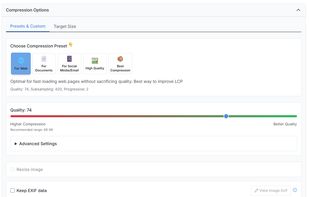
CompressBetter is a free online JPEG/JPG image compressor that utilizes Google's cutting-edge JPEGLI library. This technology enables superior image quality and significant file size reduction, often achieving 30-50% smaller JPEGs with visually identical quality, and...
 Ukraine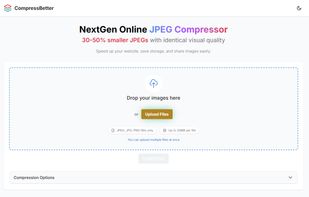


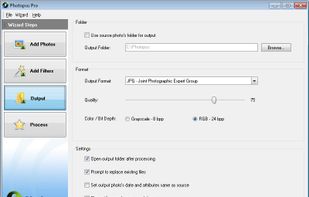
Photopus Pro is an easy to use batch image processing to simplify the process to convert, add watermarks (text and image), resize, transform, touch-up, rename, and apply effects to your digital images.
 Malaysia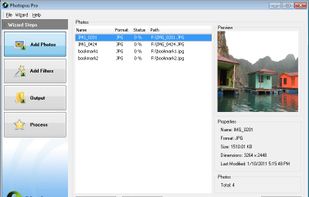



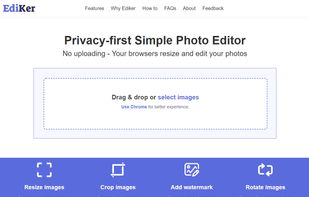
PhotoPenguin is a completely free batch photo editor with support for cropping, resizing, adding watermarks, and converting photos to other formats.