


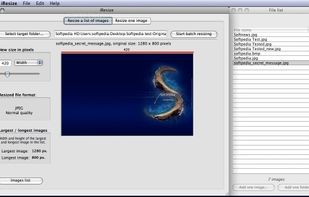
iResize can resize, compress and save as JPEG or PNG the following image formats GIF, JPEG, PICT, PNG, TIFF and PSD files.
Cost / License
- Free
- Proprietary
Alerts
- Discontinued
Platforms
- Mac
 Switzerland


Apps similar to Image Tuner include ImageMagick, which is free and open source. Other options are XnConvert, Switcheroo Image Manipulation, RIOT - Radical Image Optimization Tool and Converseen. Image Converters like Image Tuner are a crowded field, with more than 50 alternatives for Windows, Mac, the web, Linux and Android.
iResize can resize, compress and save as JPEG or PNG the following image formats GIF, JPEG, PICT, PNG, TIFF and PSD files.
Switzerland
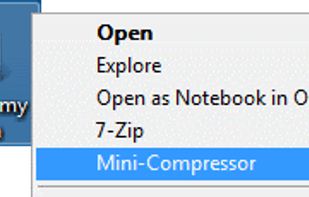
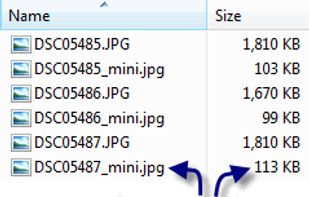
Mini-Compressor is an easy to use image compression tool. Compress images by right clicking on the images or folder of images. A viable alternative to other photo editing software if all you need to do is quickly compress a image.



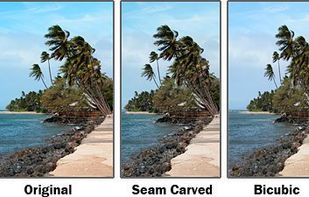



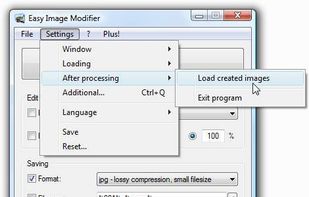
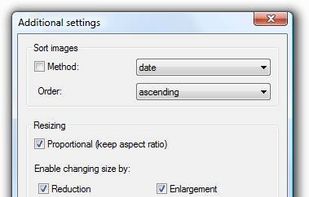
Do you have some images (vacation pictures, screenshots ...) lying around that you want to resize, rename, sort, realign, change format etc. without having to use complicated image editing tools? If yes, Easy Image Modifier is exactly what you need because its absolutely...
 Germany
 EU
EU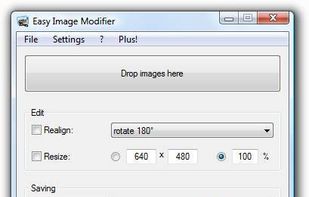


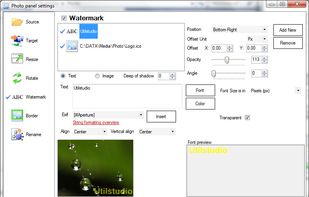
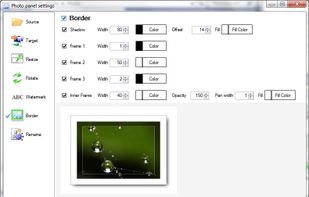
Resize photos in the batch and save photos to the following targets: Disk folder, FTP remote connection (web server for example), send photos via Email using email templates, upload to Facebook or save them to Clipboard.
 SlovakiaEU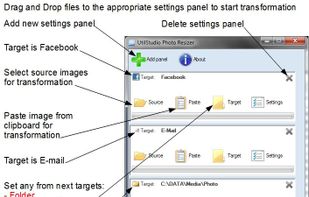


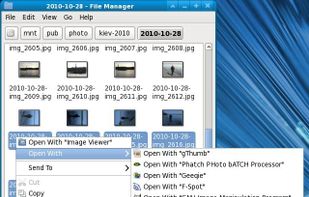
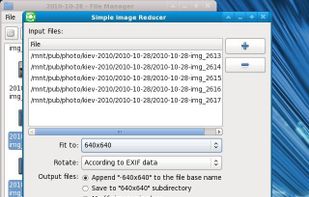
A program to simple reduce and rotate images. This GTK application can be useful for processing digital photos before sending by e-mail or uploading on the web.

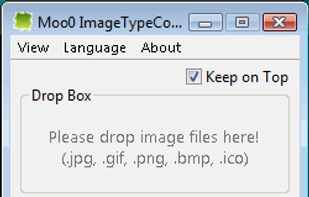
Moo0 Image Converter let you easily convert image files into different format.
It's very easy to use and you just need to drag & drop files onto the program window. It currently supports jpg, gif, png, bmp and icon format. Yes, you can create even icon files only by drop.

If you need a custom developed Windows program or seek help in building your presence on the Internet then look no further. XemiComputers have the expertise and passion to deliver the best solution.

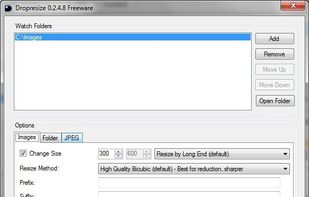
Dropresize is a portable application that can automatically resize images in folders specified by the user. It resides in the system tray so it won’t interfere with your work, however it’s readily available if you want to configure it.


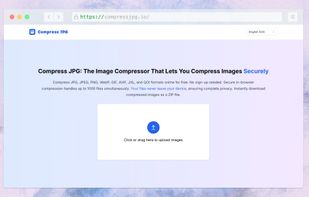
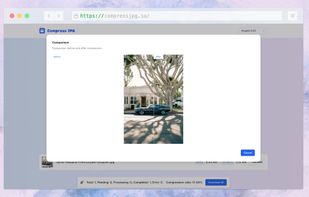
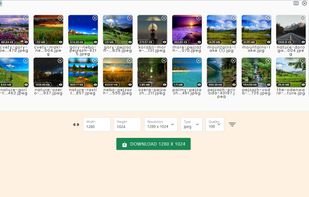
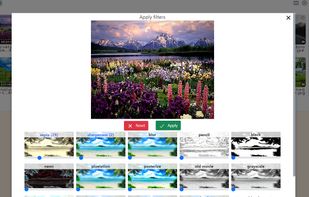
Compress JPG, JPEG, PNG, WebP, GIF, AVIF, JXL, and QOI formats online for free. No sign-up needed. Secure in-browser compression handles up to 1000 files simultaneously. Your files never leave your device, ensuring complete privacy.





SysTools Image converter software enables you to export multiple images to the desired file format. Using this tool user convert images to PDF, DOC, DOCX, HTML. The best part of this software is that it is capable enough to convert multiple images.
 India
India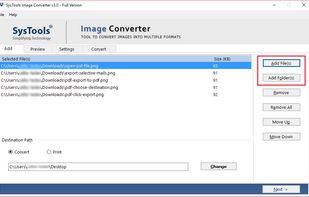


 Serbia


