
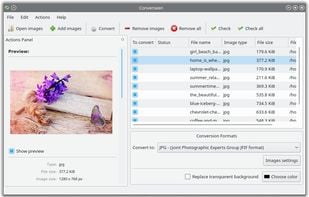
Converseen is a free cross-platform batch image processor for Windows and Linux that allows you to convert, resize, rotate and flip an infinite number of images with a mouse click.
 Italy
Italy EU
EU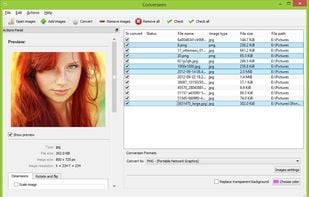


The best Image Converter alternative to Image Toolbox is Converseen, which is both free and Open Source. If that doesn't suit you, our users have ranked more than 50 alternatives to Image Toolbox and many of them are Image Converters so hopefully you can find a suitable replacement. Other interesting Image Converter alternatives to Image Toolbox are FastStone Photo Resizer, Switcheroo Image Manipulation, ReaConverter and ImBatch.
Converseen is a free cross-platform batch image processor for Windows and Linux that allows you to convert, resize, rotate and flip an infinite number of images with a mouse click.

Batch process photos with resizing, cropping, color adjustments, text or watermark overlays, preview changes before saving, automate renaming with custom patterns, support for major formats, folder structures, preset settings, and drag-and-drop management.
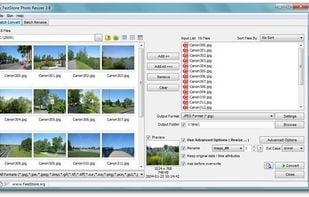

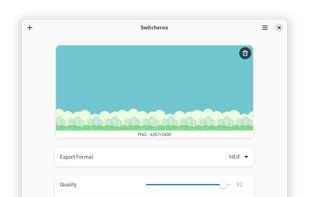
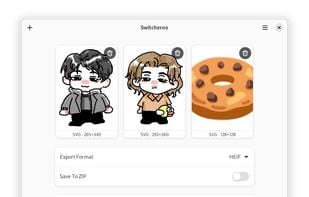
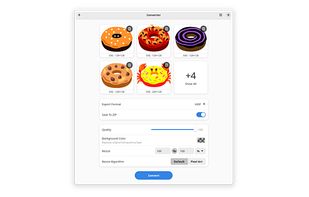
Switcheroo is designed to give you a simple, quick, and easy-to-use tool to convert and manipulate your images in whatever way you like. It is built on top of the most advanced image editing libraries, ImageMagick.

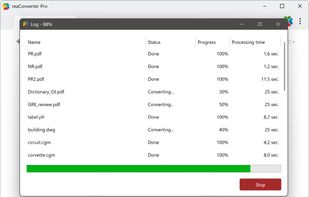
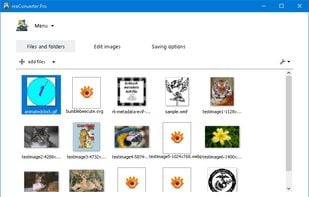
ReaConverter is time-saving batch image converter software that supports more than 700 source formats and over 60 output formats.


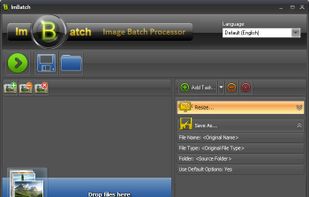
ImBatch is a batch image processor with a nice graphical user interface. It will allow you to edit multiple image files at the click of a button by using scripts. The script will be created by combining Tasks.
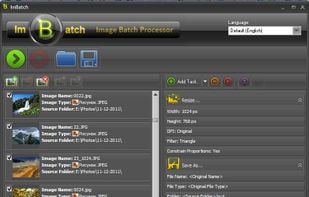
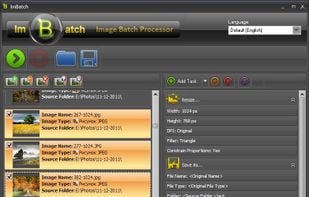

With just one click you can change pictures' sizes, cut pictures to any size, add watermarks, write text on images, change colour values, convert pictures into other file formats and much more.
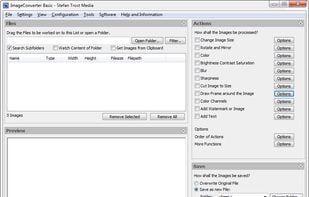
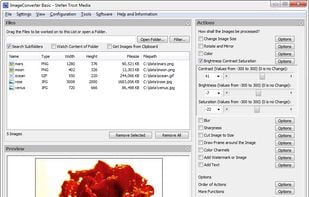
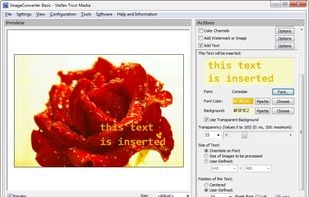
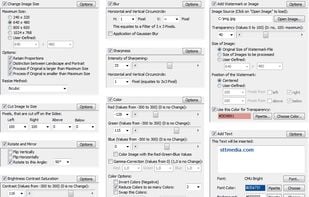

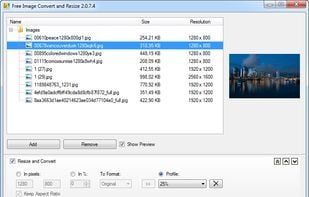
Free Image Convert and Resize is a compact yet powerful program for batch mode image processing.

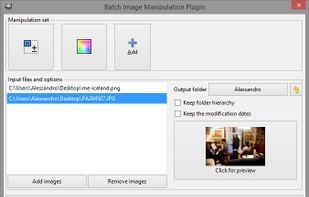
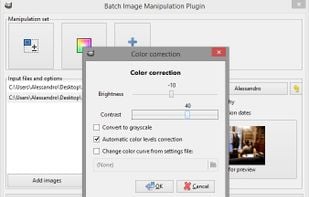
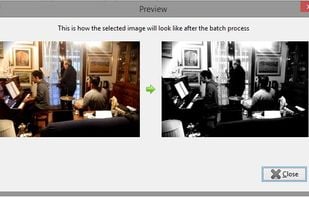
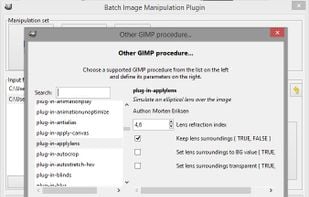
With BIMP you can apply a set of manipulations to an entire group of images! It provides an easy to use interface and a lot of batch functions.

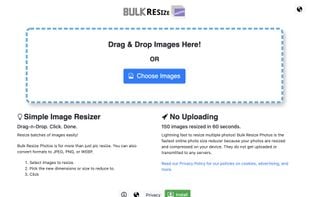
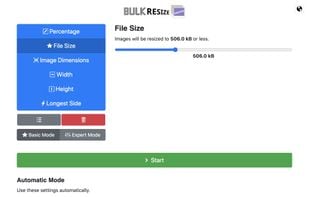
Bulk Resize Photos resizes batches of your photos in your browser so that they are a more suitable size for transmission over the internet.

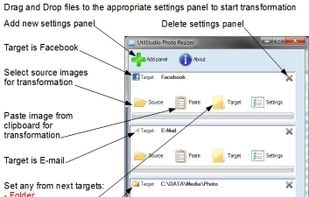
Resize photos in the batch and save photos to the following targets: Disk folder, FTP remote connection (web server for example), send photos via Email using email templates, upload to Facebook or save them to Clipboard.
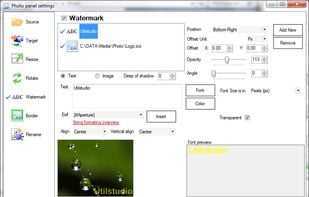
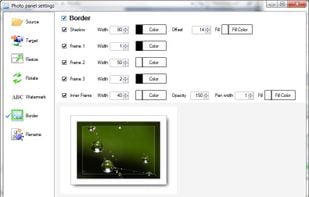

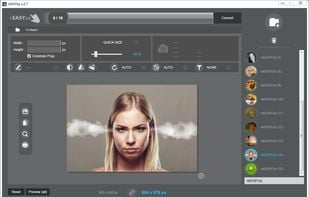
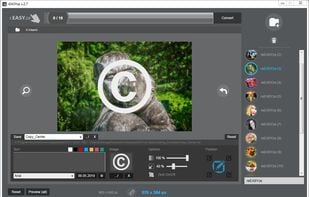
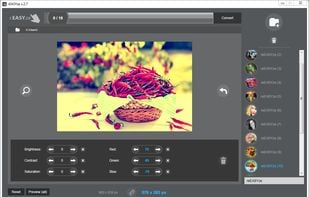
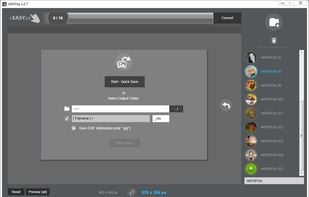
If you want a lightweight image editor that you can use to perform basic editing tasks such as cropping, renaming, resizing and even applying watermarks to your pictures, then consider rEASYze. You can work with single or multiple images simultaneously.

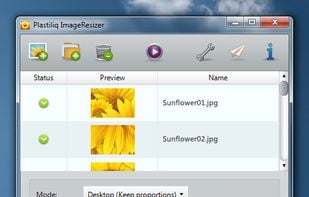
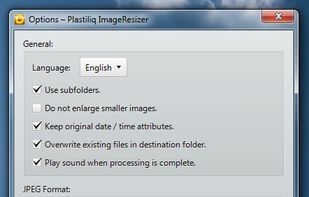
ImageResizer - Batch-resize and convert your images in just one click with maximum comfort.

 Canada
 United States


 Cyprus
 Ukraine
 Germany
 United Kingdom


 Slovakia

 Russia