


IdealAutomateExplorer
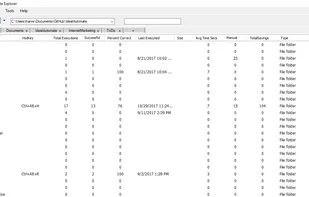
IdealAutomateExplorer is like windows explorer, except it has a lot of additional features. One feature is multiple tabs. Multiple tabs allows you to switch between views of multiple folders without having to open multiple versions of file explorer.
Cost / License
- Free
- Open Source
Platforms
- Windows

Features
- Task Automation
- Knowledge base
- Keep tabs on all accounts in one view
- File Search
Tags
- automatetask
- wizards
- applicationlauncher
- passwordmanager
IdealAutomateExplorer News & Activities
Recent activities
IdealAutomateExplorer information
Developed by
 Wade Harvey
 Licensing
Open Source and Free product.Written in
Alternatives
5 alternatives listedSupported Languages
- English

AlternativeTo Category
File ManagementGitHub repository
- 21 Stars
- 7 Forks
- 1 Open Issues
- Updated


Featured in Lists

List of all the windows apps
What is IdealAutomateExplorer?
Here are four ways that you can use Ideal Automate Explorer:
- An Alternative to Windows File Explorer
- Central Repository for AI/Automation Applications
- Knowledge Base
- ToDo List
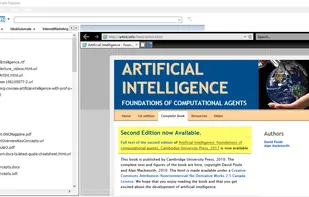
IdealAutomateExplorer is an alternative to File Explorer that allows you to open multiple tabs and preview files before opening them. You can use IdealAutomateExplorer as a repository to organize various types of information. For example, you can use it to organize automation scripts, a knowledge base, or a todolist. Instead of requiring that you keep all of your information in some third-party software, IdealAutomateExplorer allows you to keep your files in word documents, pdfs, images, desktop shortcuts, etc. Ideal Automate Explorer gives you the ability to organize your knowledge in its original pristine state in your ordinary windows folder structure so that it can easily be shared with others. If you have sensitive information, it can be easily segregated into separate storage in you roaming folder or into separate folders that you can keep in different tabs within the Explorer.
Comments and Reviews
The tabs allow you to have multiple file explorers open and save where you are. Also, the search utility uses parallel processing so it is very fast