




HyperFetch
Like
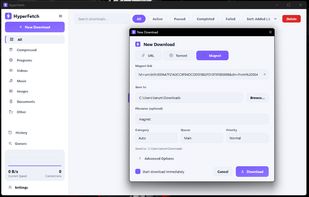
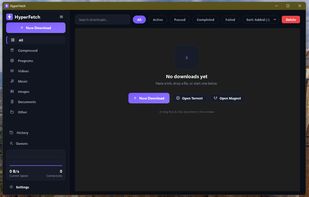
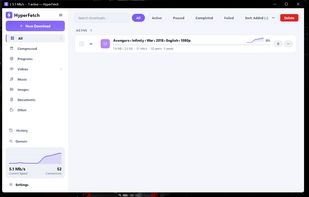
HyperFetch: an IDM-style download accelerator for Windows. Splits each download across many connections, saves HLS streams, torrents and video pages, and pairs with a browser extension for Chrome, Edge and Firefox.

Cost / License
- Free
- Open Source (MIT)
Platforms
- Windows
- Google Chrome
- Mozilla Firefox
- Microsoft Edge



+1

Add Alternatives

0likes
0alternatives
0articles
Features
HyperFetch News & Activities
Highlights All activities
Recent activities
- Tanumay-Goswami added HyperFetch
HyperFetch information
Developed by
 Tanumay Goswami
 Licensing
Open Source (MIT) and Free product.Written in
Alternatives
0 alternatives listedBadge
Get an embeddable badge for HyperFetchSupported Languages

AlternativeTo Categories
File Sharing, Web Browsers, Audio & Music, Video & MoviesGitHub repository
- 0 Stars
- 0 Forks
- 0 Open Issues
- Updated
No comments or reviews, maybe you want to be first?