Cost / License
- Free
- Open Source (MIT)
Application typeApplication types
Platforms
- Linux

T


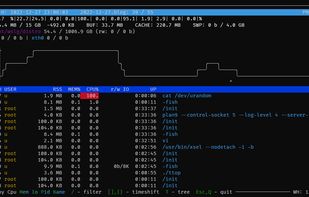
Apps similar to htop include Process Explorer, which is free. Other options are System Informer, btop++, witr and Mission Center. There's no shortage of Process Management Tools like htop, with more than 50 alternatives for Linux, Windows, Mac, Android and iPhone.

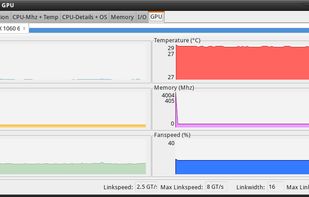
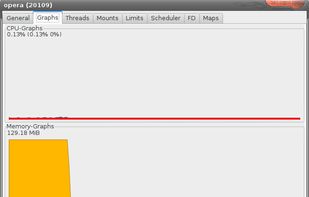
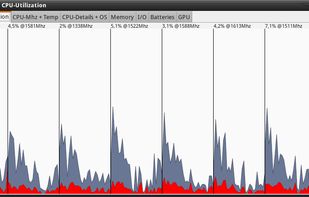
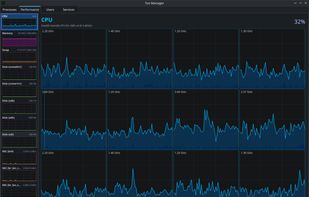
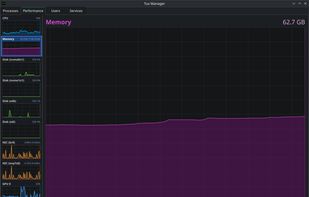
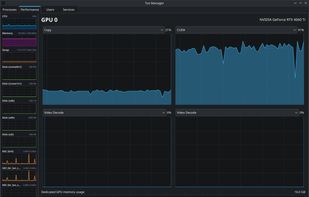
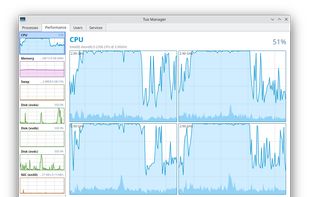
A Linux Task Manager alternative built with Qt6, inspired by the Windows Task Manager but designed to go further - providing deep visibility into system processes, performance metrics, users, and services.


pstop is a native Windows terminal system monitor inspired by htop. It brings per core CPU usage bars, memory and network meters, process tree view, search, filtering, and kill shortcuts directly to PowerShell with familiar htop style keybindings.
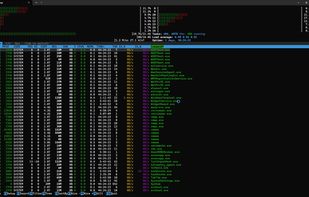


PrcView is a process viewer utility that displays detailed information about processes running under Windows. For each process it displays memory, threads and module usage. For each DLL it shows full path and version information.
 Ukraine


Security Process Explorer
Give you detailed information about each and every process.
Indicate whether a process is safe or not.
Allow you to terminate process with a single click.
Let you block any unwanted processes or malware.
Simpl.
 China
China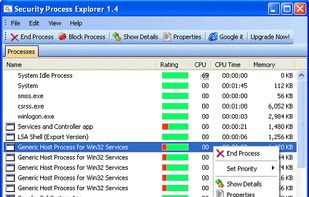


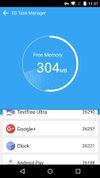
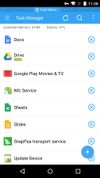
A manager for tasks on the Android platform. An excellent task manager & killer. It can also optimize memory, storage, & cache. It integrates well with ES File Explorer & users can easily switch between the two apps.
China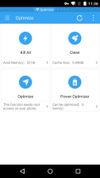


SterJo Task Manager is a FREE and advanced utility for process managing which allows you to get details on everything that’s running on your computer. The program is divided in several sections covering the main parts of each system.
 North Macedonia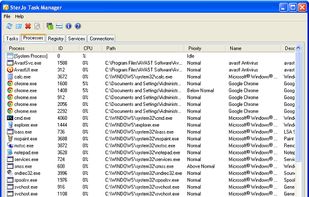

libstatgrab is a library that provides cross platform access to statistics about the system on which it's run. It's written in C and presents a selection of useful interfaces which can be used to access key system statistics.
 United Kingdom

Monitorets is a small utility application offering a simple and quick view at the usage of several of your computer resources. Almost like an applet or a widget for your Linux desktop.


Security Task Manager shows comprehensible information about programs and processes running on the computer. For each Windows process, it improves on Windows Task Manager, providing:
 Germany
 EU
EU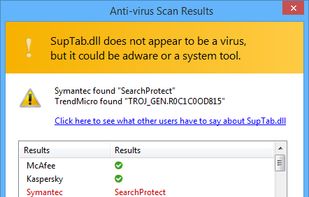
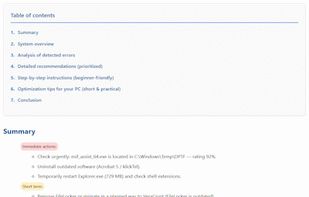


Process manager for Linux desktop environments, able to show process- and system-details and also run scripts on combineable process- and systemevents.