TimeSheet Reporter makes it possible to report time on organizations, projects and activities directly in your Microsoft Outlook Calendar.
Cost / License
- Freemium
- Proprietary
Application type
Platforms
- Windows
- Microsoft Office Outlook


Apps similar to Horo include Hourglass, which is free and open source. Other options are MinuteTick, Floating Timer, Micro Timer and WatchMe. Countdown Timers like Horo are a crowded field, with more than 50 alternatives for Mac, Windows, iPhone, iPad and Android.
TimeSheet Reporter makes it possible to report time on organizations, projects and activities directly in your Microsoft Outlook Calendar.

VisiTimer free download. Get the latest version now. Fun, unique, countdown timer with visual graphic indicator of time passage.
 United States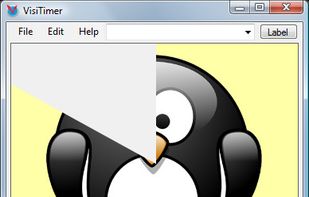


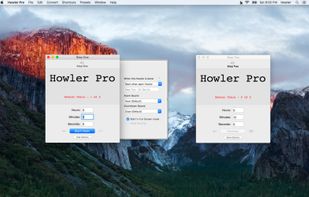
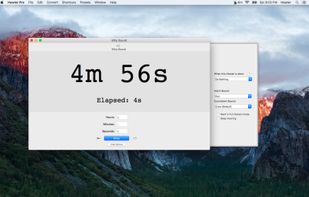
Timing has never been easier, quicker, or more fun. You'll use timers for everything once you use Howler Timer!
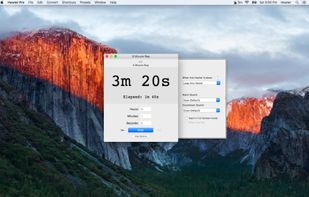


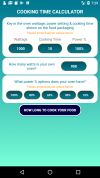
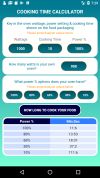
How many times do you purchase food to cook in your microwave oven & find that the settings force you to do mental arithmetic to make sense of what is on the packaging compared to the available settings in front of you?


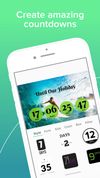
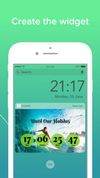
Cloxee is a free countdown app that allows to design your own countdowns, share them on social media and have them as the widget on your device.



Timer Clock is a simple to use timer utility which perfectly combines a timer with four great features (shutdown, restart, sleep or remind) and a clock in one application.


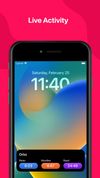
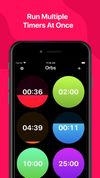
With Orbs you will be able to run multiple timers at once. See your progress of multiple timers running at once. Customize by adding an icon to your view or showing the title of the timer.
United States


Inspired by the simple egg timer, Timer more honestly represents time as a single dimension.
United States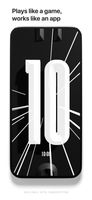
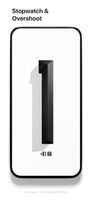
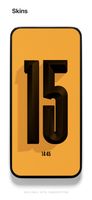


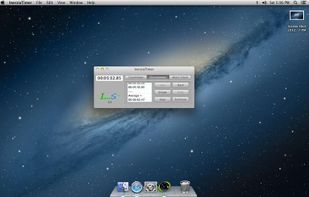
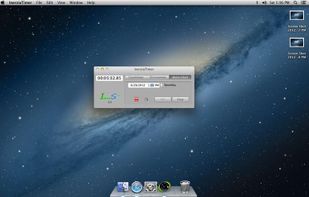
InerziaTimer is a small and easy to use application that can help you to measure time intervals. Its streamlined graphical user interface is not-intrusive and shows its powerful features at-a-glance.
 Italy
Italy EU
EU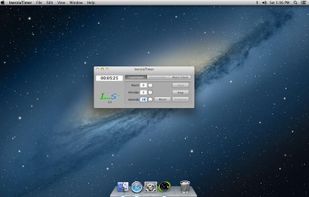


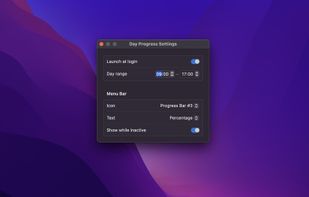
Day Progress is a time tracking tool that offers visual cues for efficient day management, with adjustable start/end times and selectable progress display options.
 Norway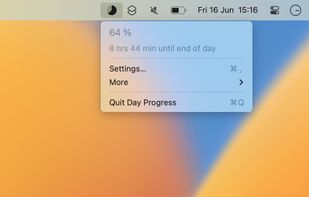
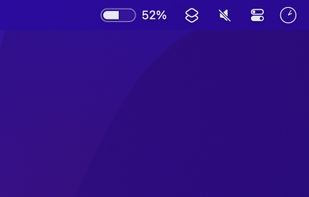


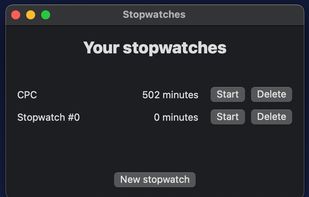
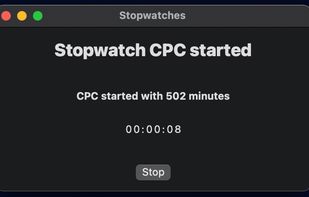
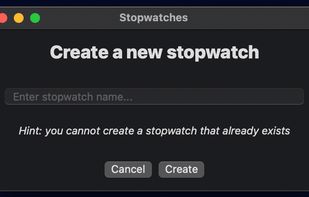
Log the time you take to do something. Use it for studying, freelancing, however you want!


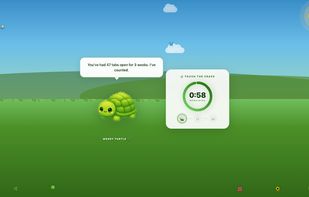
Lets you set daily social media time limits, then locks access with fullscreen nature scenes and animated critters after your cap is reached. Breaks include rotating character commentary, a countdown timer, and all settings are local, private, and account-free.
United States