Highlights - Highlighter and Web Clipper Alternatives

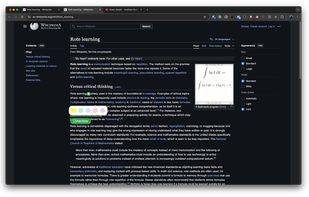
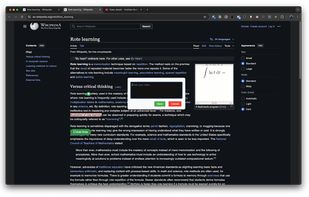
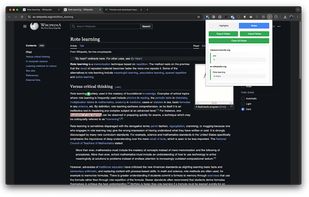
Highlights - Highlighter and Web Clipper is described as '"Highlights - Highlighter and Web Clipper" chrome extension by Learning Paths, helps you organise your content across the internet' and is a social bookmarking tool in the office & productivity category. There are more than 50 alternatives to Highlights - Highlighter and Web Clipper for a variety of platforms, including Web-based, Google Chrome, iPhone, iPad and Mozilla Firefox apps. The best Highlights - Highlighter and Web Clipper alternative is Raindrop.io, which is free. Other great apps like Highlights - Highlighter and Web Clipper are Karakeep, Obsidian Web Clipper, Pinterest and Memex.

Copy a direct link to this comment to your clipboard
Highlights - Highlighter and Web Clipper alternatives page was last updated

Alternatives list

  1. Skloog icon
     18 likes
    Copy a direct link to this comment to your clipboard

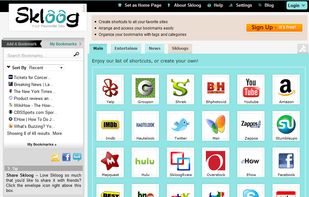
    Skloog is a simple but powerful bookmark manager, that lets you organize your links by tag and category.

    Cost / License

    • Free
    • Proprietary

    Platforms

    • Online
     
  2. Copy a direct link to this comment to your clipboard

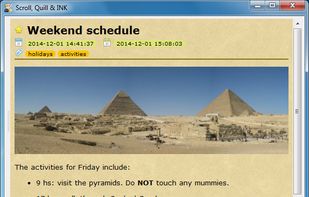
    Fast and portable note editor.

    Supports: Markdown format, HTML previews, tagging, favorites, searching, Dropbox and Google Drive synchronization, embedded photos.

    Cost / License

    • Free
    • Open Source

    Application type

    Alerts

    • Discontinued

    Platforms

    • Mac
    • Windows
    • Linux
     
  3. Collecta icon
     3 likes
    Copy a direct link to this comment to your clipboard

    Collecta is a web app space for all your favorite digital artifacts like images, links, or notes. Drag and drop, or use the browser extension.

    Cost / License

    • Pay once
    • Proprietary

    Application type

    Platforms

    • Online
    • Software as a Service (SaaS)
    • Google Chrome
     
  4. weboApp icon
     2 likes
    Copy a direct link to this comment to your clipboard

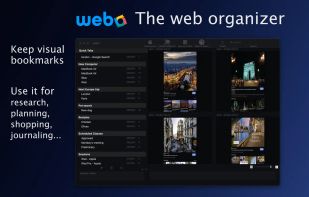
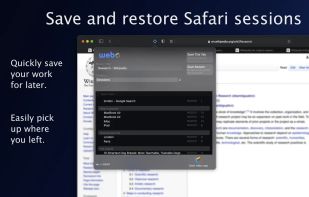
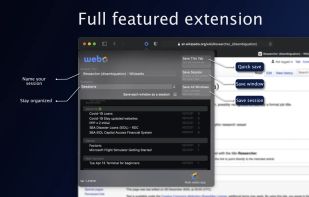
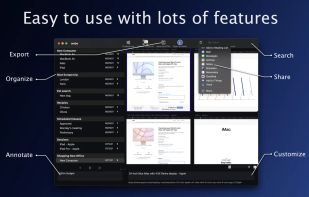
    webo is the easy way to get organized on the web.

    Cost / License

    • Free
    • Proprietary

    Application type

    Platforms

    • Mac
    • Safari
     
  5. NoteStash icon
     1 like
    Copy a direct link to this comment to your clipboard

    A powerful Chrome extension that allows users to highlight text on web pages and attach notes to these highlights. All highlights and notes persist across browser sessions and are automatically restored when you revisit the page, creating your personal knowledge repository as...

    Cost / License

    • Free
    • Open Source

    Platforms

    • Google Chrome
     
  6. Klart.io icon
     5 likes
    Copy a direct link to this comment to your clipboard

    Klart is a bookmarking service made for designers. Capture a screenshot and a link to anything online with just a click.

    Cost / License

    • Pay once
    • Proprietary

    Platforms

    • Online
    • Google Chrome
     
  7. Gladys App icon
     6 likes
    Copy a direct link to this comment to your clipboard

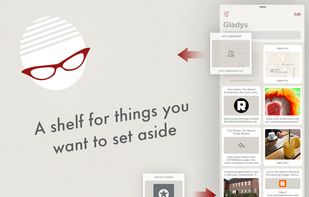
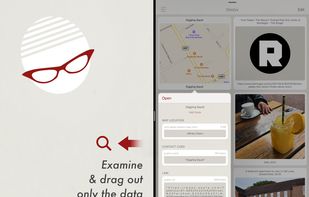
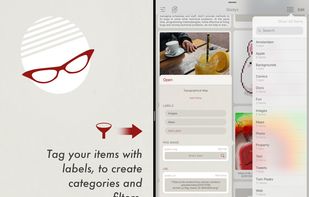
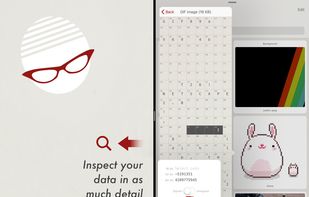
    Gladys keeps a shelf that holds things which you want to set aside, such as links, text snippets, map locations, contacts, images, photos, emails and messages (even if the application that the information came from is removed)

    Cost / License

    • Freemium (Pay once)
    • Proprietary

    Platforms

    • Mac
    • iPhone
    • iPad
    • Apple Watch
    • Apple Messages
     
  8. Sorted icon
     4 likes
    Copy a direct link to this comment to your clipboard

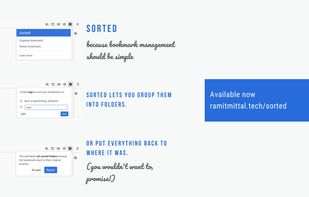
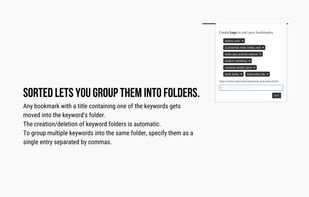
    Sorted is an extension for Firefox. Use this if you find yourself manually creating bookmark folders. Just enter the words commonly occurring in your bookmark titles and this extension will automatically create folders and move your bookmarks.

    Cost / License

    • Free
    • Open Source

    Alerts

    • Discontinued

    Platforms

    • Online
    • Firefox
     
  9. LARDER icon
     10 likes
    Copy a direct link to this comment to your clipboard

    Larder is for bookmarking things on the web you'll need again. It's perfect for curating lists of libraries, tools, and reference material. Trial everything for 14 days, buy a paid account if it fits your workflow. It's honestly really good.

    Cost / License

    • Pay once
    • Proprietary

    Application type

    Platforms

    • Mac
    • Windows
    • Linux
    • Online
    • Android
    • iPhone
    • Chrome OS
    • Google Chrome
    • Safari
    • Opera
    • Firefox
     
  10. Copy a direct link to this comment to your clipboard

    Watch It Later is a premium bookmarking tool focused on helping you manage your favorite online videos and images. WIL has built in embed support for Youtube, Vimeo, and others. Take notes, create custom galleries, and save links via text message.

    Cost / License

    • Subscription
    • Proprietary

    Application type

    Platforms

    • Online
     
  11. Allo icon
     29 likes
    Copy a direct link to this comment to your clipboard

    Allo is the online workspace for visual collaboration and teamwork for remote teams. With our interactive and visual workspace teams can collaborate over, notes, design, sketches, tasks, processes, and work.

    269 Allo alternatives

    Cost / License

    • Freemium (Subscription)
    • Proprietary

    Platforms

    • Mac
    • Windows
    • Online
    • Android
    • iPhone
    • Android Tablet
    • iPad
     
  12. Wakelet icon
     46 likes
    Copy a direct link to this comment to your clipboard

    Save, organize and tell stories with content from around the web. Save articles, videos, social media posts, podcasts, maps, online documents as well as your own images, notes and PDF's into visual collections.

    15 Wakelet alternatives

    Cost / License

    • Freemium (Subscription)
    • Proprietary

    Platforms

    • Online
    • Android
    • iPhone
    • iPad
    • Google Chrome
    • Firefox
     
You are at page 6 of Highlights - Highlighter and Web Clipper alternatives