


Cost / License
- Free
- Proprietary
Platforms
- Online
- Self-Hosted
- Software as a Service (SaaS)



Apps similar to Hexonic PDF Split and Merge include PDF-XChange Editor, which has a free version. Other options are PDF24 Creator, PDFsam Basic, Adobe Acrobat DC and Master PDF Editor. You're spoiled for choice with PDF Editors like Hexonic PDF Split and Merge: we list more than 50 alternatives for Windows, Mac, the web, Linux and iPhone.



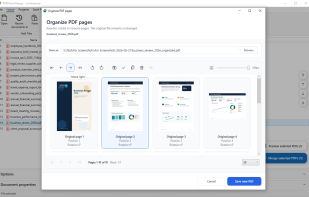
Combine, split and reorganize PDF files locally on Windows with drag-and-drop thumbnails. Reorder, rotate, duplicate, remove or export pages, add page numbers and import images, all offline. No uploading required, making it safe for sensitive documents.
 Germany
 EU
EU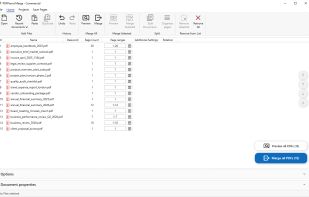
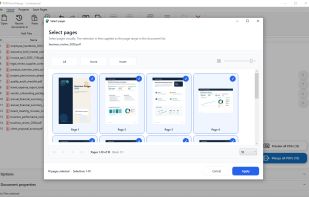
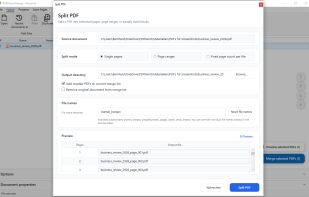


PDF software that allows you to easily split and merge PDF files in just a few steps. This program allows you to merge unlimited number PDF documents as a single PDF file and also split a large PDF file into multiple smaller parts.
 Malaysia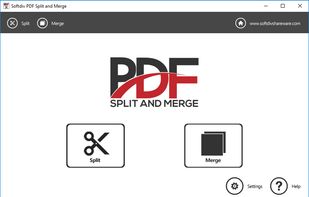
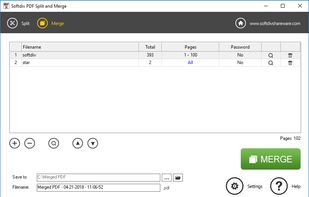
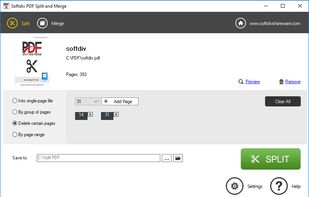
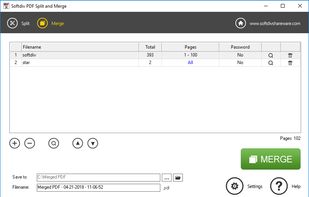


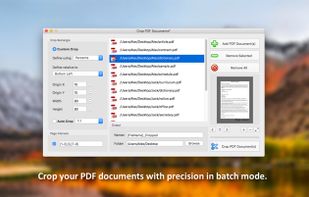
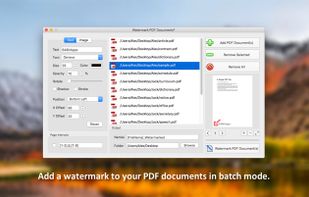
PDF Plus is a powerful PDF processor that will help you merge, split, watermark and crop PDF documents in just three easy steps.
 RomaniaEU
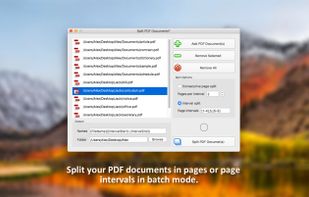


The PDF merger tool is a free online application to combine two or more PDF files into one document. The PDF merge solution is totally a browser based program that can be used in MAC, Windows and Linux all operating systems.
 India
India


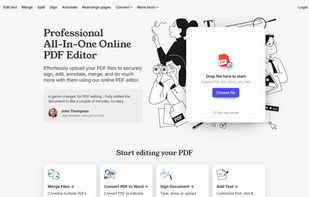
A web-based, all-in-one PDF editor that lets users upload, edit, annotate, sign, merge, split, and convert PDF and other file formats (DOC, DOCX, JPG, PNG), all in a secure, browser-based interface.


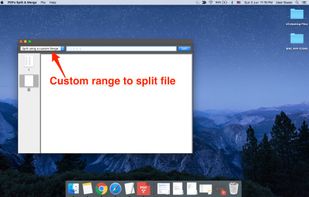
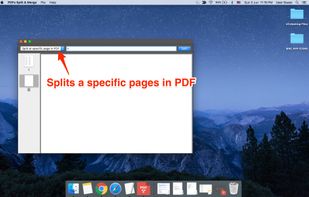
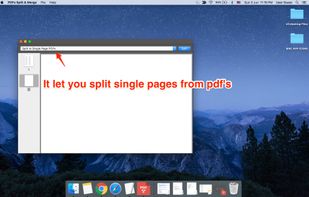
PDFs Split & Merge is a lightweight application for your Mac. It helps you Split, Merge and Unlock PDF files within seconds and it's all offline. We respect your privacy.
India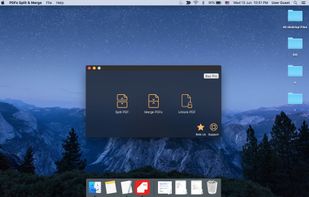


Desktop PDF software for reading and annotating documents, filling supported AcroForm fields, creating custom fields, and organizing pages. Insert pages from other PDFs, reorder, rotate, remove, or extract them, then save and reopen assembled documents across Windows, macOS, and Linux.
 United States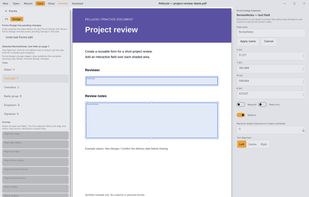


PDF Mixer is a PDF page tool which mixes pages of 2 or more PDF files, add PDF pages into existing PDF files and save them to a new file. With this powerful tool, you can reorder, copy, rotate, delete, switch and merge pages in multiple PDFs easily.


