


gsudo
3 likes
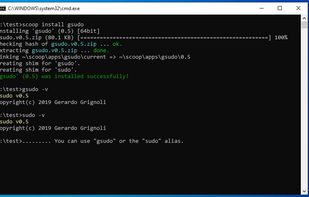
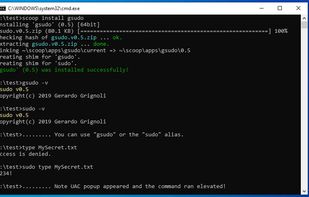
gsudo is a sudo equivalent for Windows, with a similar user-experience as the original *nix sudo.

Cost / License
- Free
- Open Source (MIT)
Platforms
- Windows


+1

Add Alternatives

3likes
0alternatives
0articles
Features
Highlights All activities
gsudo News & Activities
Recent activities
No activities found.
Developed by
 Gerardo Grignoli
 Licensing
Open Source (MIT) and Free product.Written in
Alternatives
0 alternatives listedBadge
Get an embeddable badge for gsudoSupported Languages

AlternativeTo Categories
OS & Utilities, Network & AdminGitHub repository
- 6,062 Stars
- 166 Forks
- 51 Open Issues
- Updated


My list
A list with 16 apps by MrLangley without a description.
Comments and Reviews
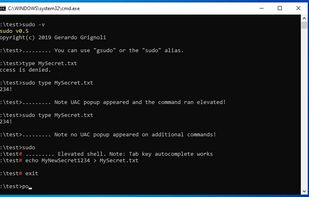
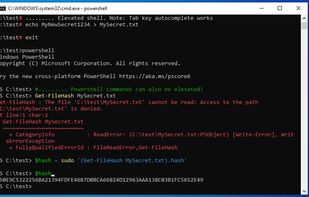
Neat sudo-like elevation tool for Windows, allowing to elevate commands or the current shell as an administrator, SYSTEM, or even as TrustedInstaller. The Credentials Cache will allow you to elevate as many times with only a single UAC prompt (it might represent a security risk, though - it's disabled by default). Can be used in scripts - it will allow you to self-elevate when necessary. More info in gsudo's documentation.