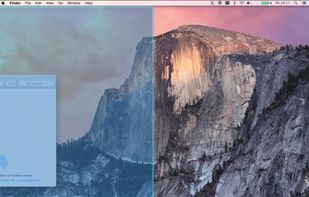
Display Maid allows you to save and restore window locations based on your display configuration or user created profiles.
Cost / License
- Paid
- Proprietary
Application type
Platforms
- Mac
 United States

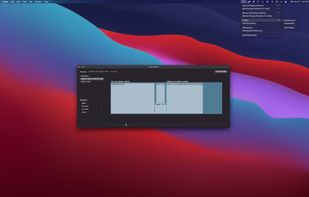


Apps similar to Griddle include Rectangle, which is open source with a free version. Other options are DisplayFusion, BetterTouchTool, Loop - Window Management and SnapZones. You're spoiled for choice with Window Managers like Griddle: we list more than 50 alternatives for Mac, Windows and Linux.
Display Maid allows you to save and restore window locations based on your display configuration or user created profiles.
United States
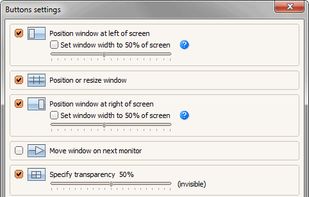
Chameleon Window Manager will allow you to control the windows of your programs using customizable buttons added to the title bars of the windows (Always on Top, Minimize to Tray, Minimize to Caption, Specify Transparency, Position window at left/right of screen).
 Russia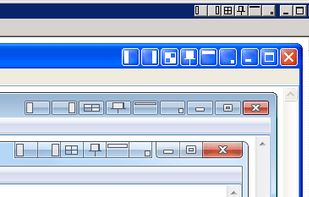
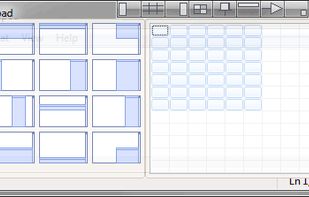
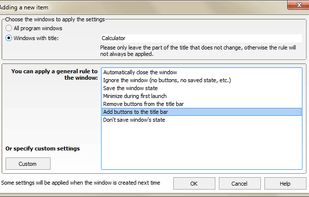


SizeUp allows you to quickly position a window to fill exactly half the screen (splitscreen), a quarter of the screen (quadrant), full screen, or centered via the menu bar or configurable system-wide shortcuts (hotkeys).
United States


Slate is a window management application similar to Divvy and SizeUp (except better and free!). Originally written to replace them due to some limitations in how each work, it attempts to overcome them by simply being extremely configurable.


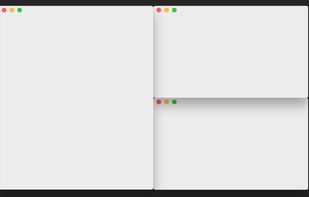


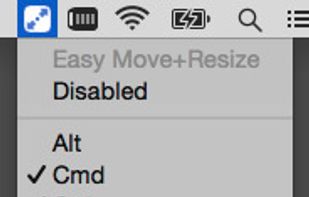
Easy Move+Resize is based on behavior found in many X11/Linux window managers, adding easy modifier key + mouse drag move and resize to OS X.


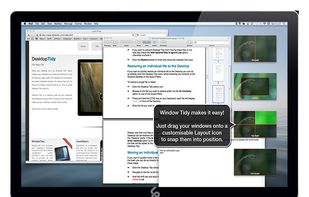
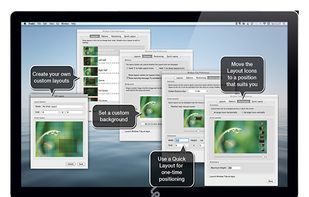
Arrange your application windows using nothing but drag and drop! There are no hot-keys to remember or menus to click, just drag and drop a window onto Layout Icon and it will instantly snap to that layout.
 United Kingdom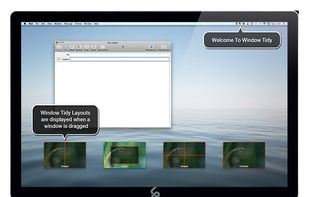


 Ukraine


BentoBox is a versatile window manager for macOS that enhances your productivity by allowing you to snap windows into customizable zones. Inspired by FancyZones on Windows, BentoBox provides a grid-based approach to organizing your workspace, helping you maintain a clean and...
United States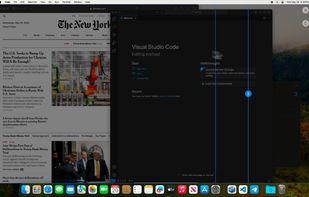

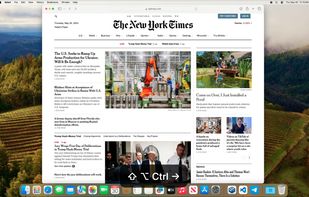


Mosaic allows you to effortlessly resize and re-position windows on your Mac with a simple Drag & Drop, seamlessly integrated into macOS.
United Kingdom
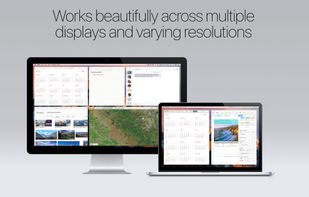
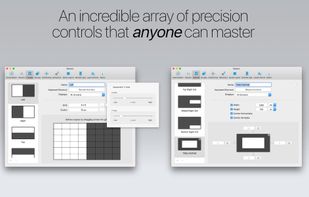


 Germany
 EU
EU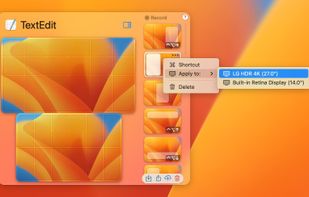
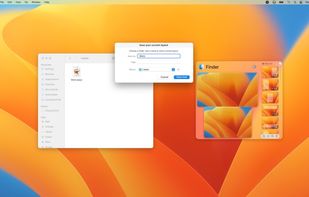
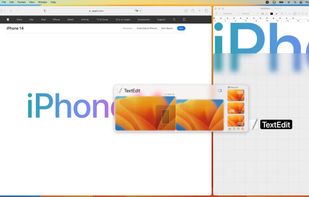


Useful window arrangement ("snap-to-edge") utility that works well with multiple screens.