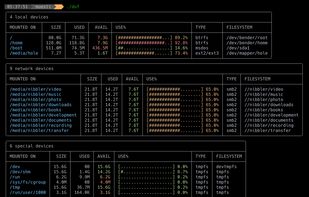
The most powerful disk space sizing and analysis utility there is! Answering the Who/What/Where/When of your Disk Space.
Cost / License
- Paid
- Proprietary
Application type
Platforms
- Windows


Apps similar to GrandPerspective include WinDirStat, which is free and open source. Other options are WizTree, Baobab Disk Usage Analyzer, SD Maid SE and Filelight. You're spoiled for choice with Disk Usage Analyzers like GrandPerspective: we list more than 100 alternatives for Mac, Windows, Linux, Android and the web.
The most powerful disk space sizing and analysis utility there is! Answering the Who/What/Where/When of your Disk Space.

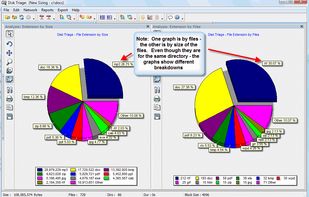
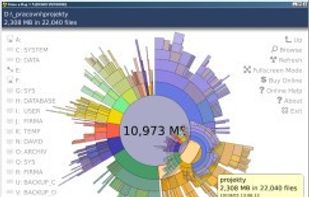
This free-for-personal-use software utility analyses storage disk usage, and then presents the gathered information in graphical format(s) viz. a directory tree, or a pie chart.
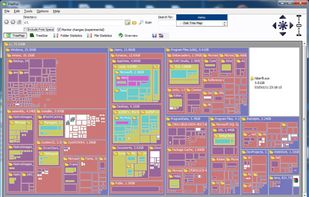





O&O DiskStat is a high-power tool for analyzing the used disk space on your storage volumes. With an easy-to-use interface based on the design of the Windows Explorer, you can take a closer look at the file and folder structure of your internal and external drives.
 Germany
 EU
EU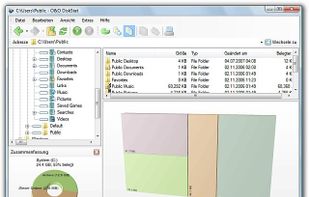


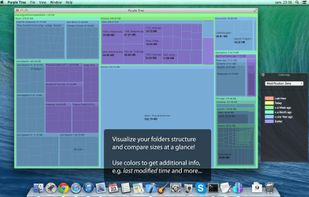
Purple Tree is a simple and beautiful visualization tool for your hard drive space usage. A comprehensive treemap display allows you to see all your large folders and files at a glance! You can visually compare sizes and locate the large files, usually hidden inside the...


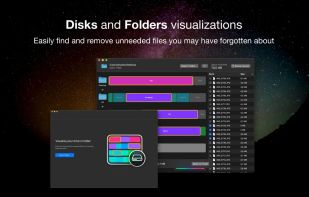
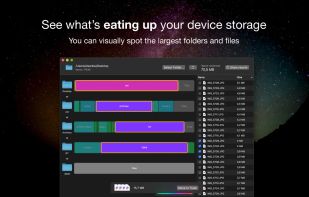
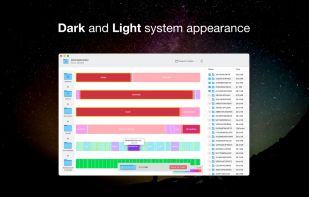



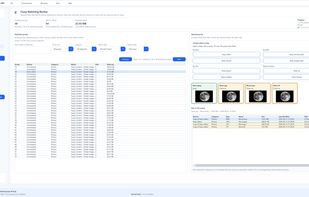
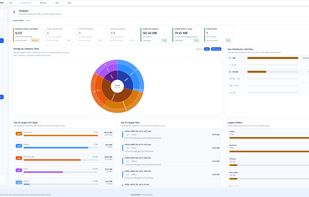
Zenovix Storage Manager is a Windows storage management app designed to help users understand, clean, and organise their disk space.
 United Kingdom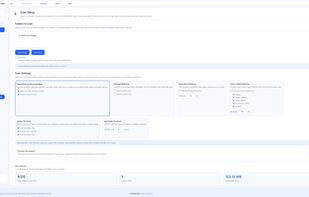


UtilStudio Disk Space Finder is a simple tool that you can use to find the files that occupy the most space on your computer. The application can scan any folder and display the file size, while also enabling you to preview the selected files.
 SlovakiaEU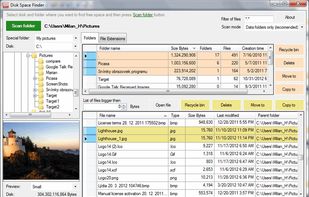


"TDP x-Ray is a visual tool intended for disk space administration. Displaying a clear graph showing the disk occupation, in which it is apparent immediately which files and folders occupy the most space.

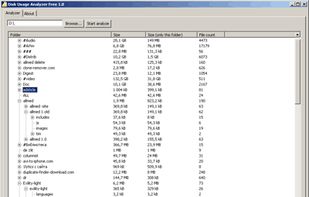
Disk Usage Analyzer - a free program to analyze disk space of the computer. It helps you to quickly and easily determine the size of folders on your computer, as well as the number of files they contain.
 Russia
 GermanyEU