A web-based interface for managing Docker containers and docker-compose configurations with powerful project creation and backup capabilities.
Cost / License
- Free
- Open Source (MIT)
Application type
Platforms
- Self-Hosted
- Docker


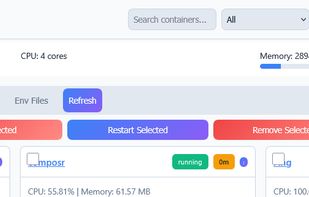


Apps similar to GOCKER include Arcane - Docker Management UI, which is free and open source. Other options are Portainer, Cockpit Project, Lazydocker and Rancher. You can choose from more than 10 Docker Managers like GOCKER for Linux, self-hosting, Windows and Mac.
A web-based interface for managing Docker containers and docker-compose configurations with powerful project creation and backup capabilities.

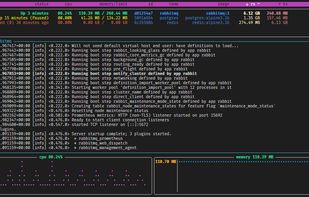
oxker is a fast and user-friendly CLI application for managing Docker containers. You can effortlessly view the status of running containers, start, stop, and restart, and delete them, and access real-time container logs for troubleshooting.

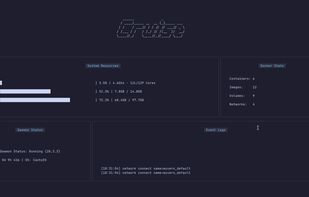
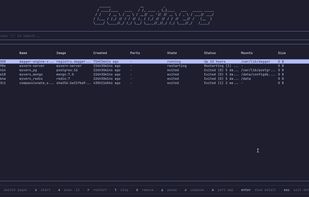
Cruise is a powerful, intuitive, and fully-featured TUI (Terminal User Interface) for interacting with Docker. Built with Go and Bubbletea, it offers a visually rich, keyboard-first experience for managing containers, images, volumes, networks, logs and more — all from your terminal.
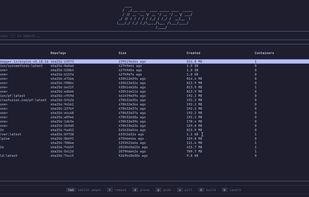

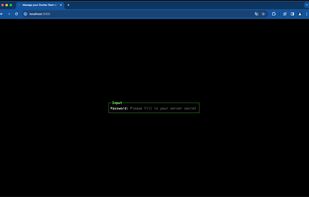
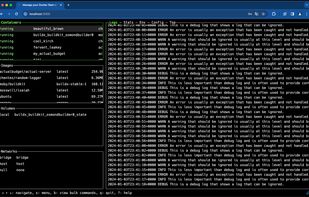
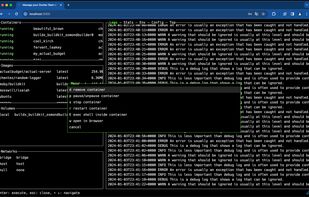
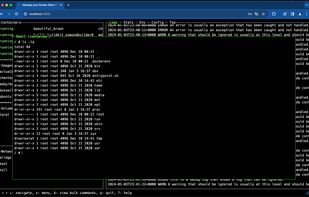
Isaiah is a self-hostable service that enables you to manage all your Docker resources on a remote server. It is an attempt at recreating the Lazydocker command-line application from scratch, while making it available as a web application without compromising on the features.
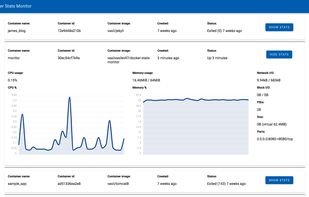
Http4s application that uses fs2 streams to send docker stats and docker ps data over a websocket connection to a Scala JS frontend which visualizes the results using the chartist.js library.

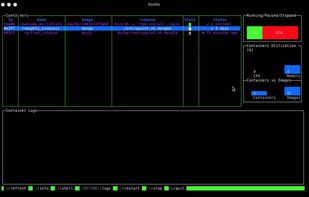

Do Docker commands slip your mind because you don't use Docker often enough? Sick of googling commands for everyday tasks? GoManageDocker is designed to NUKE this annoyance.
 United States



sen is a terminal user interface for containers:
it can interactively manage your containers and images: start, stop, restart, kill, delete,... there is a "dashboard" view for containers and images you are able to inspect containers and images sen can fetch logs of con.
 Czechia
 EU
EU