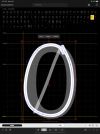
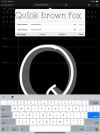
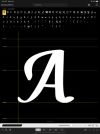
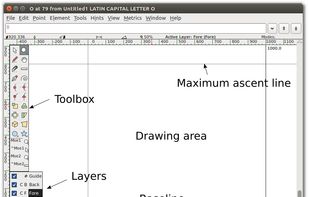
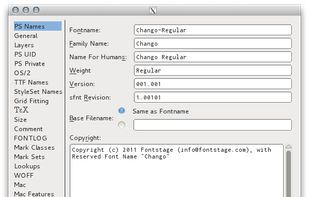
Fontforge is a free Typeface (font) editor program for Windows, Mac OS X and GNU+Linux and is localized in several languages.
Cost / License
- Free
- Open Source
Application type
Platforms
- Mac
- Windows
- Linux
 United States



+4
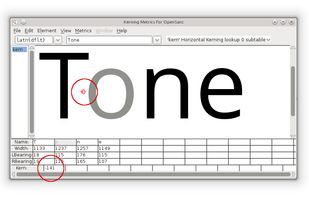


Glyphs is not available for Windows but there are plenty of alternatives that runs on Windows with similar functionality. The best Windows alternative is FontForge, which is both free and Open Source. If that doesn't suit you, our users have ranked more than 10 alternatives to Glyphs and 15 are available for Windows so hopefully you can find a suitable replacement. Other interesting Windows alternatives to Glyphs are BirdFont, FontCreator, FontLab Studio and FontLab.
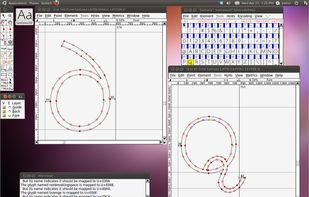
Fontforge is a free Typeface (font) editor program for Windows, Mac OS X and GNU+Linux and is localized in several languages.
United States
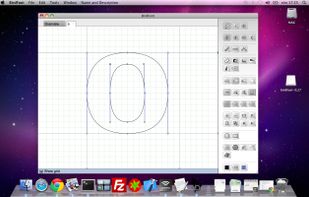
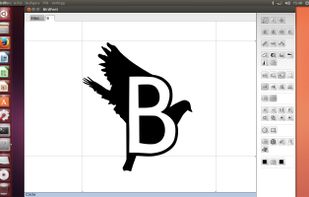
With BirdFont, create vector graphics and export fonts in TTF, OTF, EOT, and SVG formats. Developed by Johan Mattsson, it supports kerning adjustments, glyph imports, and is cross-platform and beginner-friendly. Open-source and community-driven.
 Sweden
 EU
EU


FontCreator, available for both Windows and macOS, is a professional font editor that allows you to create and edit TrueType, OpenType, and variable fonts. It features powerful drawing tools essential for typographers and graphic designers, while its intuitive interface ensures...
 NetherlandsEU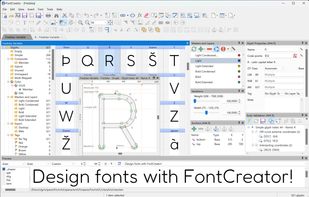
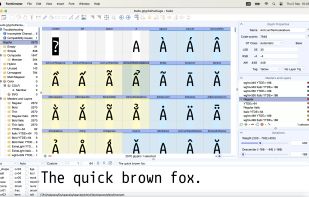
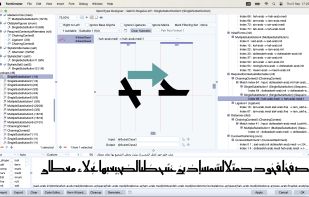


FontLab Studio 5 is next-generation professional font editor for Mac and Windows. Used by Adobe, Apple, Bitstream, IBM, Linotype, Microsoft, Monotype, Morisawa and almost every other major font foundry in the world, it is the comprehensive solution for font foundries...
United States


With FontLab VI, you can create, open, modify, draw, space, kern, hint and export desktop, web, color and variable fonts. The app is an all-around font editor, but also supports data interchange with other font creation tools, making it easy to integrate into your existing...
United States
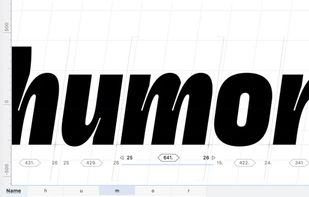
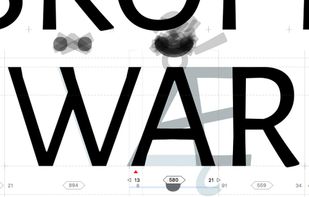
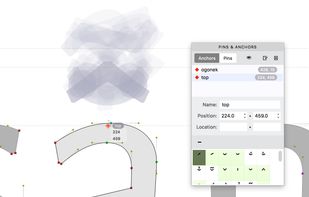


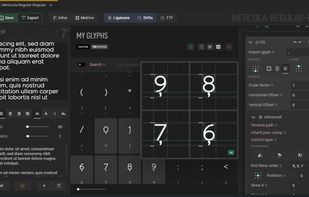
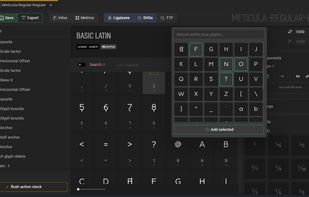
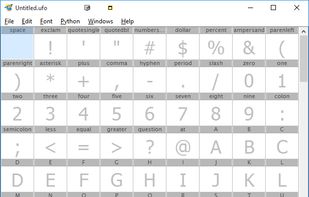
MkFont is a free (libre) tool to create & export fonts from existing assets. Component-based workflow, with advanced features to nit-pick & tweak metrics in a non-destructive way!.
 Canada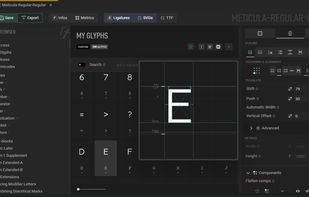


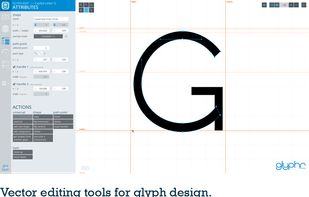
Glyphr Studio is a free online font editor to make good looking professional typefaces. Many professional font editors are very complex and/or very expensive. This tool however is streamlined and made for font design hobbyists... and it's free!.
United States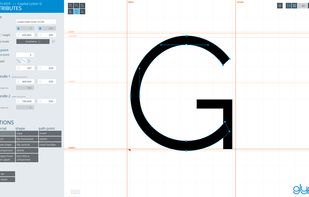


TypeTool is our basic font editor for Mac OS and for Windows. For students, hobby typographers and creative professionals who occasionally need to create or customize fonts.
United States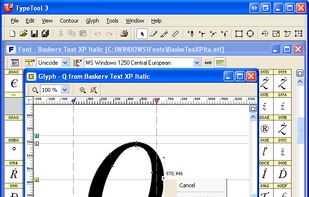




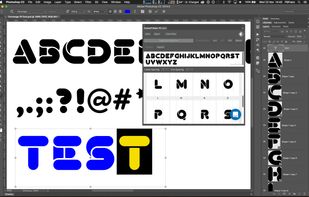
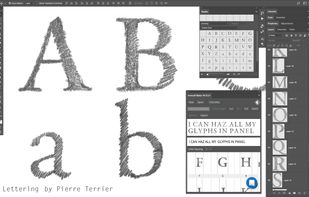
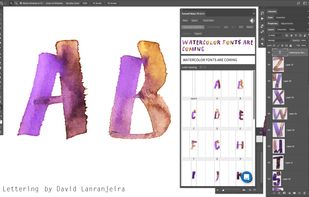
Meet the fastest & easiest tool to create OpenType fonts, right within Illustrator & Photoshop CC. Fontself is used by thousands of creatives, including at Nike, Adobe, Google, Disney, Ubisoft or Sony.
 FranceEU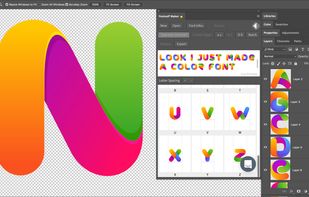


iFontMaker is the world's first font editor designed for iPad. You can create your "handmade" typeface in less than 5 minutes¹ just with your fingers. Your fonts are then ready to install on your computers and also on your iPad & iPhone for any apps.
 Japan
Japan