The problem:
Opening heavy GIS software just to verify the contents of a file is a waste of time. Whether you’re checking a coordinate system or confirming a boundary, your workflow shouldn’t stop for a loading screen.
The solution:
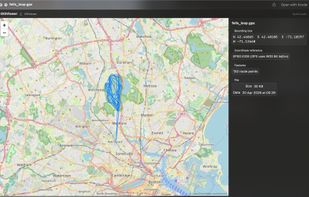
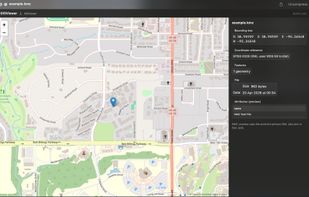
GIS Quick Viewer extends the macOS Finder with professional-grade previews for geospatial data. Select a file, hit the spacebar, and see your data instantly.
Supported Formats:
Vector: GeoJSON, KML, KMZ, GPX, GPKG
Shapefiles: SHP (Limited support)
Key Features:
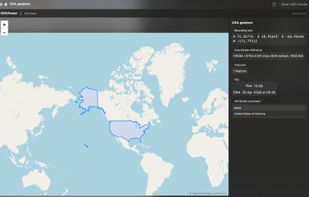
Interactive Map: View geometry (points, lines, polygons) on a native high-performance map.
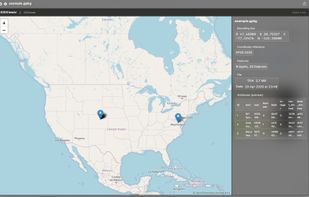
Metadata at a Glance: Instantly see Coordinate Reference Systems (CRS), bounding boxes, and feature counts.
Attribute Inspection: Preview the data table associated with your vectors without leaving Finder.
Privacy First: All processing happens locally on your Mac. No data is ever uploaded to the cloud.
Native & Fast: Built specifically for macOS 15+ and Apple Silicon.










 a2ra-ms added GIS quick viewer as alternative to GPX Viewer

No comments or reviews, maybe you want to be first?