Do you often find yourself looking for a program in the long list of the Start menu?
Cost / License
- Freemium
- Proprietary
Alerts
- Discontinued
Platforms
- Windows
 Russia
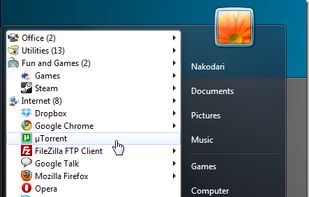

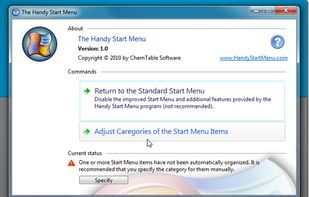

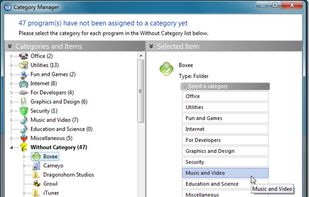


Apps similar to GiMeSpace QuickMenu include Open Shell, which is free and open source. Other options are Start11, Classic Shell, FastKeys and StartAllBack. You can choose from more than 10 System Tweakers like GiMeSpace QuickMenu for Windows and Android.
Do you often find yourself looking for a program in the long list of the Start menu?
Russia
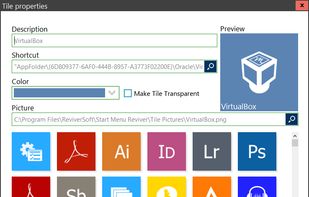
Start Menu Reviver offers an improved Start Menu for Windows 8/7 that blends the traditional Start Menu functions with the Windows 8 design concept and provides quick access to all your desktop and Modern GUI (Metro) applications.
 Canada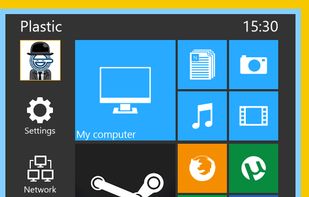
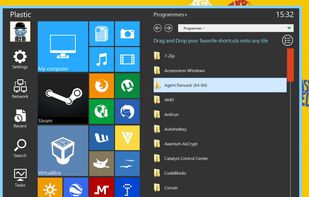
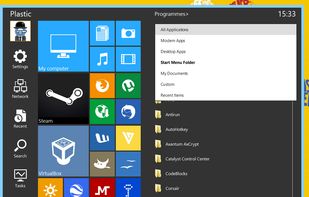


Start Menu 8 can help users who are not willing to change their behaviors and bring back the classic start menu. Users can enjoy a familiar start menu again with just one click while other styles are also available.
 China
China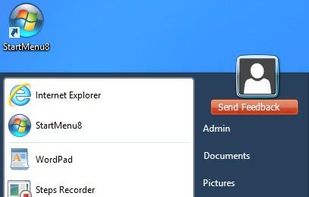


Bring back the Classic Windows XP Start Menu to Windows 8 & 10. With one click you have access to all of your Start Menu entries. Plus direct access to the Control Panel, Administrator command line and Run dialog.
 Germany
 EU
EU


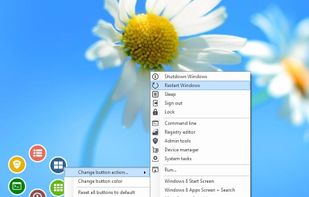
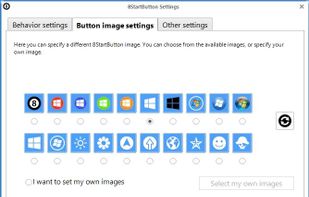
How to add a Start button to Windows 8? Just install Start Button 8! The package contains a Start button and a convenient Menu. A ready solution for those who like to keep everything under control.
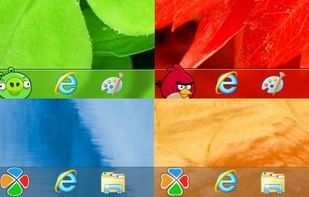
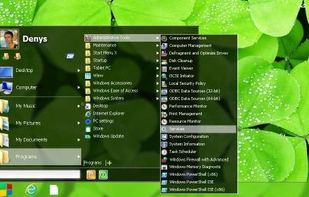

Skip Metro Suite for Windows 8 allows you to boot directly to Classic Desktop in Windows 8 RTM and Release Preview.Also it allows you completely disable all edge panels, not just hide them! All of them will be disabled, including square start button at bottom-left corner.
Russia

Finalbird is a free program to always reach required folders, files and programs, to work faster and more efficiently.

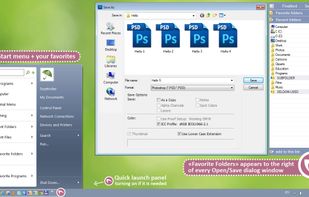
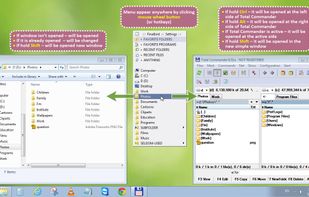
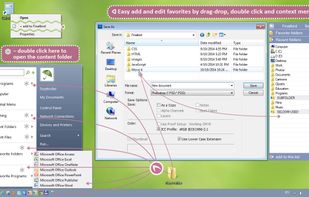


A skinnable start menu to replace your existing Windows XP start menu. It also allows you to get the Windows Start Menu back on Windows 7, 8 or 10.
 United States


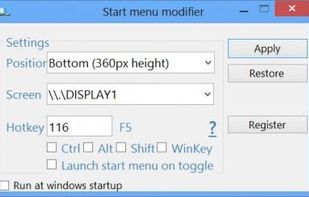
Start Menu Modifier will allow you to open the star screen at the bottom or the top of your desktop, when you click on the Win flag key.
 GermanyEU