


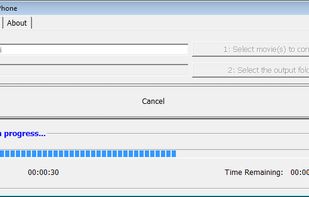
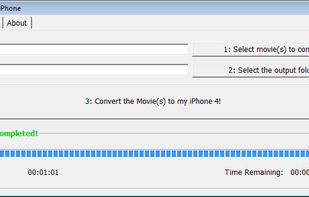
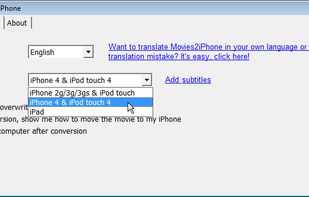
The iPhone is a wonderful device. However when it comes to play videos it turns out to be very picky.
 United Kingdom




+1


Apps similar to Gihosoft Free Video Converter include HandBrake, which is free and open source. Other options are File Converter, Video Compression, Shutter Encoder and 4k Video Downloader. Video Converters like Gihosoft Free Video Converter are a crowded field, with more than 100 alternatives for Windows, Mac, Linux, the web and Android.
The iPhone is a wonderful device. However when it comes to play videos it turns out to be very picky.
United Kingdom
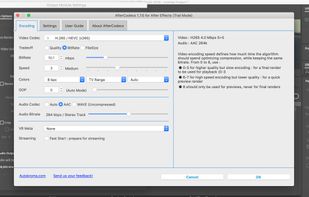
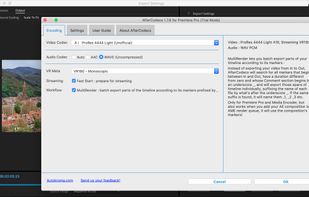
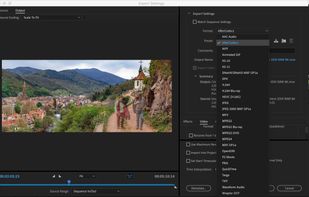
AfterCodecs plugins for Adobe CC, giving you the best and missing codecs for faster exports!.
 France
 EU


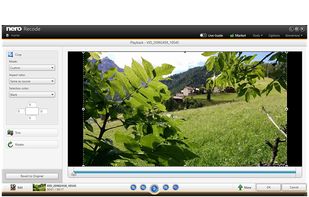
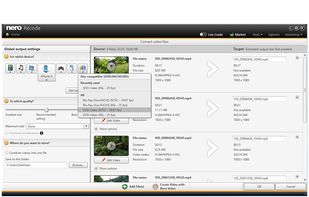
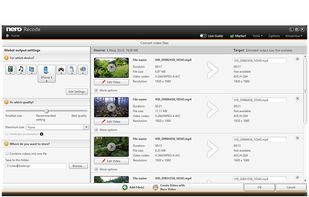
Nero Recode is an easy to use application, which supports transcoding various media source file formats to a variety of target video formats, so that you can playback your trans-coded media files on compatible devices.
 GermanyEU


Free Video Converter is simply the best choice for your video conversion needs because it supports all the major file formats.
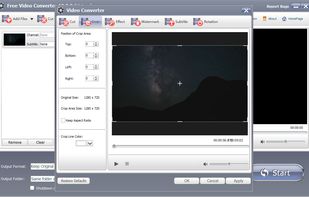


VidPie is an all-in-one video/audio conversion program working on Windows system. It can convert various video and audio files to almost all the popular formats like MP4, MOV, WMV, AVI, MKV, Avid DNxHD, MP3, WAV, just to mention a few.
 China


Amazing GIF to Video Converter software allows you to convert GIF files to lots of popular video formats with transparency including AVI, MP4, WMV, MKV, MOV and MPG video. It's becomes so easy to convert GIF to video for instagram, Facebook, WhatsApp, iPhone and Android...
China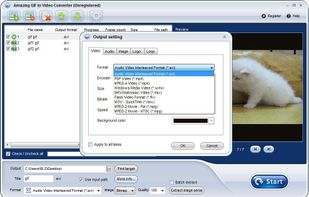


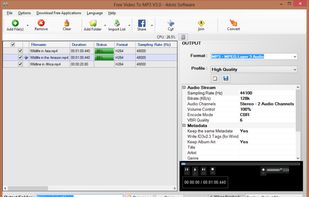
Convert video to MP3, extract music from video clips, supports many audio and video formats. Convert MP4 to MP3,MP4 to M4A,AVI to WAV,MP4 to FLAC,AVI to FLAC etc.Includes video cutter, video joiner, import playlists, fade in-fade out extracted audio.
 GreeceEU


Aiseesoft iPad Converter Suite integrates wonderful iPad converting and transferring software. This iPad Converter Suite enables you to convert popular video files to iPad compatible video/audio formats.


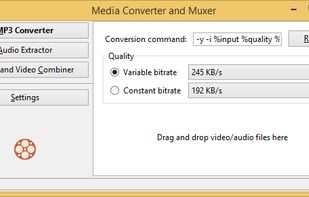
Media Converter is a complete cross-platform solution to convert audio and video files. After installation, a toolbar button will be placed in your Firefox toolbar. By clicking on the button, the conversion window appears.




 Hong Kong


