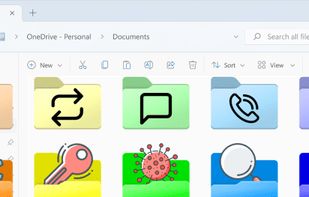
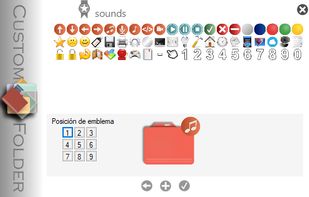
Change folder icon and add emblems.
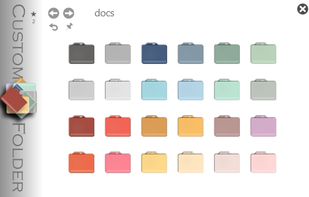
Include 2 collections of 24 icons each and 60 emblems.
8 personal icon collections and 80 emblems can be added. Each icon can have up to 9 emblems.
Cost / License
- Free
- Proprietary
Platforms
- Windows



+1


Apps similar to FoliCon include FileBot. It's paid, but Folcolor™ and Crystal Folders are free. Other options are tinyMediaManager, Folder Painter, Folder Marker and Folder Colorizer. You can choose from more than 10 Desktop Customization Tools like FoliCon for Windows, Mac and Linux.
Change folder icon and add emblems.
Include 2 collections of 24 icons each and 60 emblems.
8 personal icon collections and 80 emblems can be added. Each icon can have up to 9 emblems.

 Indonesia
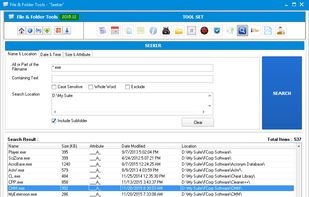


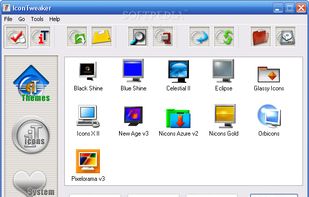
IconTweaker is a freeware application that allows you to customize all your Windows icons.
 Netherlands
 EU
EU


Set folder colors and add small icons to folders with this tool, keeping your files organized and improving efficiency in file management.
 China
China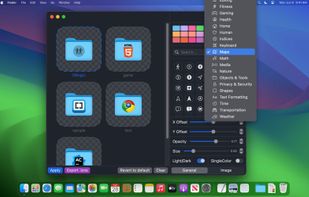
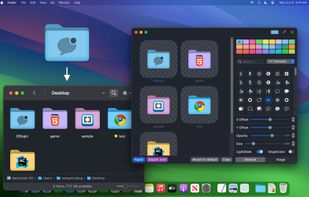
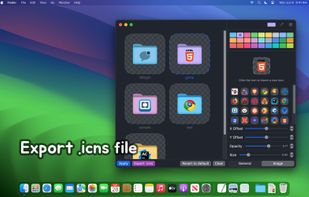


Folder Icon tool that gives you everything you need to create folder icons and assign them to any folder in the easiest way.
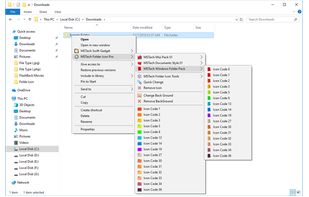
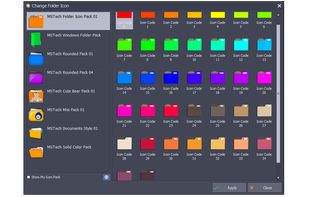
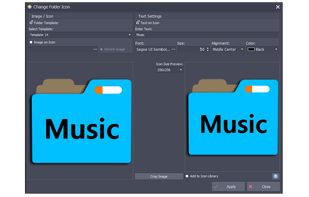
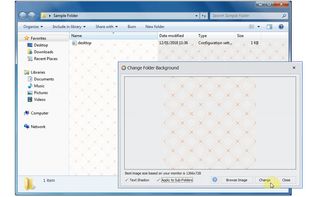


Rainbow Folders (RF) is an easy to use program, which allows you to change the color of the icon representing a chosen folder to any color you like.
 PolandEU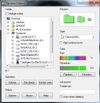
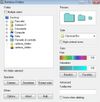
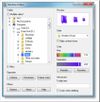


Folder Icon X is an award-winning Mac OS X-native application providing a simple way to create a customized folder and document icons by placing another icon on a standard plain icon. It fully supports "drag & drop" feature and can load any icons from any files...


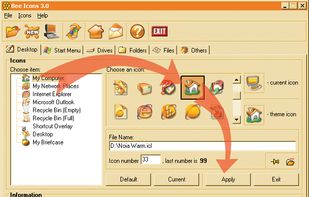
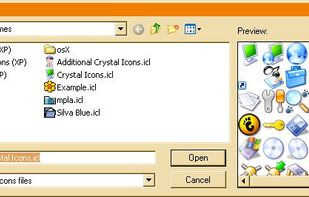
Bee Icons can replace almost any system icon with a more stylish and improved version. You can change Desktop icons, Start Menu, Hard, Floppy and Compact Disk icons. You can also assign unique pictograms to any folder or file type.
 Ukraine


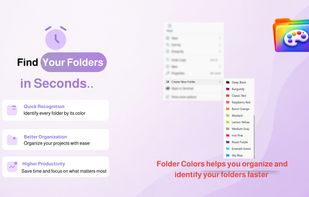
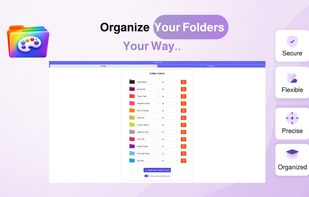
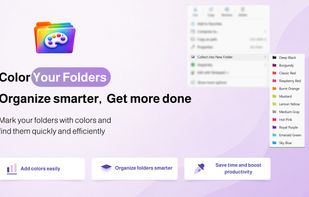
A lightweight Windows shell extension that lets you change folder colors and organize files directly from the right click menu.
 Saudi Arabia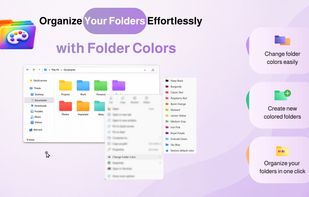

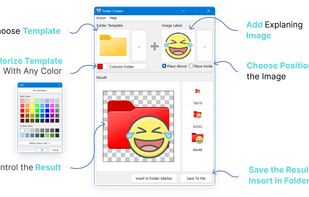
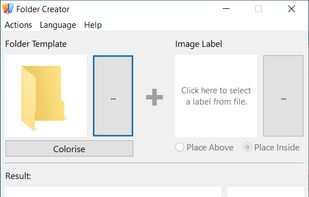
Folder Creator allows making custom folder icons with an image label with 3 easy steps:
Ukraine