



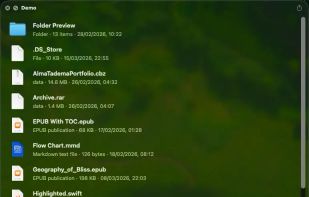
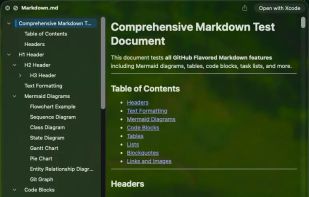
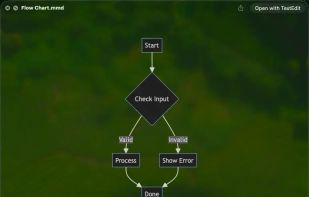
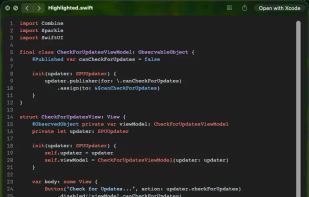
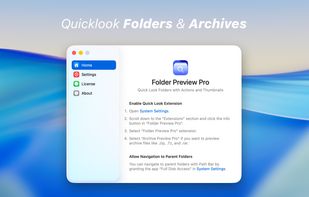
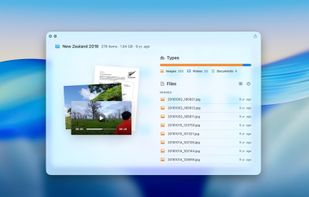
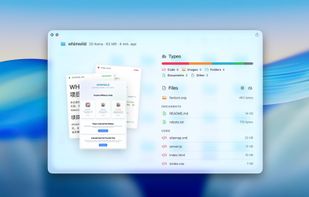
Preview folders, archives, source code with syntax highlighting, Markdown, Mermaid diagrams, ebooks, and many more file types directly in macOS Quick Look.
Cost / License
- Pay once
- Proprietary
Since
- Since 2026
 United States



+1


Apps similar to Folder Preview include Folder Quick Look. It's paid, but Grizzly and Kiview are free. Other options are Seer Pro, GNOME Sushi, Gloobus Preview and BetterZip Quick Look Generator. You can choose from more than 10 Image Viewers like Folder Preview for Mac, Windows and Linux.
Preview folders, archives, source code with syntax highlighting, Markdown, Mermaid diagrams, ebooks, and many more file types directly in macOS Quick Look.
United States
EPS Quick Look does one small job: it restores Finder thumbnails and Quick Look previews for EPS files, so old vector artwork feels native on modern macOS again. Previews and thumbnail generation also work in third-party file managers like Bloom and QSpace.
United States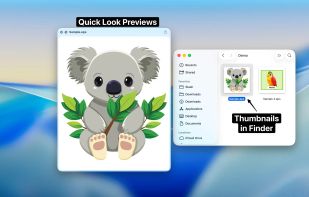


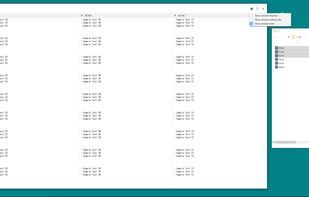
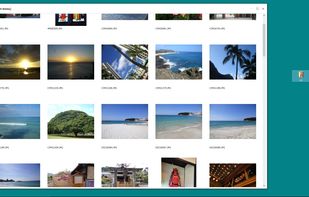
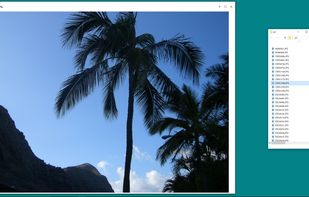
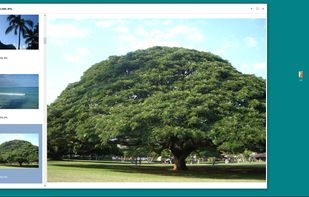
Quick Eye is a quick look application for Windows. Just press the space bar to quickly preview files. This software is also recommended for people who are used to macOS.

This is a Quick Look plug-in that renders source code with syntax highlighting, using the Highlight library.

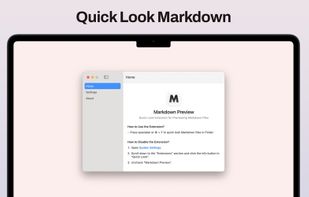
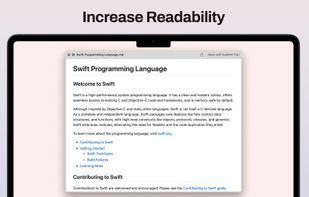
Markdown Preview provides a Quick Look extension to preview Markdown files in Finder.
 United Kingdom
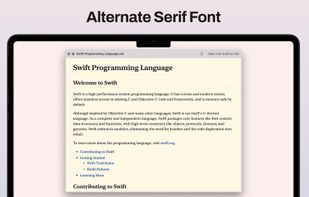

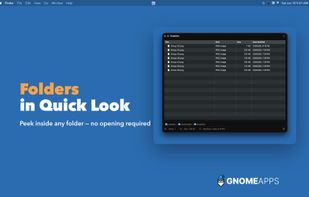
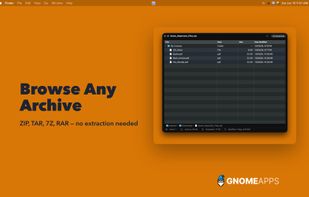
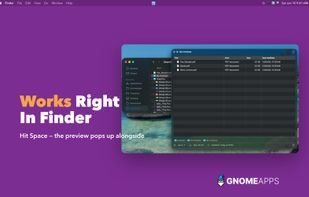
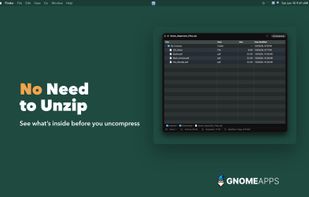


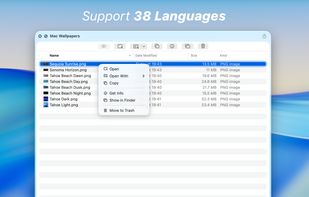
Very much like Folder Preview, Folder Preview Pro allows you to quick look folders in Finder.
United Kingdom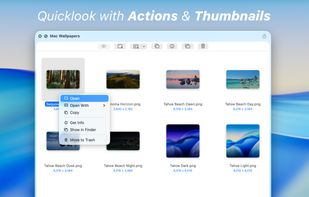


 China


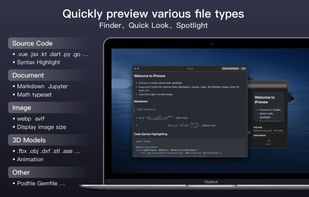
iPreview provides quicklook preview for source code, Markdown, Jupyter, Webp, Avif, 3D Model and any more file types in macOS Finder, Quicklook, Spotlight.
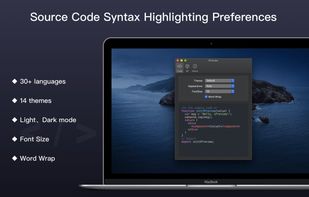
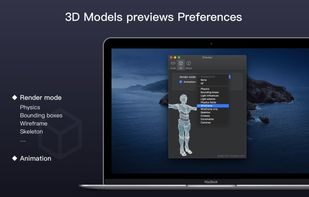
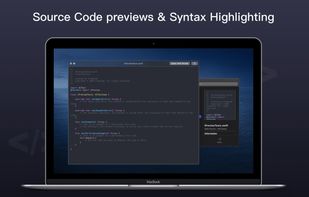


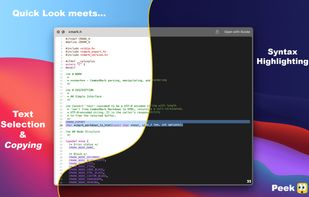
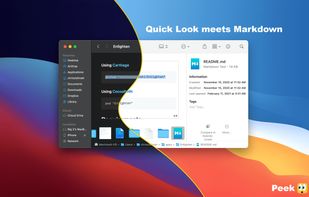
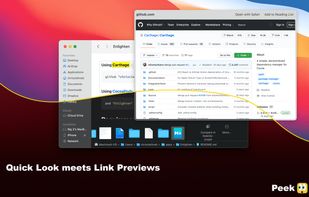
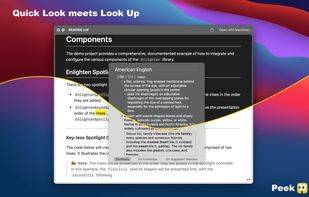
Accelerate your workflow with the Quick Look conveniences that only Peek can deliver: text selection & copying, scroll restoration, syntax highlighting, & more.

 United Kingdom
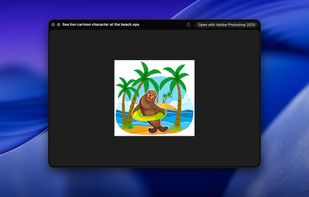


When Quick Look spacebar preview of your Mac doesn't work and you end up with the thumbnail of the photo, you can use Quick Look Fix from the menu bar.



 France
 EU


