

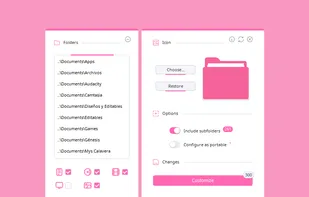
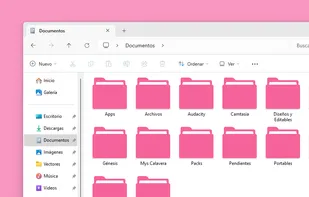
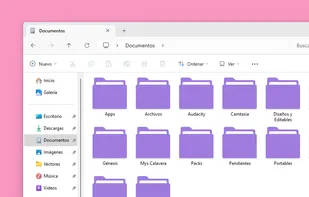
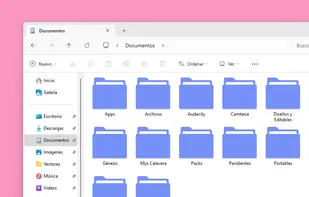
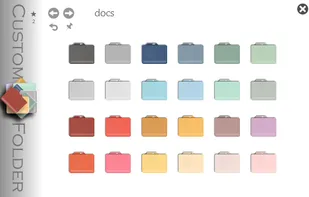
Crystal Folders is an application to customize your folder icons in seconds, for Windows.
+5


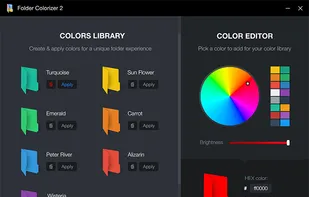
Folder Colors is described as 'A lightweight Windows shell extension that lets you change folder colors and organize files directly from the right click menu' and is an app. There are eight alternatives to Folder Colors for Windows. The best Folder Colors alternative is Crystal Folders, which is both free and Open Source. Other great apps like Folder Colors are Folcolor™, Folder Marker, Folder Painter and Folder Colorizer.
Crystal Folders is an application to customize your folder icons in seconds, for Windows.

Coloring your Windows folders can help you organize and increase your productivity. Your folders are instantly recognizable by color vs having to pause to read their text label.
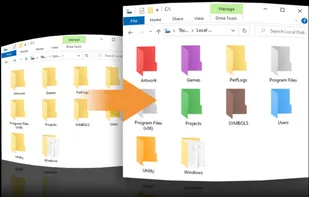
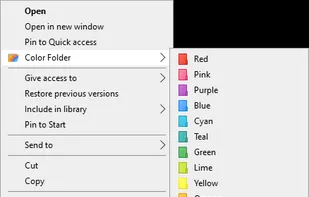
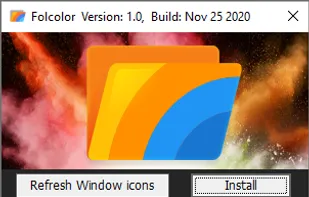


Label folders with color-coded or image-coded icons to indicate status, priority, project completion, or content type, using two-click assignment for efficient visual organization, bulk folder support, Windows integration, and improved work or personal file access.
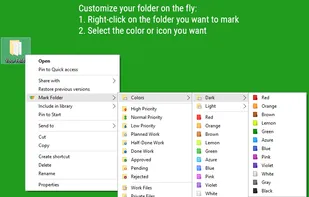
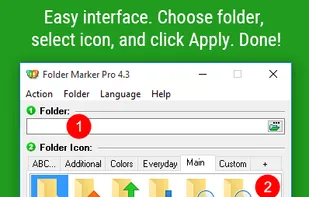
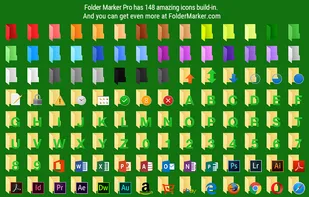
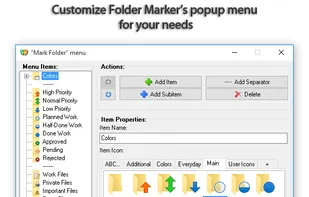


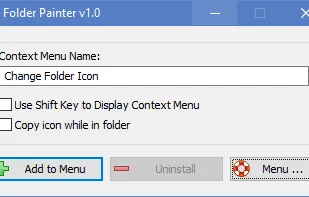
Folder Painter is an easy to use Portable Freeware program, which allows you to change the color of the icon representing a chosen folder to any color you like.
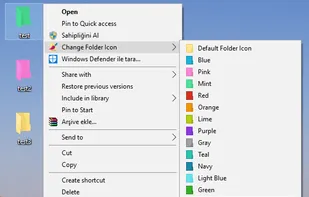
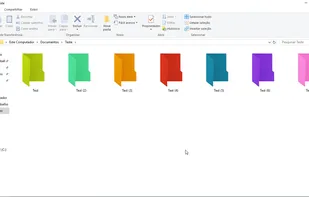


Windows Explorer is too boring? Color it up! Assign any color to any folder – just right-click a folder and choose “Colorize”! Supports your own colors, labels and works seamlessly with any version of Windows.


Quickly change the folder icons and restore them back to the original state in one click. Folderico support ICL-files and themes from iColorFolder. It also allows you to change Windows 7 libraries icons
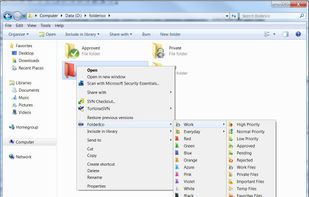
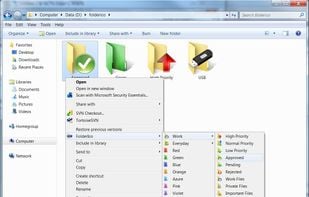
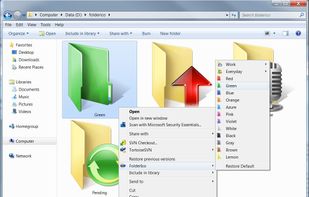
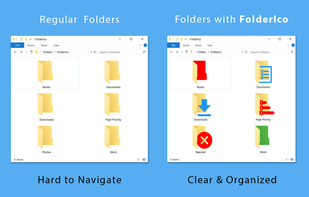


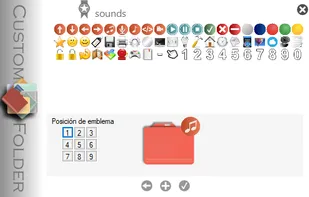
Change folder icon and add emblems.
Include 2 collections of 24 icons each and 60 emblems.
8 personal icon collections and 80 emblems can be added. Each icon can have up to 9 emblems.




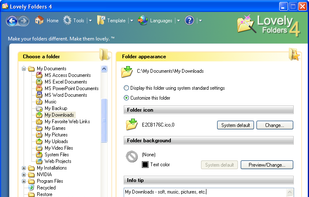
This powerful and handy program allows you to replace the standard folder icon for individual folders with any eye-catching icon you wish, chosen from hundreds of built-in colorful icons or generated automatically by internal IconConverter depending on the content of a folder...


 Ukraine

 United States
 Cyprus
 EU
EU
