


FLauncher (osrosal's fork)
FLauncher is an open-source alternative launcher for Android TV, built with Flutter. This is a fork of the GitLab repository at: https://gitlab.com/flauncher/flauncher.


Features
Properties
- Privacy focused
Features
- No registration required
- Ad-free
- Works Offline
- No Tracking
- Android tv
- Application Launchers
- Launcher
FLauncher (osrosal's fork) News & Activities
Recent activities
- jacobnicked liked FLauncher (osrosal's fork)
 justarandom added FLauncher (osrosal's fork) as alternative to ATV Launcher Pro
 POX added FLauncher (osrosal's fork) as alternative to AT4K Launcher
 OrdinaryPerson added FLauncher (osrosal's fork) as alternative to LTvLauncher
- justarandom added FLauncher (osrosal's fork)
 justarandom added FLauncher (osrosal's fork) as alternative to FLauncher - Android TV, Projectivy Launcher and aLauncher


FLauncher (osrosal's fork) information
Developed by
Oscar RojasLicensing
Open Source (GPL-3.0) and Free product.Alternatives
6 alternatives listedSupported Languages
- English
AlternativeTo Category
OS & UtilitiesGitHub repository
- 243 Stars
- 21 Forks
- 33 Open Issues
- Updated
Featured in Lists
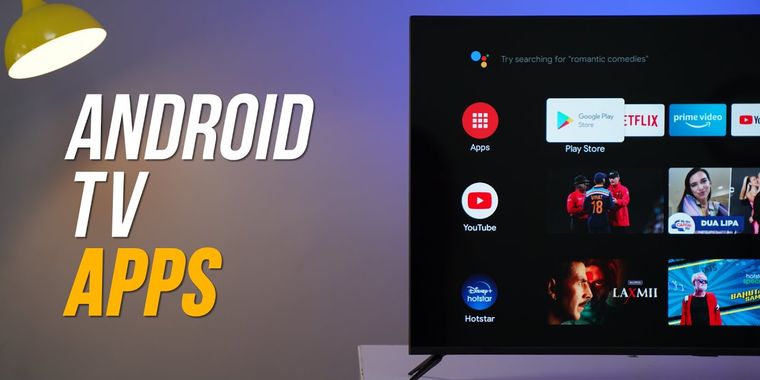
If you are on Android TV here is some apps to upgrade to a better experience, from launcher to stores, tools from …
What is FLauncher (osrosal's fork)?
This is a fork of the GitLab repository at: https://gitlab.com/flauncher/flauncher.
FLauncher is an open-source alternative launcher for Android TV, built with Flutter. Download
Get the latest build from the releases page, you can look for older builds on the actions tab, where they are uploaded as artifacts. Features
For a list of the changes introduced by this fork from the original, see the CHANGELOG file.
No ads Customizable categories Manually reorder apps within categories Wallpaper support Open "Android Settings" Open "App info" Uninstall app Clock Switch between row and grid for categories Support for non-TV (sideloaded) apps Navigation sound feedback Force stop app
Set FLauncher as default launcher Method 1: remap the Home button
This is the "safer" and easiest way. Use Button Mapper to remap the Home button of the remote to launch FLauncher. Method 2: disable the default launcher
?? Disclaimer ??
You are doing this at your own risk, and you'll be responsible in any case of malfunction on your device.
The following commands have been tested on Chromecast with Google TV only. This may be different on other devices.
Once the default launcher is disabled, press the Home button on the remote, and you'll be prompted by the system to choose which app to set as default. Disable default launcher
Disable com.google.android.apps.tv.launcherx which is the default launcher on CCwGTV
$ adb shell pm disable-user --user 0 com.google.android.apps.tv.launcherx
com.google.android.tungsten.setupwraith will then be used as a 'fallback' and will automatically
re-enable the default launcher, so disable it as well
$ adb shell pm disable-user --user 0 com.google.android.tungsten.setupwraith
Re-enable default launcher
$ adb shell pm enable com.google.android.apps.tv.launcherx $ adb shell pm enable com.google.android.tungsten.setupwraith
Known issues
On Chromecast with Google TV (maybe others), the "YouTube" remote button will stop working if the default launcher is disabled. As a workaround, you can use Button Mapper to remap it correctly.