


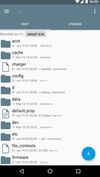
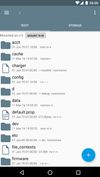
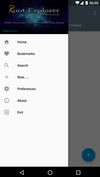
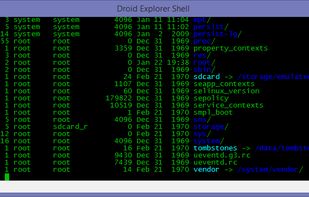
Root Explorer is the ultimate file manager for root users. Access the whole of android's file system (including the elusive data folder!).
Cost / License
- Paid
- Proprietary
Application typeApplication types
Platforms
- Android
 United Kingdom




Files by Microsoft has been discontinued. Similar apps include Files, which is free and open source. Other options are Total Commander, File Explorer, Files by Google and Solid Explorer. There's no shortage of File Managers like Files by Microsoft, with more than 25 alternatives for Android, Windows, Mac, iPad and Linux.
Root Explorer is the ultimate file manager for root users. Access the whole of android's file system (including the elusive data folder!).
United Kingdom
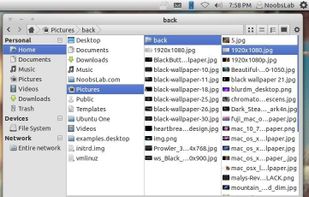
Marlin is a new GTK3-based file manager for Linux, pretty slick and fast.
Unlike most other file managers Marlin has included the so called "Miller columns" view.
Features


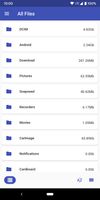
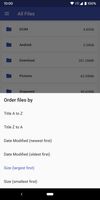
Filez: Ultimate File Manager for Android built with bleeding edge technologies. Get access to your recent files, images, media and documents in one tap. Browse your file system with no restrictions.
 Russia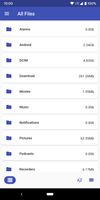




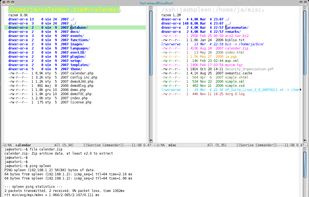
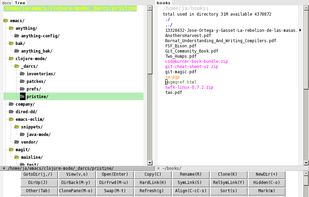
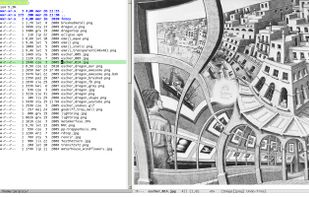
Double-pane file manager extension for Emacs integrating dired mode, keyboard navigation, customizable keybindings, orthodox manager features, archive browsing, directory comparison, bookmarks, extensibility, and asynchronous operations across multiple platforms.



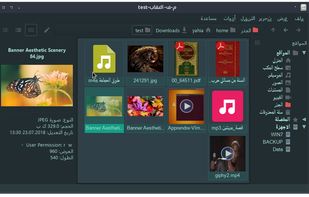
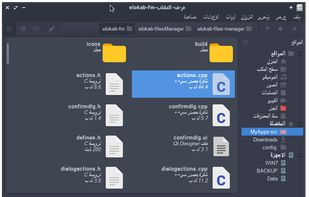


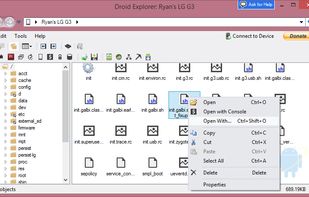
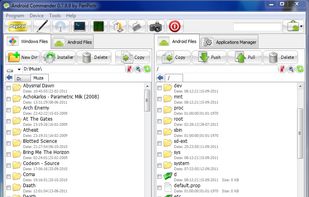
Android Commander is a small, very fast and intuitive application for Windows. You can easily manage files and apps on your rooted android device via ADB without typing any command and mounting a SD card.


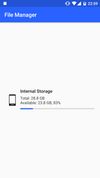
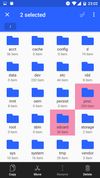
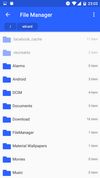


OI File Manager allows you to browse your SD card, create directories, rename, copy, move, and delete files. It also acts as an extension to other applications to display "Open" and "Save" dialogs.
 Germany
 EU
EU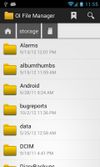
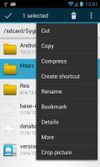
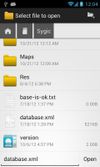


Open Explorer - Open source file manager for all devices! (Tablets, Phones, Google TVs, sandwiches!)
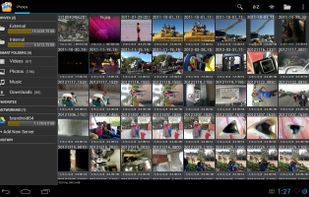


One of the best file manager for Android. All the files on your SD-card he categorizes that facilitates access to the desired content, without having to search for it on the folder manually. You can browse music files, videos, photos, documents, applications, as well as easy to...
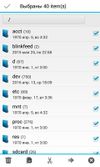


Y-Browser is a free filemanager application designed for S60 3rd edition Symbian smartphones. All testing is done with Nokia S60 devices only, but it should work as well with other manufacturers S60 smartphones.


