Cost / License
- Free
- Open Source (MIT)
Application type
Platforms
- Mac
- Windows
- Linux
 Czechia
 EU
EU

G


Apps similar to FilePro include WinDirStat, which is free and open source. Other options are WizTree, SD Maid SE, Baobab Disk Usage Analyzer and Filelight. There's no shortage of Disk Usage Analyzers like FilePro, with more than 50 alternatives for Windows, Mac, Linux, Android and the web.
CzechiaEU
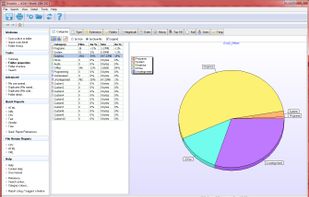
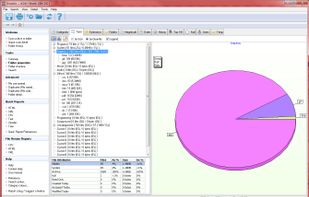
Xinorbis is a completely FREE, powerful Windows-based data storage analyser for single users or network administrators. Provides an instant visual display of the contents of a hard disk, single or multiple directories. Output reports to XML, CSV, HTML or plain ASCII.
 United Kingdom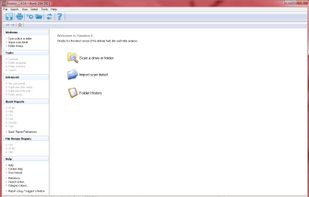



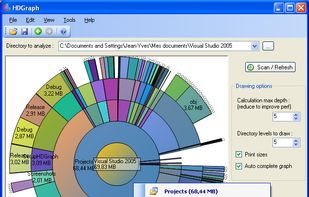
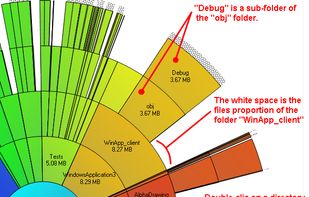
Create a visual representation of the amount of space each file is taking on your hard drive. It creates a "squarified treemap" that makes it easy to see where all your space is going.
 NetherlandsEU


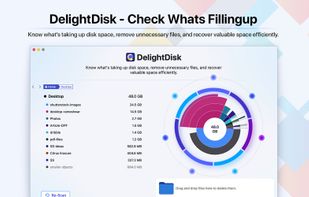

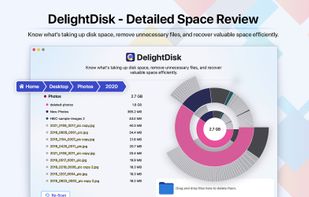
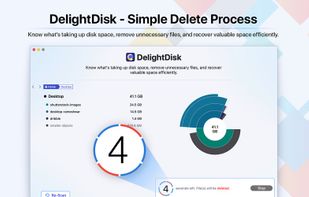


DiskWave is a free utility to help you determine where most of your hard drive space is consumed.
 FranceEU


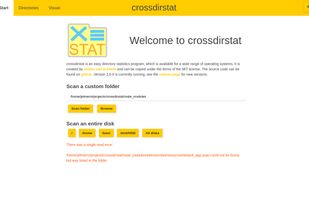
Free open-source cross-platform file & directory statistics as found on Github
NetherlandsEU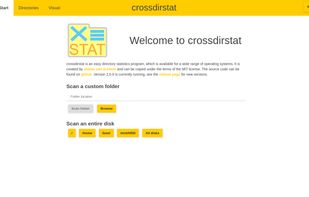




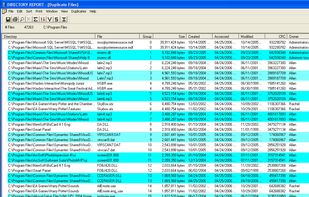
Directory Report is a file manager designed to scan large hard drives to find duplicate files, rename files, locate large files and folder, print folder content and more. It provides a simple interface that will appeal to technical users.
 United States


i.Disk scans directory trees and displays the total space used by each directory in an easy to use form.
 Australia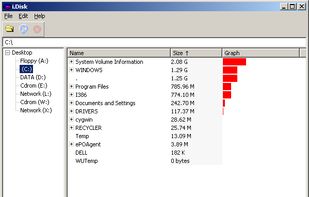


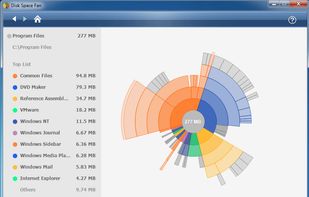
Disk Space Fan is a powerful disk space analysis tool for Windows and it is a freeware. It helps you to free up disk space by quickly finding and deleting big, useless files. It displays disk space usage with a nice chart. You can navigate the folders easily with the chart.


1Tree (100% FREE) lets you see all directories/files size in 1 tree, in order to let you to do the manual disk cleaning work easily. It loads drives, folders and files with their sizes (sorted by size), and provides you with the common commands.
United States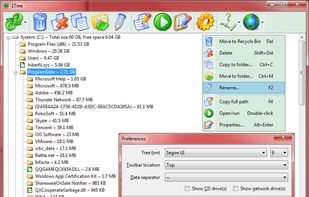




A file manager with a focus on storage side of things: Monitoring, classing, storage, duplicate cleanup, archiving, and moving.
 CyprusEU