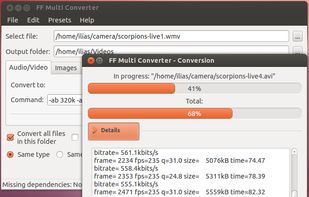
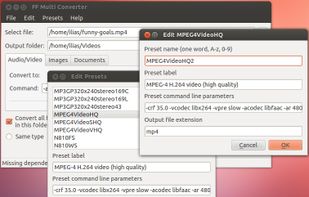
FF Multi Converter is a simple graphical application which enables you to convert audio, video, image and document files
Platforms
- Linux
 Greece
 EU
EU





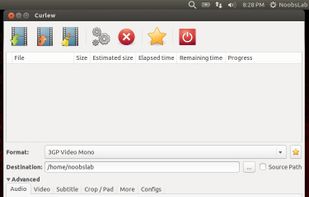
FFMPEG UI has been discontinued. Similar apps include HandBrake, which is free and open source. Other options are FFmpeg, fre:ac, File Converter and Shutter Encoder. There's no shortage of Video Converters like FFMPEG UI, with more than 50 alternatives for Windows, Mac, Linux, the web and Android.
FF Multi Converter is a simple graphical application which enables you to convert audio, video, image and document files
GreeceEU
FFQueue is (yet another) graphical user interface for FFMpeg with comprehensive support for both the basic features but also the more advanced features like filtergraphs.
 DenmarkEU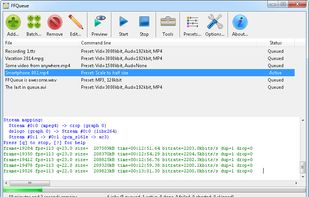
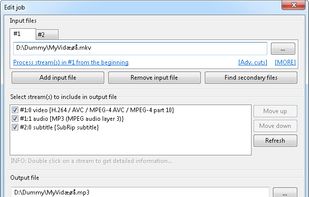
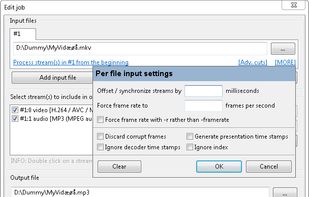
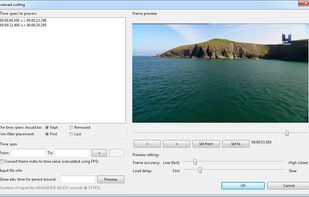


iWisoft Free Video Converter can fast convert videos between all popular formats like AVI, MPEG, WMV, DivX, XviD, MP4, H.264/AVC, AVCHD, FLV, MKV, RM, MOV, 3GP, and audio MP3, WMA, WAV, RA, M4A, AAC, AC3, OGG.
 China
China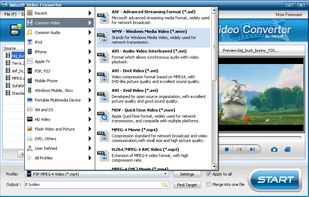


Voukoder Pro is a system wide video- and audio encoding service that improves your media encoding experience.
 GermanyEU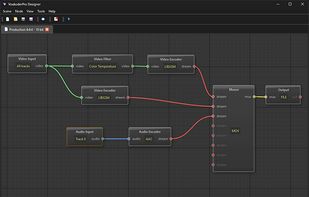


Subler is a Mac OS X application that opens media containers, allows you to add or remove media tracks inside them, and then saves them out again. In the specialized language of the video world, Subler is a “transcoder” or “demuxer” depending on how you use it.
 Australia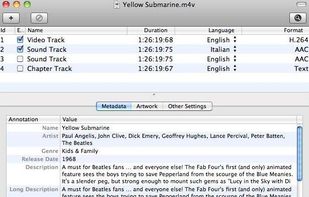
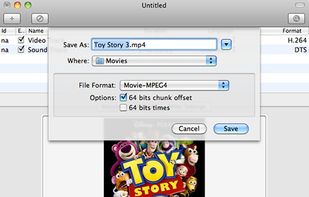
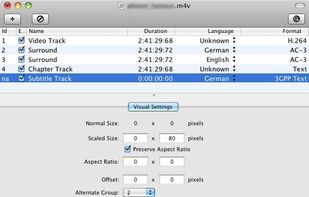


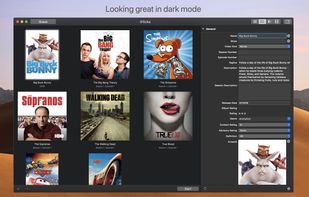
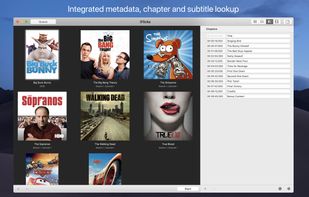
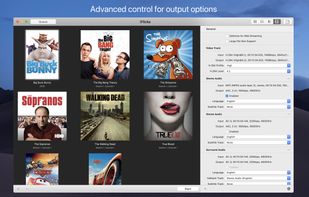
iFlicks is the best and most complete video and metadata handling solution available for macOS. There is no easier way to add you video files to iTunes or Plex, so you can watch them on your iOS devices or third party media players.
GermanyEU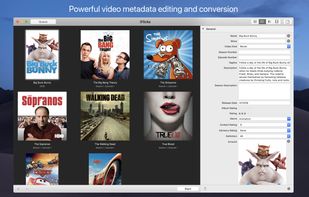




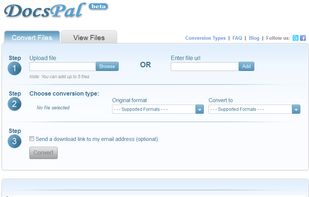
DocsPal is a free online file converter. Convert your files online, instantly and for free: documents, video, audio, images, e-books, archives. You can also view your document directly in our Viewer page. And there is no need to download any software.


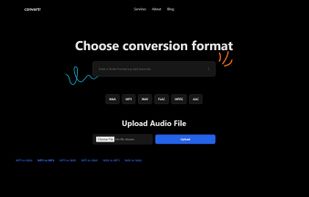
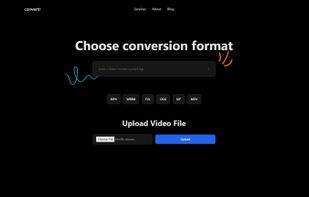
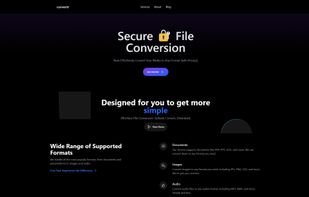
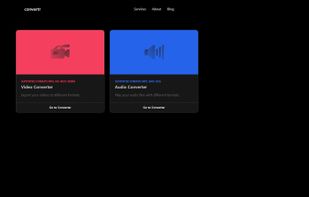
Building convertr.xyz which currently supports Video and Audio for now and is free currently for unlimited usage. Any reviews are greatly appreciated.


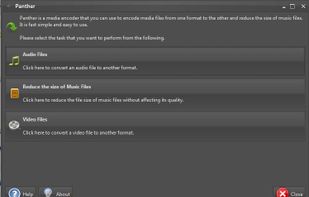
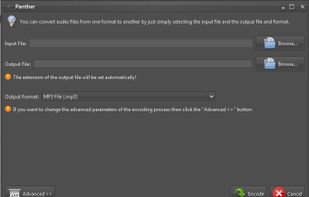
Panther is a free and open source program that you can use to encode your audio and video files from one format to the other. It has a simple user interface and should be very easy to get started with. It can even reduce the size of music files.


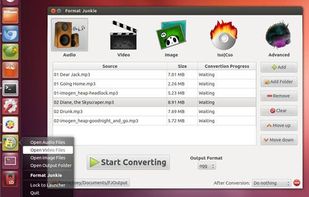
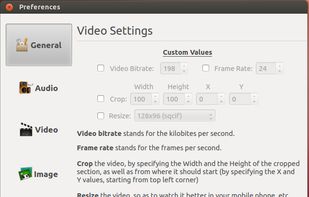
Format Junkie is a Linux application for converting audio, video and image files to multiple popular different formats. The program is just a frontend to avconv and to ImageMagick.


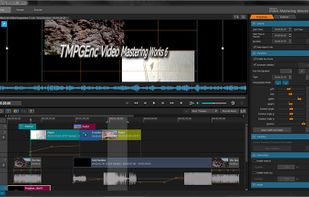
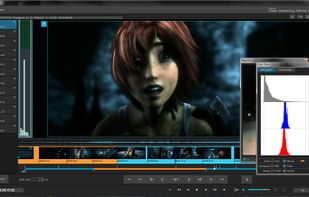
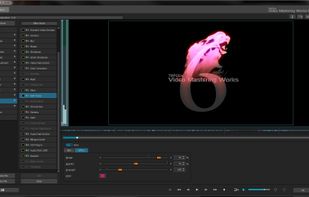
TMPGEnc 4.0 Video Mastering Works gives you the freedom to take almost any video file and encode it to your desired file format including DivX, AVI, QuickTime, MPEG 4-ISO, H.264, DVD-Video, DVD-VR, HDV camcorder, Blu-ray Disc and much more.
 United States