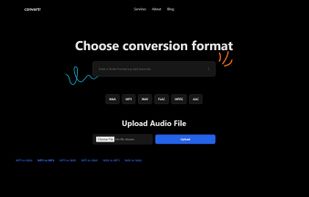
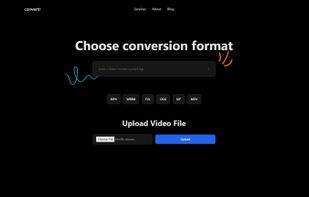
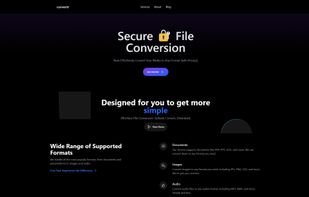
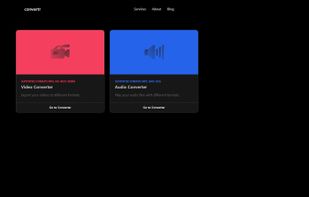
Building convertr.xyz which currently supports Video and Audio for now and is free currently for unlimited usage. Any reviews are greatly appreciated.
Cost / License
- Free
- Proprietary
Application typeApplication types
Platforms
- Online



+1


Apps similar to FFmpeg Batch AV Converter include HandBrake, which is free and open source. Other options are fre:ac, Shutter Encoder, Freemake Video Converter and Format Factory. Video Converters like FFmpeg Batch AV Converter are a crowded field, with more than 25 alternatives for Windows, Mac, Linux, the web and Android.
Building convertr.xyz which currently supports Video and Audio for now and is free currently for unlimited usage. Any reviews are greatly appreciated.

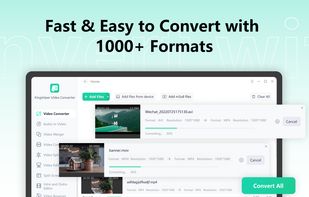
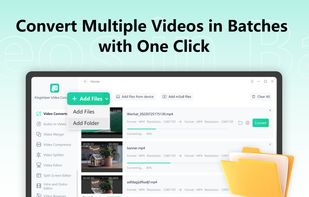
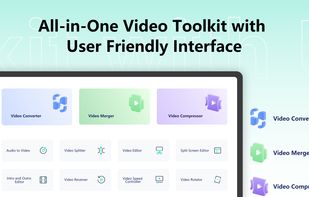
An all-in-one video toolkit with an easy-to-use interface. It provides 15 tools to help you convert, edit, merge, split, rotate, and compress videos with ease.



A local desktop utility that makes video files smaller by analyzing and re-encoding them in AV1 or HEVC. Choose a visual-quality level for automatic compression, or enter an exact file-size limit for email, messaging, and upload requirements; originals remain untouched.
 Canada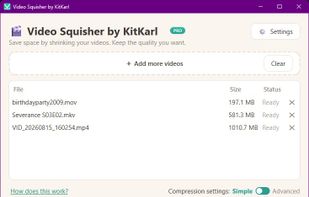


This is a simple Video-Converter to convert videos into a format accepted by the Nintendo 3DS.


Elegant Converter is a native macOS app that helps quickly convert multiple audio and videos files to many formats.
 Vietnam
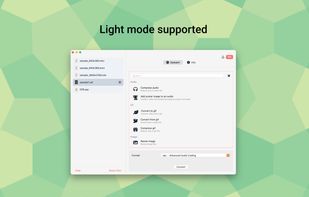
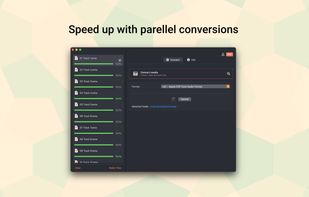
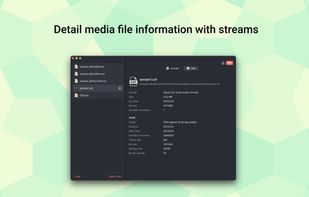


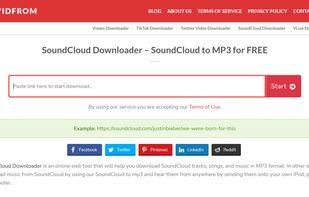
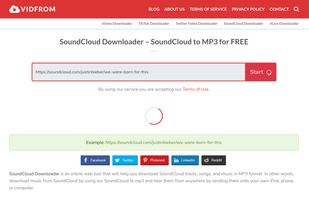
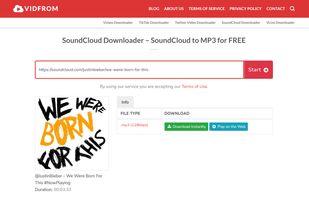
Video Downloader is a leading fast and free online converter that will meet all your needs. Therefore, using Video Downloader, you can download videos, music directly on SoundCloud, TikTok, Vimeo, Twitter, VLive and save them on all your devices.


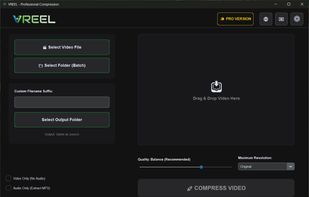
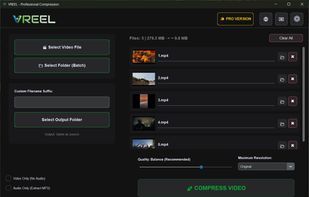
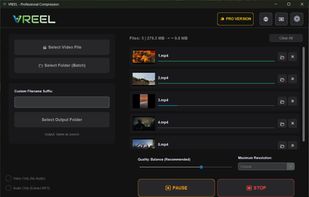
A powerful batch video compressor for Windows. Reduce video size by up to 90% with zero quality loss. Process thousands of files in one click using hardware acceleration and a clean, modern UI.


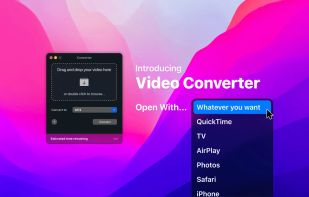
Finally, video conversion made easy. Ready any video type for AirPlay, iPhone, iPad, Apple TV, Chromecast, Xbox, PlayStation and just about anything else.
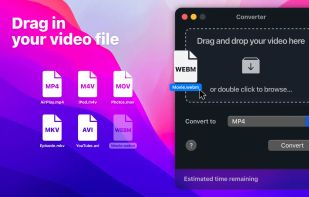
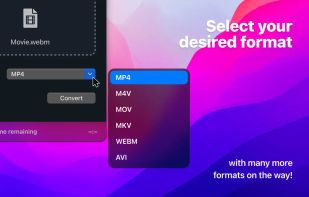
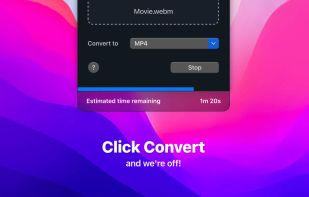


A powerful video format conversion tool that supports mutual conversion between MP4, MKV, M4V, MOV, WEBM, AVI, GIF, and other formats.
 China
China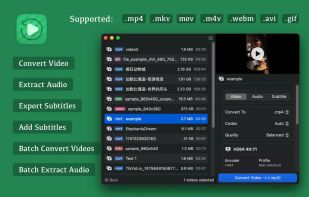
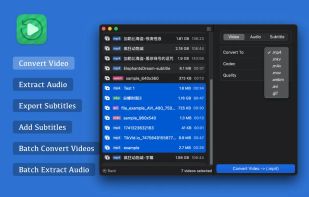
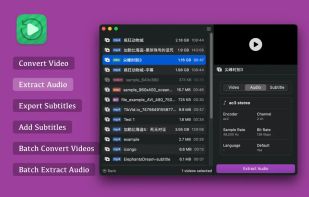
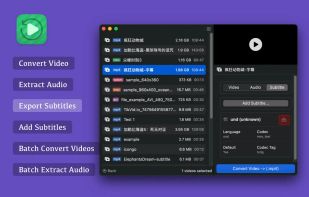


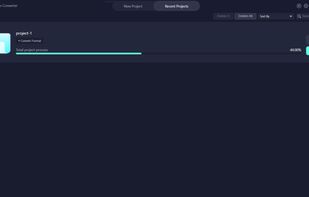
Easy-to-use video editing software helps you easily convert and edit video and audio. FoneDog Video Converter not only supports multiple formats but also has high-speed conversion and retains high-quality videos.
 Philippines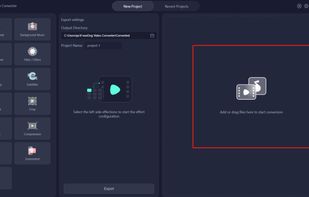



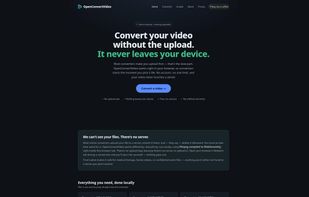
OpenConvertVideo converts video entirely inside your browser. Files are never uploaded, conversion runs on your own machine.
It's private, no account, no watermark, and no imposed file size limit; the only ceiling is your device's memory.
 Denmark
 EU
EU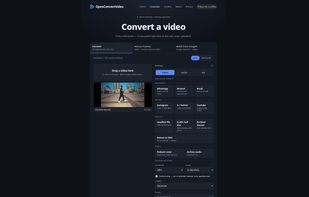


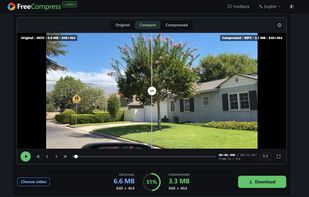
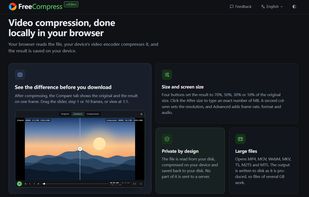
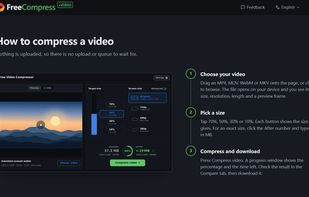
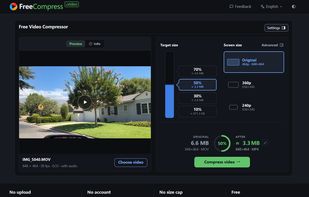
FreeCompress.video makes video files smaller inside the browser. The file is read from your disk and re-encoded by your device's own video encoder, so nothing is uploaded and a 2 GB recording goes through the same way as a 20 MB clip.
 United States