


EvaCopy
1 like
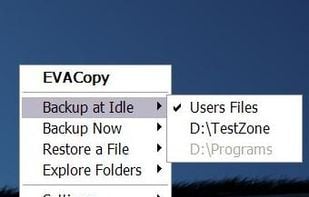
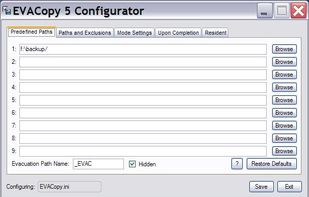
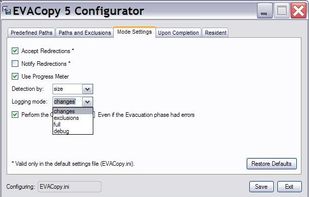
EvaCopy which stands for EVACuate and Copy is one such unique backup solution, that combines versioning in combination with backup for easy restoration. The program is simple to configure and distribute across multiple workstations.
Cost / License
- Free
- Open Source
Platforms
- Windows

Features
- Differential Backup
- Incremental Backup
- File Versioning
- Support for Long Path Name
Tags
EvaCopy News & Activities
Highlights All activities
Recent activities
No activities found.
EvaCopy information
Developed by
Or Ben ShabatLicensing
Open Source and Free product.Alternatives
7 alternatives listedSupported Languages
- English


What is EvaCopy?
EvaCopy which stands for EVACuate and Copy is one such unique backup solution, that combines versioning in combination with backup for easy restoration. The program is simple to configure and distribute across multiple workstations. It is light in weight, portable and requires no JAVA or .NET for its installation. Unless a major problem is encountered, user notices nothing except a tray icon.
Comments and Reviews
If you are an average user and you want to make incremental backups without losing the control of the result (being able to read the result copy and, for instance, find one file), Evacopy is your program. It does what you would do by comparing the saved with the new and saving the renewed in another folder but authomatic. In addition, it provides a little application tool who detects files with long path, who has never had problems in Copy & Paste with files with path too long ? Perhaps is a little bit slow, but I think it inherits the speed of windows ....