Rule of 3 Calculator is a portable tool that allows you to apply the mathematical Rule of Three in an easier, faster and more practical way!
Cost / License
- Free
- Proprietary
Application type
Platforms
- Windows


Apps similar to ESBCalc include SpeedCrunch, which is free and open source. Other options are Fossify Calculator, Qalculate!, OpenCalc and CalcYou. There's no shortage of Calculators like ESBCalc, with more than 50 alternatives for Android, Windows, iPhone, Mac and iPad.
Rule of 3 Calculator is a portable tool that allows you to apply the mathematical Rule of Three in an easier, faster and more practical way!

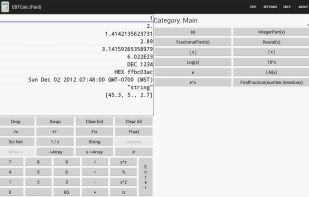
EBTCalc is a Reverse Polish Notation (RPN) calculator that can have custom buttons. Custom buttons are programmed in Javascript with a convenient editor. EBTCalc runs on Windows 10, OSX, and Linux as well as Android. EBTCalc is open source.


Simple yet very effective calculator with print capabilities and log registration.
 Canada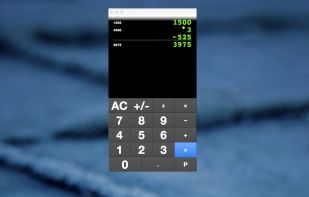


Pocket PC calculator for scientific and engineering purposes. This calculator is very bright and easy to use, supports more than 50 functions. The Engineering Calculator has been nominated as the Best Pocket PC Software by Pocket.at in the EUROPE POCKET PC AWARD 2002.
And this c.
 United States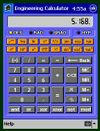


A modern, scientific calculator that is easy to use. While other calculators display only one number at a time, this one shows you the whole expression you are inputting, leading to a much more user friendly experience.
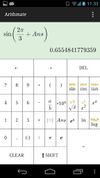
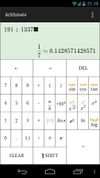
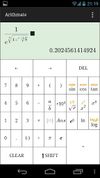


Calculator is a simple 4 function calculator, with a panel that has more advanced functions when you need them. It includes history, real time graphing, base conversion, and more. It also comes with a lockscreen widget, a floating calculator, and a wear app so you can use...

Complete calculus tools, easy to use and full of functions. Oficalc is, basically, a scientific calculator that may help you with mathematical calculus and that incorporates other tools to send to the highest resolution of advanced operations.
 Spain
Spain EU
EU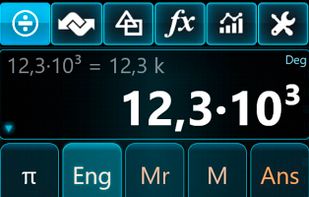
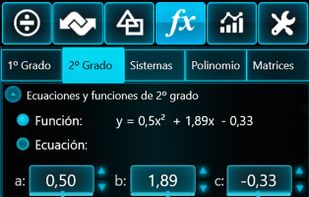
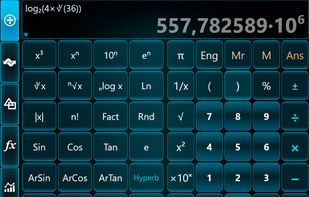
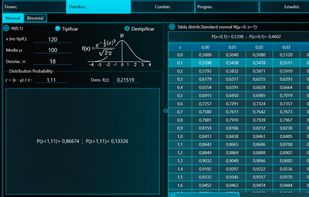


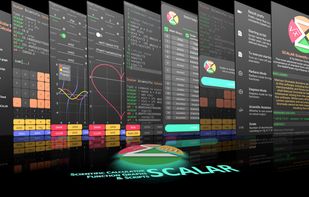
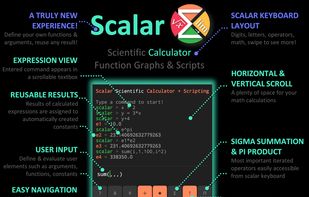
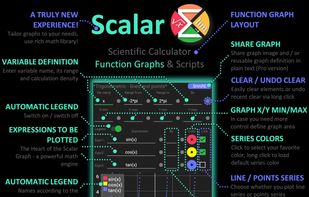
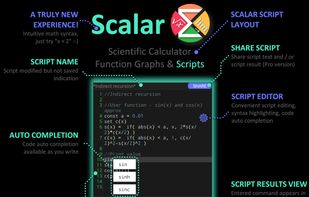
Scalar is a powerful math engine and scripting language, that combines the simplicity of standard tools with the flexibility of scripting. It is much more than a calculator. Thanks to Scalar, defining arguments and functions has never been easier.


Calcbuddy Calculator is an easy to use scientific calculator.
The calculator features:
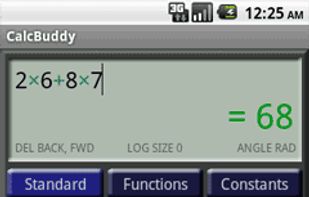


Solve is a calculator like no other! Solve solves expressions as you type and features an innovative memory system to store and recall answers. Simply touch the answer to store it and touch the stored answer to use it in an expression.
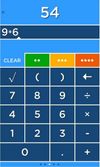
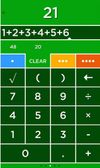
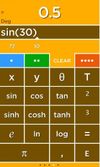


worksheets or practice exercises, calculators & answer sheets to engage the grade school students to learn, practice, test & verify the answers themselves to measure the progress of their own


Ad-free calculator offering basic and scientific computations, including exponents, roots, fractions, and more, with intuitive single-line input, up to 10 decimal precision, viewable and editable calculation history, customizable color themes, and no paid features.