



Easy Window Invert
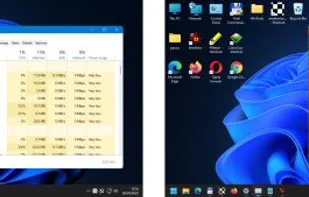
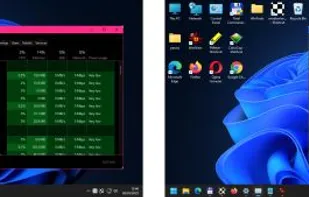
Easy Window Invert visually changes the display of windows. You can use Easy Window Invert to create dark mode for software that does not have a dark mode.
Cost / License
- Pay once
- Proprietary
Platforms
- Windows

Easy Window Invert
Features
Easy Window Invert News & Activities
Recent activities
 nttldnknwn added Easy Window Invert as alternative to Dark Mode Any App
- nttldnknwn liked Easy Window Invert
- nttldnknwn updated Easy Window Invert
- nttldnknwn added Easy Window Invert
- POX updated Easy Window Invert
Easy Window Invert information
What is Easy Window Invert?
Easy Window Invert visually changes the display of windows. By using the software, you can significantly increase the user experience. It allows color-blind as well as visually impaired users to use the computer.
You can use Easy Window Invert to create dark mode for software that does not have a dark mode. If there is an annoying contrast difference between the active window and the rest of the screen, it can cover the distracting parts of the screen using a hotkey-activated background panel.
In a multi-monitor system, you can set one of the screens as an inverted screen. In this case, the windows you want to invert may appear on the selected screen. The other screens still allow normal display.
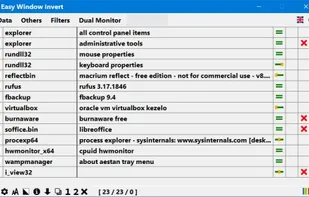
Easy Window Invert carries out display changes by using various color filters. Each color filter replaces certain colors with other colors based on their own settings. You can also use custom color filters. The software provides several options for setting custom color filters.