Dual Monitor Tools AlternativesOnly apps categorised as Window Managers

The best Window Manager alternative to Dual Monitor Tools is DisplayFusion, which is free. If that doesn't suit you, our users have ranked more than 10 alternatives to Dual Monitor Tools and five of them are Window Managers so hopefully you can find a suitable replacement. Other interesting Window Manager alternatives to Dual Monitor Tools are Ultramon, NVIDIA RTX Desktop Manager, MultiMonitorTool and Borderline - The End of off-screen Apps.

Copy a direct link to this comment to your clipboard
Dual Monitor Tools alternatives page was last updated

Alternatives list

  1. DisplayFusion icon
     173 likes

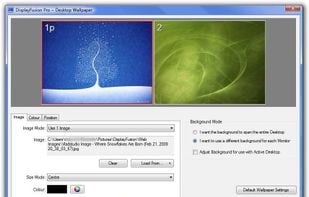
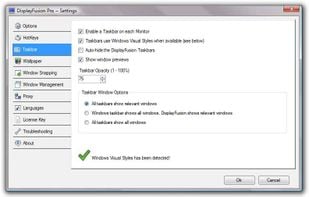
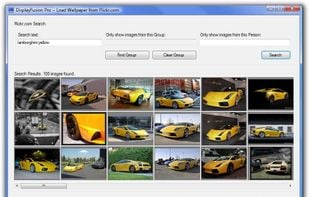
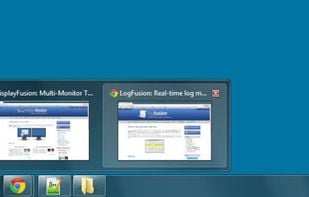
    Enables multi-monitor taskbars with advanced wallpaper management, scripted macros, remote access, screen savers, and desktop profile features; offers window snapping, customizable hotkeys, logon backgrounds, and multi-language support for home or business use.

    49 DisplayFusion alternatives

    Cost / License

    • Freemium
    • Proprietary

    Application type

    Platforms

    • Windows
     
    |
    1
    Comments about DisplayFusion as an Alternative to Dual Monitor Tools
    Guest
    Negative
    4

    The free version only supports wallpapers for multiple monitors. For real multi-monitor support like Dual Monitor provides you'll need the PRO version, which is not free.

    Review by a new / low-activity user.
    DisplayFusion icon
    DisplayFusion icon
    • DisplayFusion is Freemium and ProprietaryDual Monitor Tools is Free and Open Source
    • DisplayFusion is Lightweight and CustomizableDual Monitor Tools is not according to our users
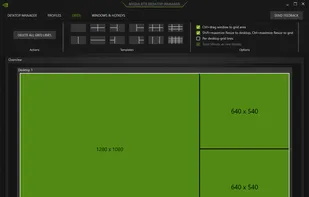
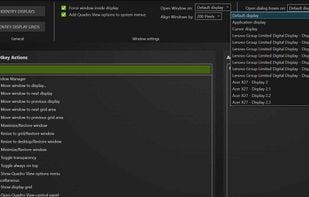
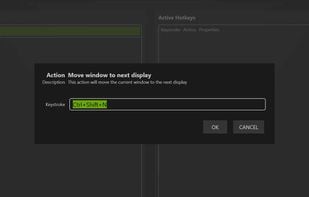
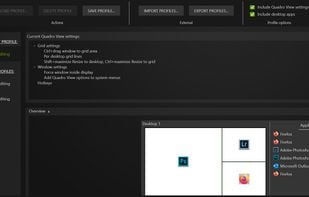
  2. NVIDIA RTX Desktop Manager is a software tool that manages single or multi-monitor workspaces. It comes with the NVIDIA RTX Enterprise/Quadro driver package or can be downloaded separately. Its main function is to boost productivity by optimizing workspace layout.

    Cost / License

    • Free
    • Proprietary

    Platforms

    • Windows
     
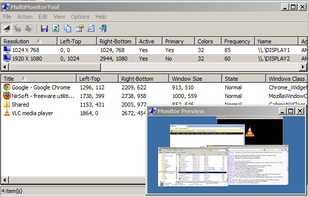
  3. With MultiMonitorTool, you can disable/enable monitors, set the primary monitor, save and load the configuration of all monitors, and move windows from one monitor to another.

    Cost / License

    • Free
    • Proprietary

    Platforms

    • Windows
     
  4. Annoyed again because one of your apps is offscreen? Do you have to struggle with keyboard shortcuts, to bring it back or do they not work again? Borderline moves all windows back into the screen bounds.

    Cost / License

    • Free
    • Proprietary

    Application type

    Platforms

    • Windows
     
5 of 5 Dual Monitor Tools alternatives