Drawtify Designer is a complete graphic design software, animation editing tool, and graphic publishing APP. Built-in vector editor, animation editor, photo editor, layout function, and typography tools, as well as a large number of effect filters, rich design plug-ins, and huge design resources.
Drawtify Designer will be an ideal design tool for creating various graphic content (including motion graphics) anytime, anywhere.
Importantly, it has almost no learning curve. Therefore, for non-designers, it is the best solution for creating outstanding graphics.
Create all the beautiful graphics you need
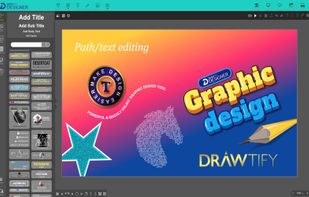
• Vector Graphics. Quickly create logos, icons, shapes, artistic fonts, and beautiful illustrations.
• Motion graphics. Easily create motion graphics to attract people's attention. For example, dynamic logos, icons, lines, shapes, titles, etc., or even a fascinating video opening.
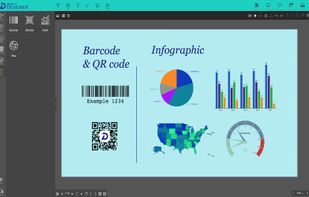
• Graphic publication. Including, Business cards, ID cards, Greeting Cards, Gift Cards, Postcards, Invitation cards, Labels, Certificates, Resumes, Letter paper, Covers, Invoices, as well as Posters, Flyers, Menus, Banners, Newsletters, Infographics, Reports, Booklet, Brochures, Catalogs, E-mails, Social media pictures, etc.
Provides all the functions needed to create graphics
Professional vector drawing tools
• Drawing tools (pen, pencil) can quickly customize the shape.
• Use smart tools to draw regular shapes more easily.
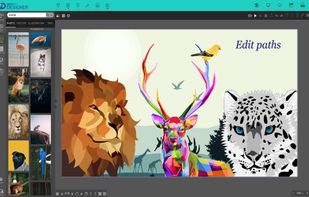
• Edit the SVG file again.
• Built-in Boolean operations can easily realize shape combination, subtraction, division, intersection, exclusion, etc.
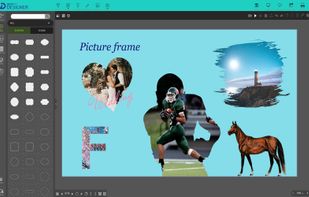
• You can choose "color", "gradient", "image" to fill in and add effects.
The intuitive motion graphics editor
• Up to 27 basic movement instructions. Including: move along the path, fade in, fade out, blink, rotate, zoom, enter, exit, etc.
• In addition, 14 text movement instructions will help you easily create richer dynamic text.










 Drawtify,Inc.
No comments or reviews, maybe you want to be first?