Drawboard PDF Alternatives for iPhone

There are many alternatives to Drawboard PDF for iPhone if you are looking for a replacement. The best iPhone alternative is Adobe Acrobat Reader, which is free. If that doesn't suit you, our users have ranked more than 50 alternatives to Drawboard PDF and 13 are available for iPhone so hopefully you can find a suitable replacement. Other interesting iPhone alternatives to Drawboard PDF are Xodo, Linwood Butterfly, Microsoft Whiteboard and GoodReader.

Copy a direct link to this comment to your clipboard
Drawboard PDF alternatives page was last updated

Alternatives list

  1. Seamlessly view, annotate, and collaborate on PDFs with freehand drawing and sticky notes. Utilize cloud storage for effortless access and upgrade for advanced editing and conversion to formats like Word and Excel.

    117 Adobe Acrobat Reader alternatives

    Cost / License

    • Freemium
    • Proprietary

    Application type

    Platforms

    • Mac
    • Windows
    • Android
    • iPhone
    • Android Tablet
    • iPad
     
    |
    2
    Adobe Acrobat Reader vs Drawboard PDF Comments
    Guest
    Negative
    8

    limited annotation capabilities. Cannot write directly onto pdf like in drawboard.

    Review by a new / low-activity user.
    violoncello
    Negative
    0

    doesn't allow for handwritten annotations with a stylus

    • Adobe Acrobat Reader is Freemium and ProprietaryDrawboard PDF is also Freemium and Proprietary
    • Adobe Acrobat Reader is LightweightDrawboard PDF is not according to our users
  2. Xodo icon
     71 likes

    Xodo is the ultimate cross-platform PDF viewer and annotator. Powerful, fast, and optimized for all phones and tablets, Xodo makes it easy to access, edit, share, sync, manage, sign, and more.

    123 Xodo alternatives

    Cost / License

    • Paid
    • Proprietary

    Application types

    Platforms

    • Windows
    • Online
    • Android
    • iPhone
    • Chrome OS
    • Android Tablet
    • iPad
    • Google Chrome
     
    |
    2
    Xodo vs Drawboard PDF Comments
    Guest
    Positive
    1

    Free. has Stylus and gesture support for windows tablets.

    Review by a new / low-activity user.
    Guest
    Positive
    0

    XODO is free and has the option to add new pages into the PDF. In Drawboard PDF you only can add blank pages for free.

    Review by a new / low-activity user.
    • Xodo is Paid and ProprietaryDrawboard PDF is Freemium and Proprietary
    • Xodo is LightweightDrawboard PDF is not according to our users
  3. Butterfly is a note-taking app where your ideas come first. You can paint, add texts, and export them easily on every device. This app works on android, windows, linux, and in the web.

    48 Linwood Butterfly alternatives

    Cost / License

    Platforms

    • Mac
    • Windows
    • Linux
    • Online
    • Android
    • iPhone
    • Android Tablet
    • Self-Hosted
    • Snapcraft
    • AltStore
    • Flathub
    • F-Droid
     
  4. GoodReader icon
     48 likes

    With GoodReader on your iPhone, iPod Touch or iPad, you can read virtually anything, anywhere. Books, movies, maps, pictures; GoodReader puts it all in a single app, right in your pocket.

    90 GoodReader alternatives

    Cost / License

    • Paid
    • Proprietary

    Application types

    Platforms

    • iPhone
    • iPad
     
  5. Besides exceptionally fast launching and displaying speed, Gaaiho Reader is reliable in printing, filling forms annotating documents and adding bookmarks.

    Cost / License

    • Paid
    • Proprietary

    Application types

    Platforms

    • Windows
    • Android
    • iPhone
    • Android Tablet
    • iPad
    • Mac
     
  6. PDF Viewer Pro is a fast and beautiful app, allowing you to view, search, and annotate PDF documents with ease on your iPhone and iPad.

    Cost / License

    • Freemium
    • Proprietary

    Application type

    Platforms

    • Mac
    • Android
    • iPhone
    • iPad
    • Android Tablet
     
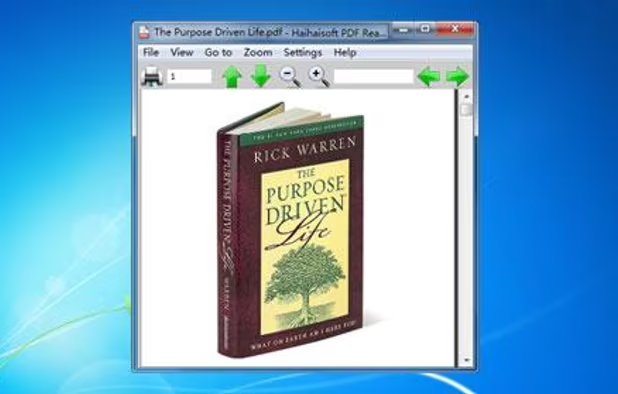
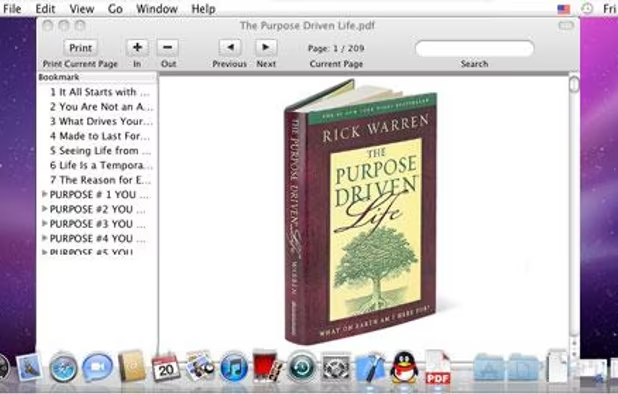
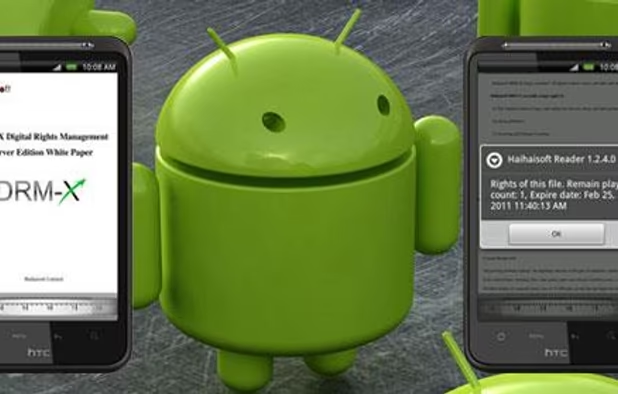
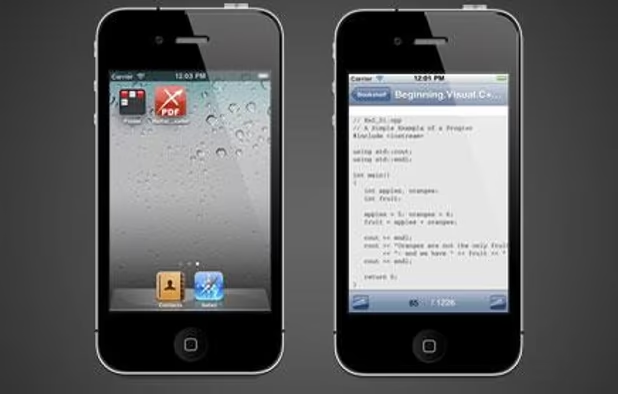
  7. Haihaisoft Reader is a free PDF document Reader and Printer, extremely fast launch speed. It is also for reading PDF document protected by DRM-X platform.

    Cost / License

    • Free
    • Proprietary

    Application type

    Alerts

    • Discontinued

    Platforms

    • Mac
    • Windows
    • Android
    • iPhone
     
  8. PerfectReader is a powerful PDF Reader & Annotator.

    Features

    PDF ANNOTATING The long-awaited feature now comes to PerfectReader 2. You now can mark up texts (highlight, underline, strikeout), handwrite with the Ink tool, create Sticky Notes, and make FreeTexts. Annotation.

    Cost / License

    • Freemium
    • Proprietary

    Application types

    Platforms

    • iPhone
    • iPad
     
  9. ShelfStream icon
     1 like

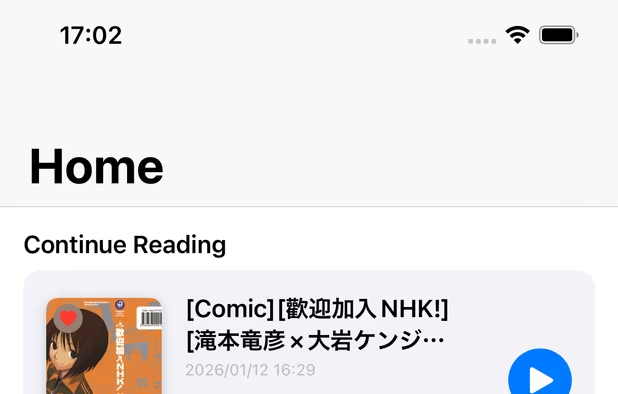
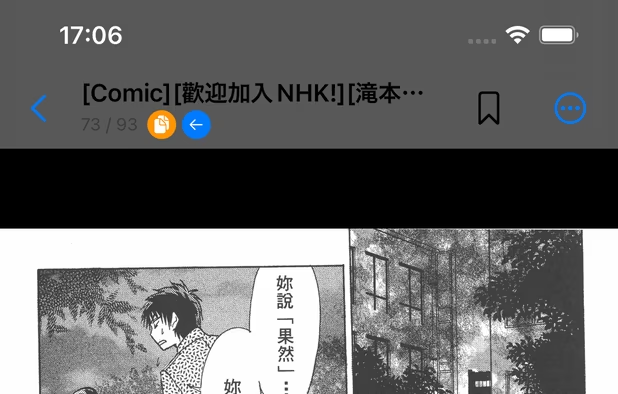
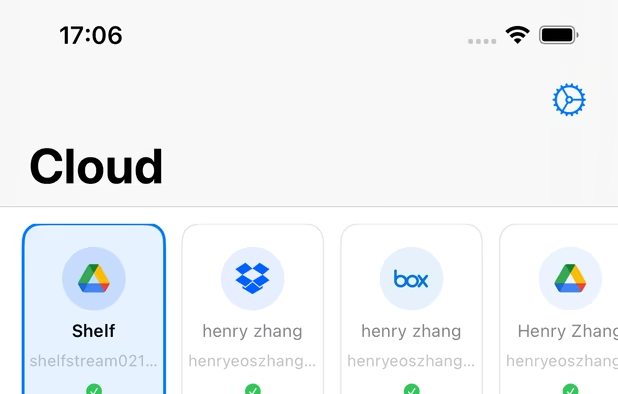
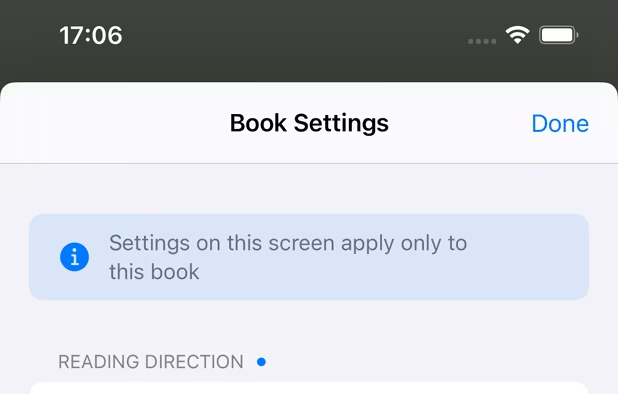
    A next-generation iOS viewer app for self-scanned manga and books with AI-powered organization, cloud storage support, and NAS streaming.

    Cost / License

    • Freemium
    • Proprietary

    Application types

    Platforms

    • iPhone
    • iPad
     
  10. PDF Max is a desktop class PDF app for reading, annotating or signing PDF documents on your iPhone/iPad. Mark up documents with highlights and handwriting, insert texts and stamps, fill out, sign PDFs and even manipulate PDF pages.

    Cost / License

    • Paid
    • Proprietary

    Application types

    Platforms

    • iPhone
    • iPad
     
12 of 13 Drawboard PDF alternatives