


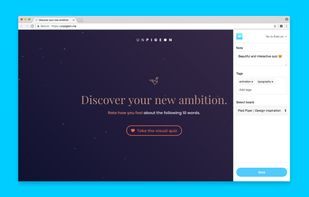
Klart is a bookmarking service made for designers. Capture a screenshot and a link to anything online with just a click.
Cost / License
- Paid
- Proprietary
Platforms
- Online
- Google Chrome


DoMarks is described as 'The to-do app for bookmarks. Add bookmarks. Categorize them. Check them off. Done!' and is a bookmark manager in the office & productivity category. There are more than 100 alternatives to DoMarks for a variety of platforms, including Web-based, Google Chrome, Mozilla Firefox, iPhone and Mac apps. The best DoMarks alternative is wallabag, which is both free and Open Source. Other great apps like DoMarks are ArchiveBox, Instapaper, Diigo and Memex.
Klart is a bookmarking service made for designers. Capture a screenshot and a link to anything online with just a click.

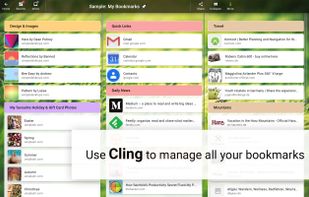
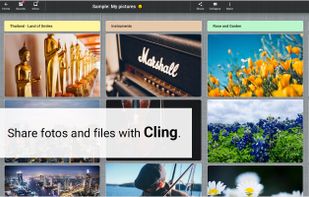
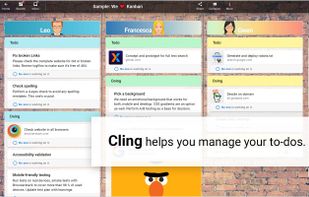
Cling is your desk in the cloud. The perfect place for all that matters to you. Keep your content safe, have everything at hand and always stay on top. Organize your notes, to-dos, web-links, photos and files in one single app.


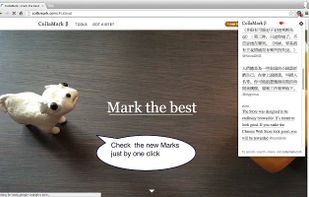
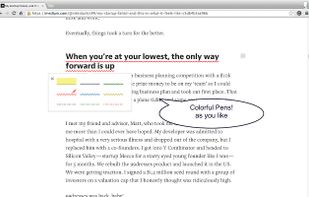
Collamark is an chrome extension that enables people mark & quote & share & discuss text lines right where they are, with colorful pens.



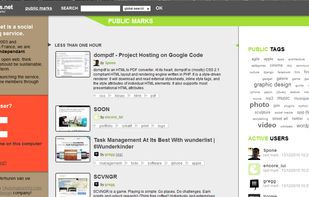
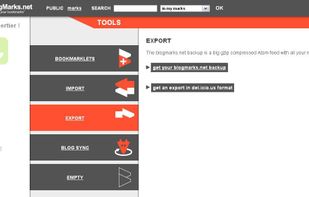
BlogMarks is a collaborative link management project based on sharing and key-word tagging. Build on a blog basis, BlogMarks is an open and free technology. Now, you can access your favorite URL's from any computer.


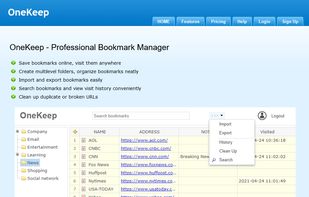
Introducing OneKeep: effortlessly save your bookmarks online for access from anywhere, while creating multilevel folders to keep your bookmarks beautifully organized.

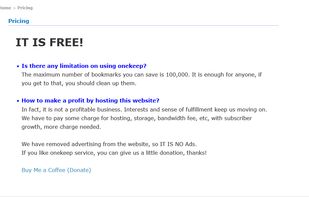
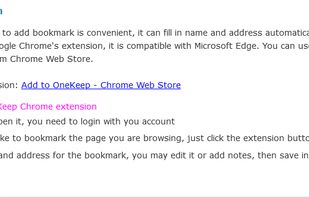


A bookmark organizer featuring tagging, thumbnail previews, and light/dark mode support.
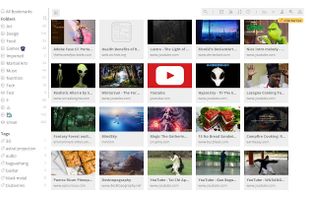
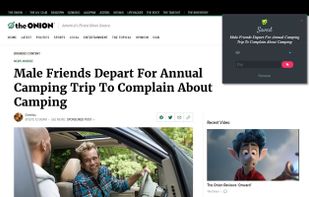
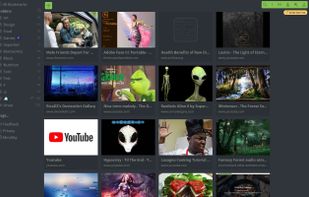
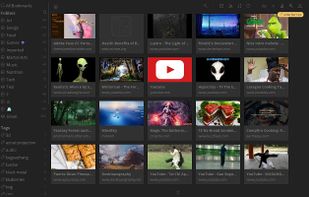


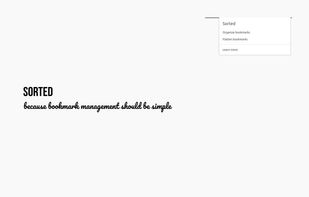
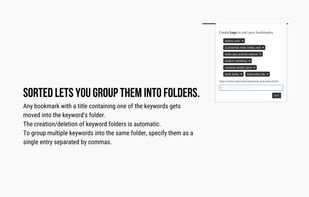
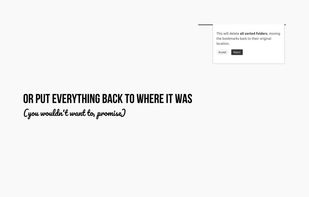
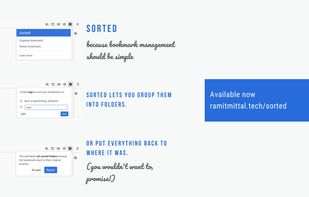
Sorted is an extension for Firefox. Use this if you find yourself manually creating bookmark folders. Just enter the words commonly occurring in your bookmark titles and this extension will automatically create folders and move your bookmarks.


Read news articles with minimal distraction and scrolling. It utilises the CSS3 multi-column layout to make good use of all the screen space available on a desktop/laptop monitor.
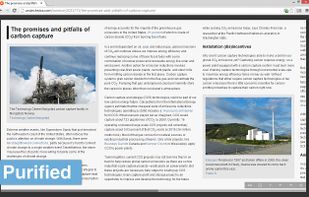


Tool for automatic conversion to the main e-book formats: bookmarklet, Chrome and Firefox extension, widget and API
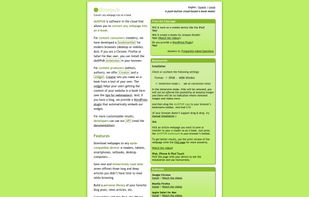


Watch It Later is a premium bookmarking tool focused on helping you manage your favorite online videos and images. WIL has built in embed support for Youtube, Vimeo, and others. Take notes, create custom galleries, and save links via text message.


WebBites is a tool to keep all your favourite websites, tools and articles in one place, currently in beta. With a strong focus on accessibility and aesthetics.
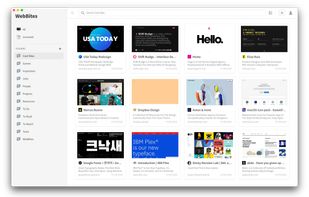
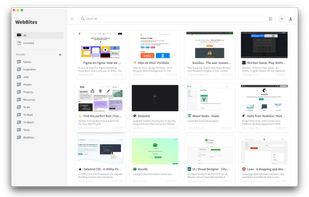


Larder is for bookmarking things on the web you'll need again. It's perfect for curating lists of libraries, tools, and reference material. Trial everything for 14 days, buy a paid account if it fits your workflow. It's honestly really good.


 Germany
 EU
EU


 France


 United States


 United Kingdom
