


Documents - Word Processor
2 likes
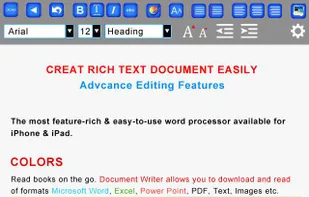
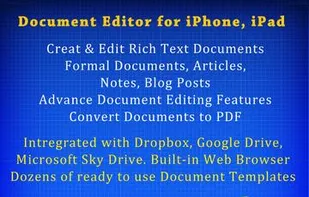
- Create and Edit Rich Text Documents on your iPhone or iPad.
- Work on your documents even when you are not connected to the internet.
- Convert your documents to PDF,
- Annotate PDF. Write or type on PDF documents.
- Sign PDF documents and send through email.
- Send document.
Cost / License
- Pay once
- Proprietary
Platforms
- iPhone
- iPad
+3

Documents - Word Processor
2 likes
Features
- Content Templates
Documents - Word Processor News & Activities
Highlights All activities
Recent activities
No activities found.
Documents - Word Processor information
Developed by
 Masalasoft (Pvt) Limited
 Licensing
Proprietary and Commercial product.Pricing
One time purchase (perpetual license) that costs $4.Alternatives
0 alternatives listedSupported Languages
- English
No comments or reviews, maybe you want to be first?
What is Documents - Word Processor?
- Create and Edit Rich Text Documents on your iPhone or iPad.
- Work on your documents even when you are not connected to the internet.
- Convert your documents to PDF,
- Annotate PDF. Write or type on PDF documents.
- Sign PDF documents and send through email.
- Send documents as EMAIL ATTACHMENTS
- Transfer to/from your PC or Mac through USB
- Synch your documents with Dropbox, Google Drive or FTP.
- View Word & Excel files (Office 2007/2008/2010)
- VIEW PowerPoint, PDF, iWork, Text, .RTF, and more!
- Open & Edit files created through this app from any 3rd party app that supports the “Open In” feature
- Create or Download Documents from anywhere and carry it with you wherever you go
