


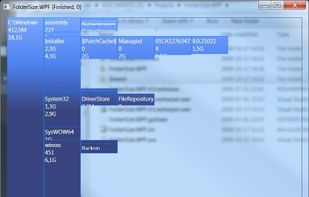
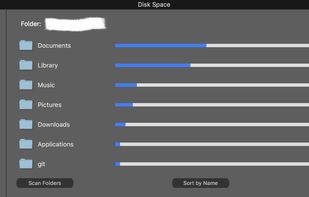
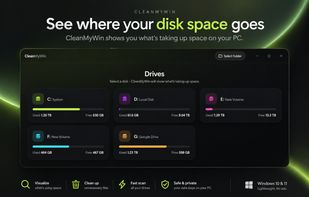
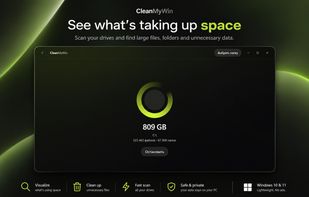
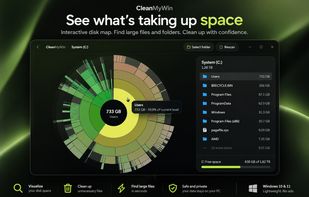
FolderSize is intended to be a simple application to determine what folders takes up place on your machine and to present it to you graphically.
Cost / License
- Free
- Proprietary
Application type
Platforms
- Windows


Apps similar to Disk Graph include WinDirStat, which is free and open source. Other options are WizTree, Baobab Disk Usage Analyzer, SD Maid SE and Filelight. Disk Usage Analyzers like Disk Graph are a crowded field, with more than 50 alternatives for Windows, Mac, Linux, Android and the web.
FolderSize is intended to be a simple application to determine what folders takes up place on your machine and to present it to you graphically.

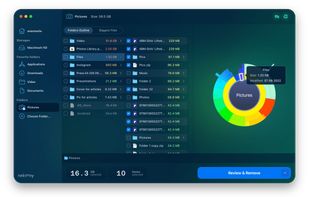
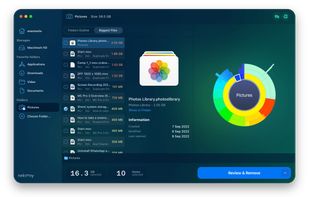
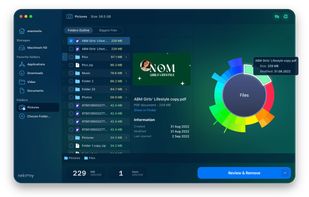
Disk Space Analyzer allows you to easily find and remove the bulkiest content for your Mac or external storage. You can see your Mac disk usage, find folders that take up the most space, and manage hard drive space by moving or removing files.
 Ukraine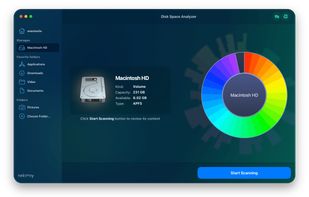


Program to help recover disk space. Gives pie-chart view of disk usage, including unused space, with the ability to drill down into folders. Shows actual or nominal space occupied. Knows about the effects of cluster sizes.


Landiskape is a storage visualizer which tells you how your storage is being used by using an easy to understand 2D chart.
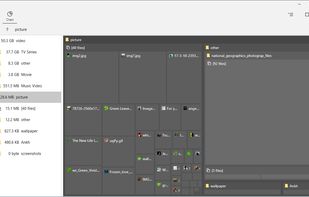

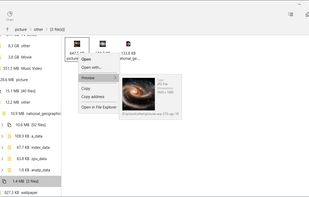
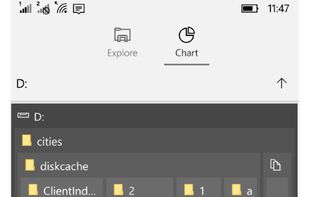


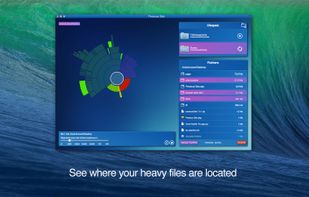
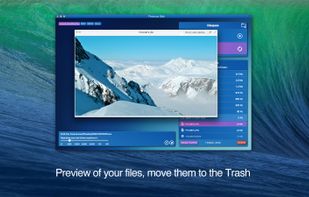
Recover disk space by removing gigabytes of unwanted and forgotten files!
Do you forget to remove old and heavy files? Are you often forgetting where you put your files?
If at least one of your answers is Yes, try Precious Disk!
Precious Disk carries out this task by scanni.
 France
 EU
EU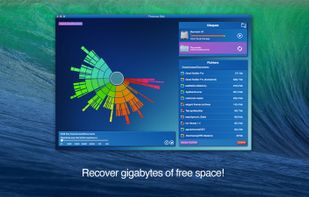


Take back your hard disk space with Spacie. Spacie scans files and folders on your hard disk and display them in column view, with size information shown up-front. It can help you quickly locate large files that are occupying the precious space on your hard disk.
 United States




Advanced Disk Space Monitor is a remote monitoring software. The program will allow administrators to monitor disk space usage on a remote server or workstation via email alerts and reports. It can monitor each disk independently, with separate threshold value for each disk.
 Russia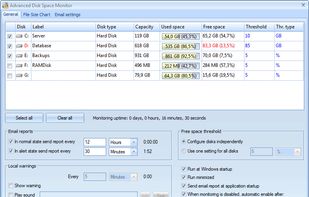


Hard drive space is valuable, yet it is too time consuming to manually review and delete unneeded and duplicate files, and carrying an external drive doesn’t offer a permanent solution to the problem. FULL-DISKfighter utilizes three powerful tools allowing you to easily find...

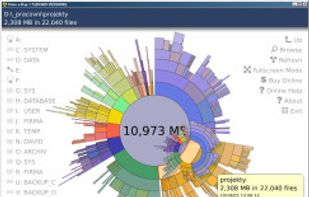
TDP x-Ray is a visual tool designed for managing disk space. It is designed for easy work with high-capacity data storage containing millions of files.



 Denmark


