Cost / License
- Free
- Open Source (GPL-3.0)
Application type
Platforms
- Linux
- Termux

R


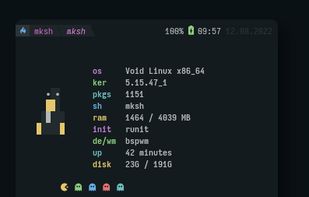
Apps similar to DirectX Diagnostic Tool include HWiNFO (32/64), which is free for personal use. Other options are Speccy, AIDA64, Neofetch and SIW. You're spoiled for choice with System Information Utilities like DirectX Diagnostic Tool: we list more than 25 alternatives for Windows, Linux, Mac, Android and iPad.

EF System Monitor gives you a well-rounded tool that can be used to retrieve a permanent record of information on all your network computers; these records include; memory space, hard disk usage, date, time, and username.
 Germany
 EU
EU


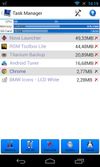
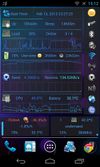
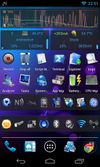
3C Toolbox is the comprehensive toolbox to save battery, tweak, tune, backup, secure and monitor any Android devices running any ROMs, any kernels.

 Japan
Japan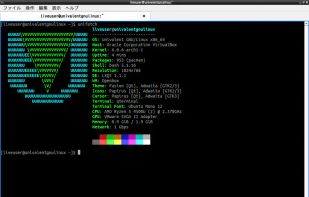

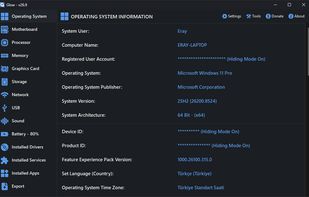
Glow is a powerful system analysis tool created by Eray Türkay, designed to provide an intuitive overview of both the hardware and software capabilities of your computer.


SIV by Ray Hinchliffe. System Information Viewer is a general Windows utility for displaying lots of useful Windows, Network and hardware info - CPU info, PCI info, PCMCIA info, USB info, Machine Info, Hardware Sensors, Networked computers, Operating System Information and more.
 United Kingdom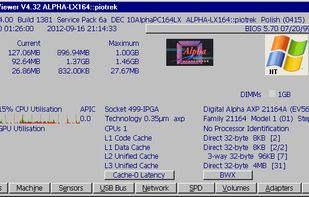


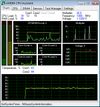
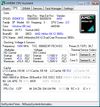
AMD64 CPU Assistant monitors the temperature of AMD64 CPU cores (AMD64 K8 processor on Socket 754/S1/940/F1207/939/AM2/ASB1/S1g1) using the on-die thermal sensor.


Windows built-in System Information shows details about your computer's hardware configuration, computer components, and software, including drivers.
 United States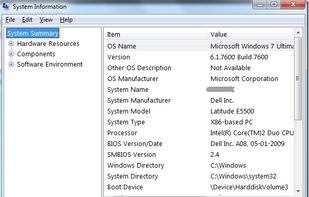


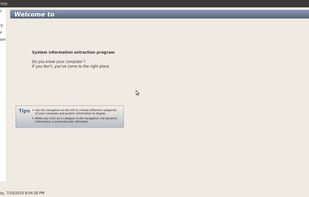
sysinfo is a graphical tool that is able to display some hardware and software information about the computer it is run on.


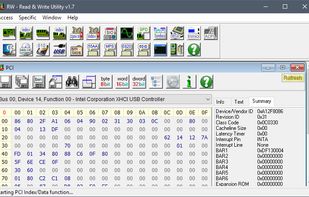
RWEverything access almost all the computer hardware, including PCI (PCI Express), PCI Index/Data, Memory, Memory Index/Data, I/O Space, I/O Index/Data, Super I/O, Clock Generator, DIMM SPD, SMBus Device, CPU MSR Registers, ATA/ATAPI Identify Data, Disk Read Write, ACPI Tables...