Cost / License
- Free
- Open Source
Platforms
- Windows

Destroy Windows Spying is described as 'Even though Windows 10 did bring many of the features users expected of it, such as a Start Menu and revamped icons, it also came with several issues and a very important one is related to its tracking behavior' and is an app in the security & privacy category. There are more than 25 alternatives to Destroy Windows Spying for Windows, Linux, GitHub and Mac. The best Destroy Windows Spying alternative is ShutUp10++, which is free. Other great apps like Destroy Windows Spying are privacy.sexy, WPD, Privatezilla and Win11Debloat.

A tool to use some of the known methods of disabling tracking in Windows 10. (Telemetry, DiagTrack Log, Services, hosts-file, IP blocking, Windows Defender / WifiSense, OneDrive).

Private WinTen is an advanced Privacy tool for windows it provides a simple and comprehensive UI for tweaking privacy settings, as well as options to block system access to files and registry keys in order to enforce privacy whenever Windows does not provide a satisfying setting...


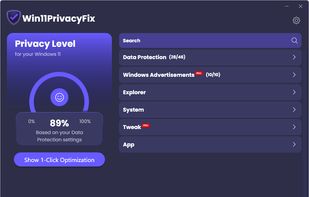
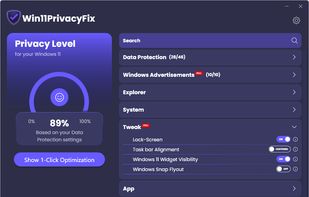
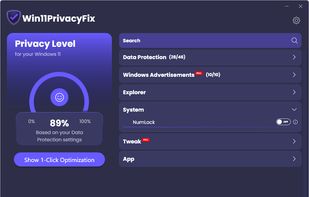
Windows 11 snoops your privacy? Not with this!


Ashampoo AntiSpy for Windows® 10 gives you an overview of all critical system settings and allows you to disable each one at the click of a button. Two included presets allow you to disable any reporting to Microsoft or rely on recommendations by our security experts.

RyTuneX is a cutting-edge optimizer built with the WinUI 3 framework, designed to amplify the performance of Windows devices. Crafted for both Windows 10 and 11.

WinPurify is a useful application designed to help you tweak various OS settings, remove unnecessary files and improve your computer’s general performance.


Don't want Windows spying on your every move? Don't feel like spending hours messing with privacy settings that ultimately still result in data collection? Think your private information belongs to you and no one else?


All Windows versions load many services at startup. Most of them (not all) are essential to the core system features. By disabling unnecessary services, performance can be can be improved significantly ,especially on computers with low system resources.


PowerShell script for automation of routine tasks done after fresh installations of Windows 10 / Server 2016 / Server 2019.