



Defer: Task Inbox
1 like
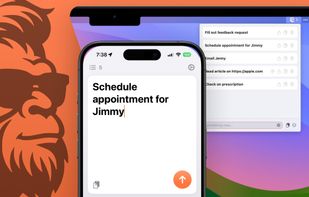
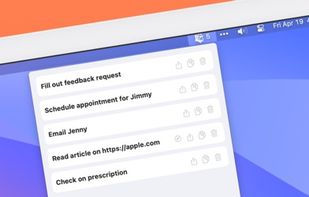
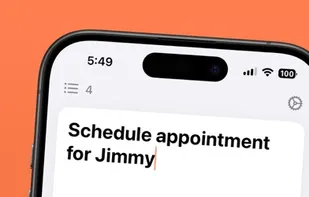
Defer is the app to get things out of your head. It's a task inbox or a capture inbox. Simply open the app, type (or paste!), and move on, knowing the thing will be there when you need it later. It works best with the accompanying Mac app: capture something on your phone...
Cost / License
- Freemium (Subscription)
- Proprietary
Platforms
- Mac
- iPhone
+3

Defer: Task Inbox
1 like
Features
Properties
- Privacy focused
- Lightweight
Features
- Ad-free
- Works Offline
- Dark Mode
- Cloud Sync
- No registration required
- No Tracking
Defer: Task Inbox News & Activities
Highlights All activities
Recent activities
No activities found.
Defer: Task Inbox information
No comments or reviews, maybe you want to be first?
What is Defer: Task Inbox?
Defer is the app to get things out of your head. It's a task inbox or a capture inbox. Simply open the app, type (or paste!), and move on, knowing the thing will be there when you need it later. It works best with the accompanying Mac app: capture something on your phone, act on it when you're back at your Mac.
- Private by Design: All your data is either stored on device or in a private iCloud container if you've got an Apple ID.
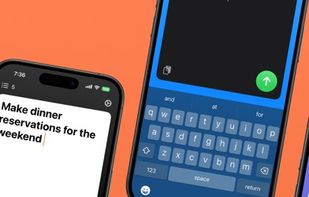
- Simple: No bloat. Fast. Just write!
- Synced Automatically: No account creation needed. If you're signed in with the same Apple ID on multiple iOS devices, everything will just sync.
- Export anytime: Take your data with you in the form of a very compatible .csv file. Upgrade to the Pro plan to export to Reminders or JSON.
- Users of the Pro plan can customize the background and button colors.
