





DBCode
Like
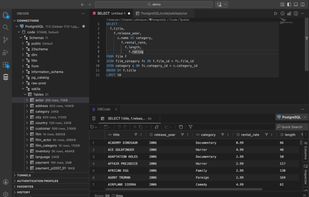
DBCode is a full database client and IDE that runs inside VS Code, Cursor, Windsurf, and other VS Code-based editors. It connects to more than 90 SQL, NoSQL, cloud, warehouse, lakehouse, graph, vector, streaming, application, and file-based data sources, letting developers work...

Cost / License
- Freemium (Pay once or Subscription)
- Proprietary
Application type
Platforms
- Cursor
- Windsurf
- Visual Studio Code

Features
Highlights All activities
DBCode News & Activities
Recent activities
- mikeburgh updated DBCode
- mikeburgh added DBCode
- Paul updated DBCode
 mikeburgh added DBCode as alternative to DBeaver, HeidiSQL, phpMyAdmin, MySQL Workbench and 47 more


Developed by
 Recut LLC
 Licensing
Proprietary and Freemium product.Pricing
One time purchase that costs from $36, and / or subscription that costs from $4 per month + free version with limited functionality.Alternatives
51 alternatives listedBadge
Get an embeddable badge for DBCodeSupported Languages


No comments or reviews, maybe you want to be first?