





CtrlKid
Like
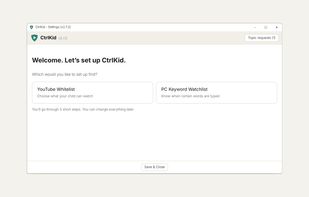
Limits YouTube to topics and channels you approve, and watches for words you choose as your child types on Windows and Linux.

Cost / License
- Freemium (Pay once)
- Proprietary
Platforms
- Windows
- Linux
- Google Chrome
- Mozilla Firefox


Features
Highlights All activities
CtrlKid News & Activities
Recent activities
- CtrlKid added CtrlKid
 CtrlKid added CtrlKid as alternative to Qustodio Parental Control, Microsoft Family Safety, Norton Family, Net Nanny and 3 more

Developed by
CtrlKidLicensing
Proprietary and Freemium product.Pricing
One time purchase (perpetual license) ranging between $25 and $35 + free version with limited functionality.Alternatives
7 alternatives listedBadge
Get an embeddable badge for CtrlKidSupported Languages


No comments or reviews, maybe you want to be first?