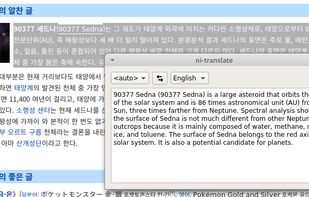
A translator for Linux, running at the background which wakes up with the translation of the last selected text after tapping the specific key twice.
Cost / License
- Free
- Open Source (GPL-3.0)
Platforms
- Linux


Apps similar to Crow Translate include Google Translate, which is free. Other options are LibreTranslate, ChatGPT Translate, SimplyTranslate and NormCap. Translators like Crow Translate are a crowded field, with more than 100 alternatives for Windows, the web, Android, iPhone and Mac.
A translator for Linux, running at the background which wakes up with the translation of the last selected text after tapping the specific key twice.

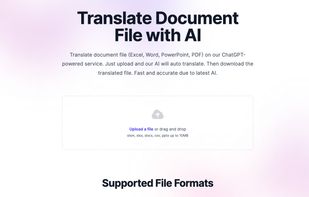
Translate document file (Excel, Word, PowerPoint, PDF) on our ChatGPT-powered service. Just upload and our AI will auto translate. Then download the translated file. Fast and accurate due to latest...


SikuliX automates anything you see on the screen of your desktop computer running Windows, Mac or some Linux/Unix. It uses image recognition.
 Germany
 EU
EU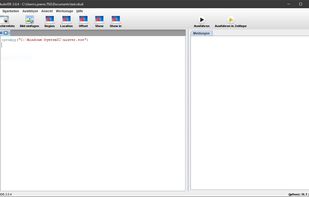


The app is 100% FREE, with NO ads and NO data collection. Donations are possible to support the project.
 ItalyEU
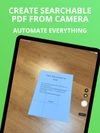
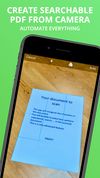


Get rid of paper clutter with Stack. Stack is a PDF scanner, document organizer, and detail finder. All in one.
 United States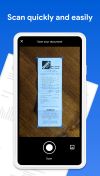




Main point of this app is to scan or select existing PDF documents simply using intent or chooser. Other apps require payment to access their api/sdk or simply don't have a possible way to do it. So they rely on switching between an app ,file chooser and a scanner.


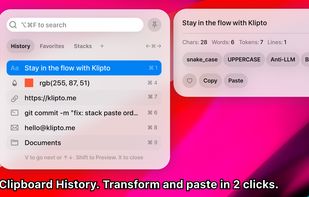
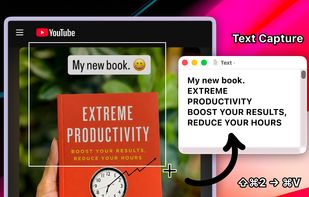
Clipboard tool for macOS built around a paste queue: collect several items, then paste them back one at a time in order, with text transformations and text capture from images.


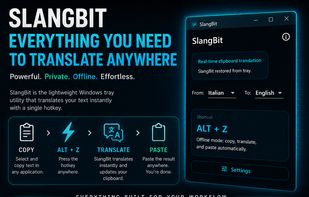
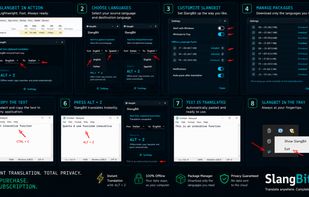
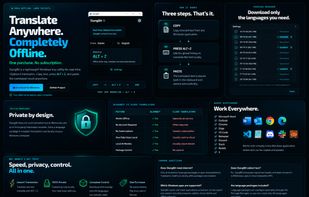
Windows utility performs offline translations using on-device AI, triggered by a global ALT+Z shortcut. Replaces selected text instantly across applications, offers downloadable language packages, and requires no subscription or account.
ItalyEU


Scan any paper with your iPhone's camera: the Scanner+ app will automatically recognize the edges of your document, enhance it, and give you a perfectly scanned copy that's ready to share on your favorite platform!
 Türkiye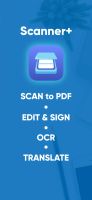




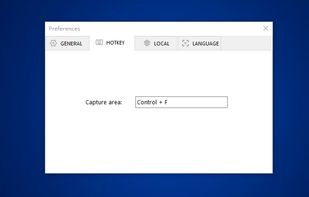
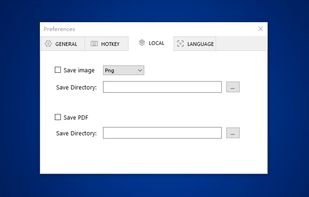
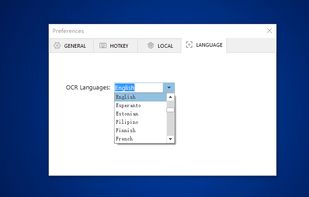
You can use Easy Screen OCR to capture a snapshot and start OCR process. this program will detect the text from the image and start OCR process immediately. You can extract the text to copy and paste in seconds.
 China
China


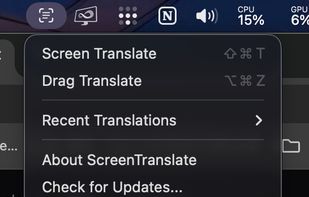
Translate any text on your Mac screen — capture an area or select text directly. Free, private, on-device.



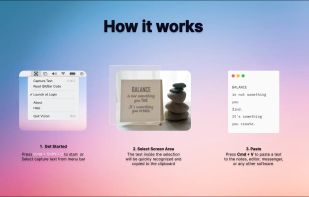
Never get annoyed by unselectable text on websites, PDFs, images or system user interfaces again. Just select the region of your screen in the same manner as you would take a screenshot and find all recognized text in your clipboard ready to get pasted anywhere.