Cost / License
- Free
- Open Source (MIT)
Platforms
- Linux


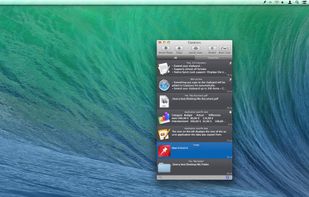
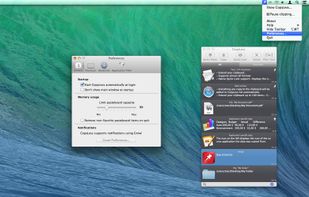
Apps similar to CopyCat Clipboard include CopyQ, which is free and open source. Other options are Ditto, Vorssaint, UniClipboard and Rememory. You're spoiled for choice with Clipboard Managers like CopyCat Clipboard: we list more than 100 alternatives for Mac, Windows, Linux, iPhone and iPad.

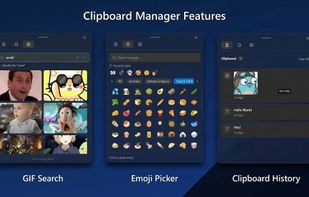
ClipboardZanager is a modern, quick and smart clipboard manager for Windows 10. It creates a historic of what you copy and let you paste the data at any time on any device.
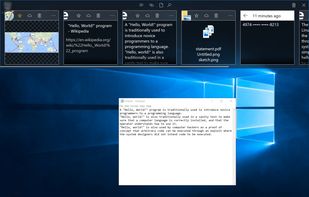


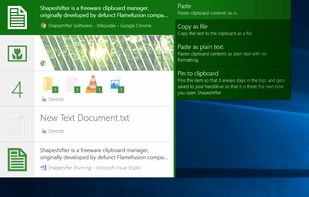
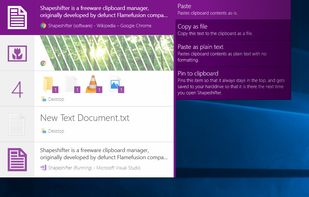
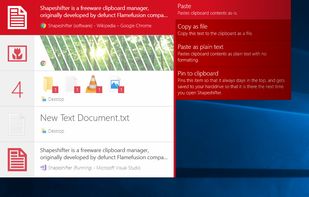
Shapeshifter is a clipboard manager that allows you to copy multiple items and keep them.
 Denmark
 EU
EU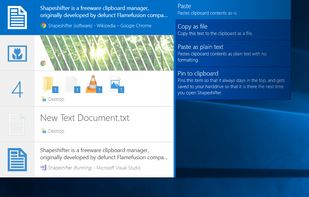


Pastebot is a versatile clipboard manager for your Mac that stores what you recently copied so you can quickly retrieve them later. Create custom pasteboards for frequently used clippings. Build powerful filters that you can apply as you paste.
 United States


A simple tool which helps to sync the clipboard between computers by using a shared folder.


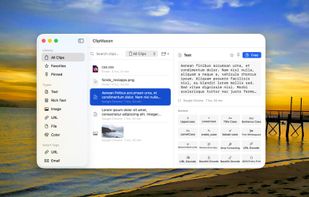
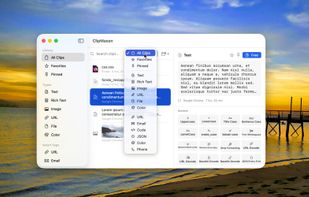
ClipMason is the clipboard manager that goes far beyond copy and paste. It automatically detects the type of content you copy — text, images, URLs, colors, files, or rich text — and offers smart contextual actions to transform it instantly.
 SpainEU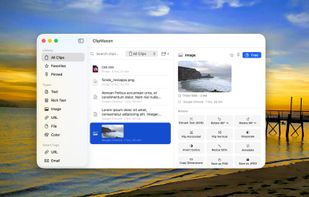




Ethervane Echo is a clipboard extender for Microsoft Windows XP or later. It automatically captures any piece of text copied to clipboard from any Windows application, stores it in its database and lets you retrieve it easily whenever you need it.
 PolandEU


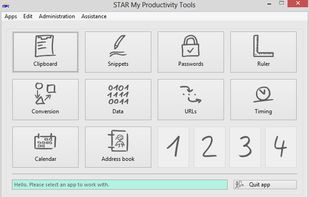
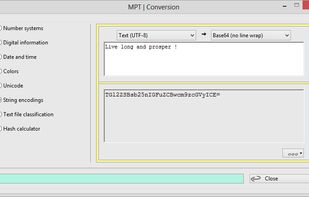
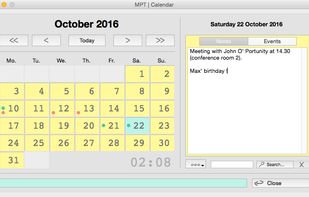
Desktop utilities and tools for PC and Mac power users, frequent writers and programmers. Includes ten+ apps like a notepad texteditor, calendar, unit conversion tool, password manager, stop watch, smart clipboard and much more.
 GermanyEU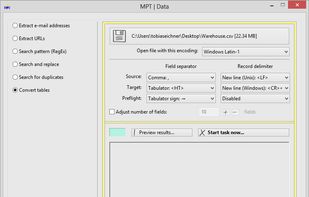


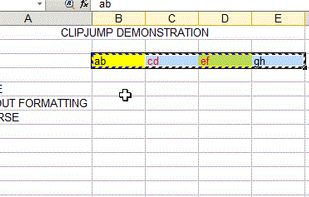
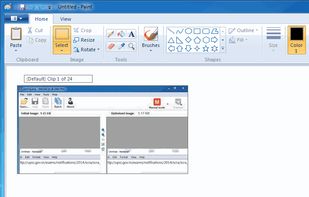
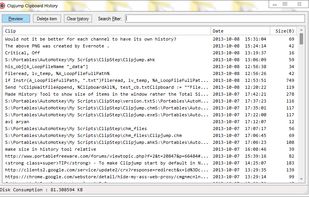
Clipjump : The Ultimate Clipboard Manager for Windows
Clipjump is a Multiple-Clipboard management utility for Windows. It allows you to simultaneously use multiple clipboards like never before. Everything that is transferred to your clipboard will get automatically transferred t.


CopyLess was designed not to replace the system clipboard, but to extend it in many ways. Everything you copy to the system clipboard is captured automatically, so you do not need to care how to get the data to CopyLess.