Free Image Convert and Resize is a compact yet powerful program for batch mode image processing.
Cost / License
- Free
- Proprietary
Application type
Platforms
- Windows
 United Kingdom


Apps similar to Converseen include Image Toolbox, which is free and open source. Other options are File Converter, ImageMagick, Caesium Image Compressor and XnConvert. You're spoiled for choice with Image Converters like Converseen: we list more than 50 alternatives for Windows, Mac, the web, Linux and Android.
Free Image Convert and Resize is a compact yet powerful program for batch mode image processing.
United Kingdom
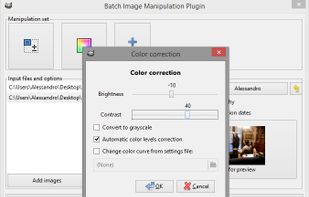
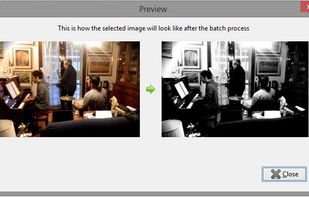
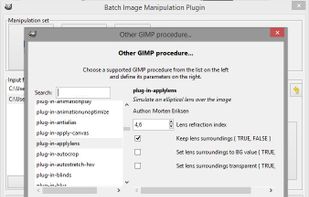
With BIMP you can apply a set of manipulations to an entire group of images! It provides an easy to use interface and a lot of batch functions.
 Italy
Italy EU
EU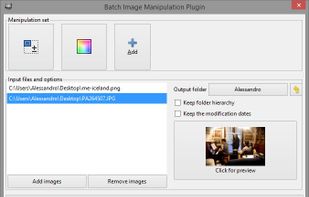


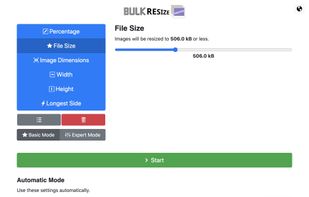
Bulk Resize Photos resizes batches of your photos in your browser so that they are a more suitable size for transmission over the internet.



adionSoft Fast Image Resizer is a small tool to quickly resize a batch of pictures.
 GermanyEU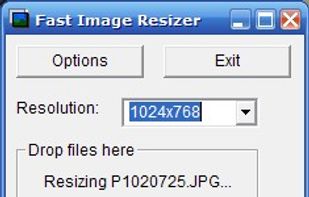


Edit one or several images in a few clics. Massive downscale, resize or crop a collection of images quickly.
 FranceEU


Compress or convert images on the web with offline support. Images are not uploaded on server and processed on client with webassembly. Support for formats like JPEG, PNG, WebP, AVIF and JXL.



Resize, add watermarks and share your pictures with a single click.
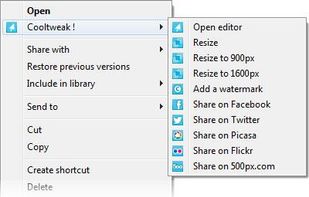
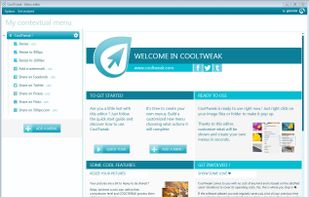
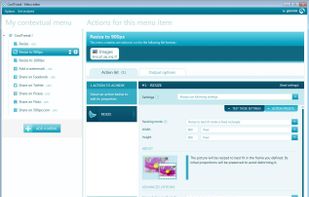
CoolTweak is a nice tool that expands the use of right-click menus on the OS level with actions you are able to tweak to fit your needs.
With Cooltweak, you are able to right click files and folders to finish a.
FranceEU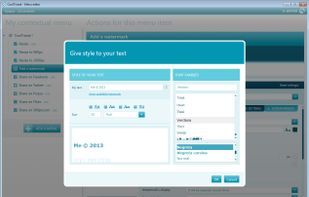


Convert hundreds of images for your convenience and easy sharing. Supports TIFF, JPEG, RAW, PNG, BMP, EPS, PDF, PSD, TGA, and many other image formats.
 China
China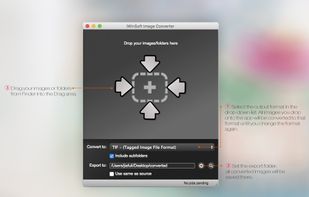


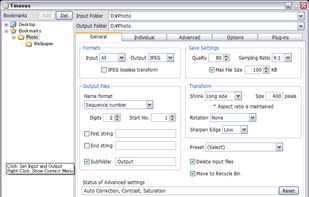
An image converter batch-processing multiple files. JPEG lossless transformations are implemented.

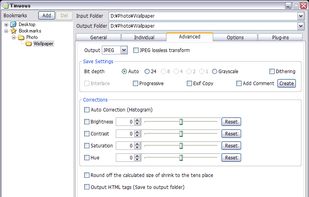
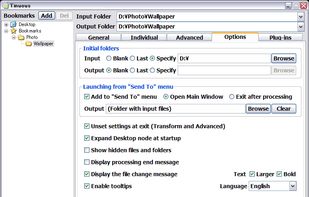


Assetizr will give you one tool for resizing images and optimizing them for web and mobile applications. It's a fast and lightweight, drag-and-drop desktop app with batch processing, smart naming and more.
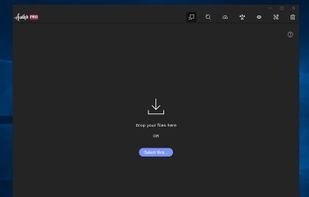
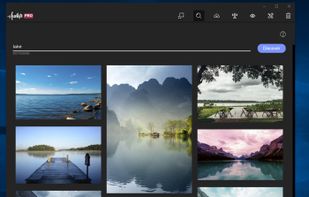


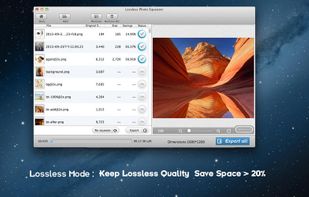
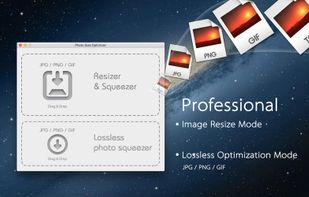
A powerful photo resizer and optimizer for Mac, allows you to optimize all your photos by 80% ~ 20% comparing to their originals while keeping their original resolution, quality.
China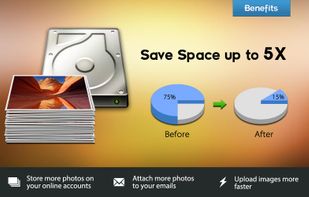


Unlock the full power of images and documents with Image Magic Suite: Your complete toolbox for editing, scanning, converting, encrypting, and organizing files. With 100+ smart features, advanced filters, format support, batch tools, and creative utilities, Image Magic Suite is...
 India
India