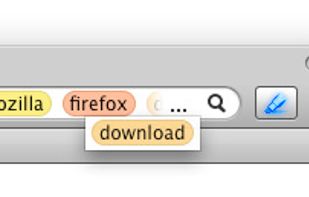
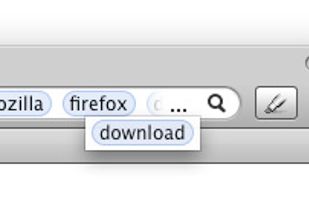
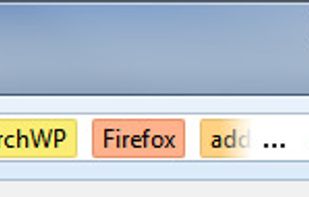
A Firefox & Chrome extension that provides pre-configured shortcuts with the possibility of manually adding new ones.
Cost / License
- Free
- Proprietary
Platforms
- Google Chrome
- Mozilla Firefox
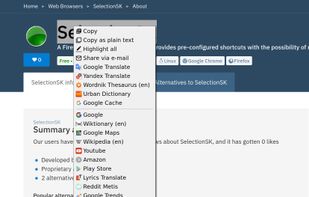


Context Highlight has been discontinued. Similar apps include SelectionSK, which is free. Other options are LookStuffUp, Wired-Marker, Trufflepiggy - Quick Search and Context Search. In total there are six apps like Context Highlight for Mac, Windows, Linux and the web.
A Firefox & Chrome extension that provides pre-configured shortcuts with the possibility of manually adding new ones.

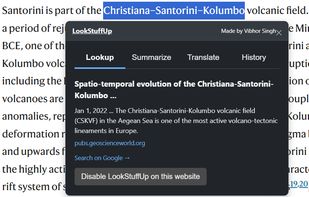
Tired of opening a new tab for every little question? LookStuffUp is a lightweight Chrome extension that gives you instant answers, summaries, and translations right where you are, keeping you in the flow.



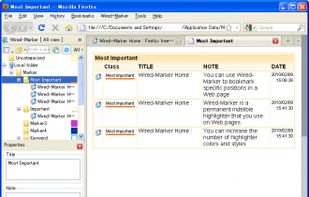
Wired-Marker is a permanent (indelible) highlighter that you use on Web pages. The highlighter, which comes in various colors and styles, is a kind of electronic bookmark that serves as a guide when you revisit a Web page.


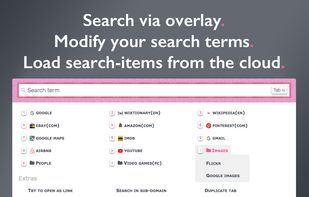
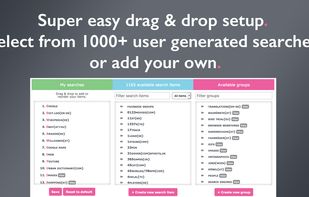
The all-in-one search addon: just select and search. Find on multiple websites at once. Search via overlay, context menu or omnibar. Featuring anonymous profiles. Easy setup: select from 1000+ user generated searches. Cross-browser sync.
 Austria
 EU
EU



Context Search is a Firefox extension that expands the context menu's 'Search for' item into a list of installed search engines, allowing you to choose a specific search engine every time.
AustriaEU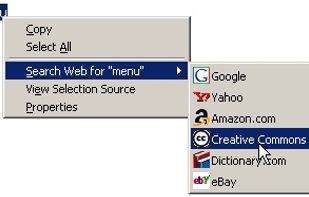


Find terms entered in the search box easily with jump-to-word buttons and highlighting. Words typed in the search box are converted into buttons that can be used to find them in the current page.