LifeDropper is point and shoot colour analysis for graphic designers, interior designers, artists, and everyone in between.
Cost / License
- Free
- Proprietary
Application type
Platforms
- Android


Apps similar to ColorPicker include gpick, which is free and open source. Other options are Just Color Picker, Sip, Instant Eyedropper and Eyedropper. There's no shortage of Color Picker Tools like ColorPicker, with more than 50 alternatives for Windows, Mac, the web, iPhone and Linux.
LifeDropper is point and shoot colour analysis for graphic designers, interior designers, artists, and everyone in between.

Visual Color Picker is very easy to use and powerful RGB-HSV-HSL-CMYK-HEX color selector. The program allows you to easily capture color value from any position of the screen even if program does not have input focus. The program has small screen capture preview area.


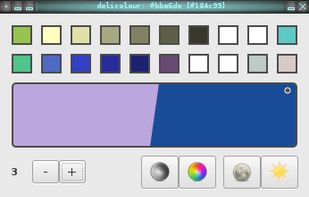


A color analytics mobile applications suite used by graphic designers, artists, professionals and anyone who loves colors in development and production. We are all colors nerds.



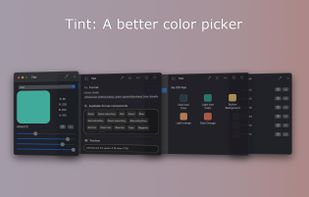
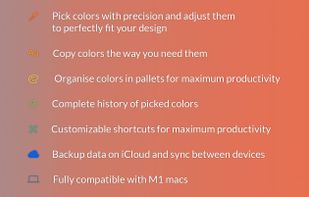
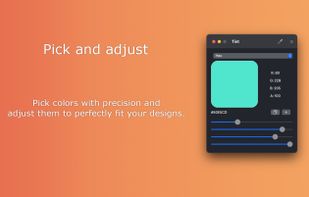
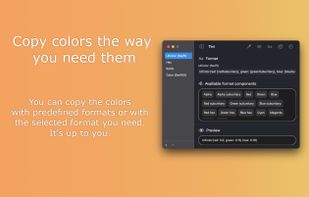


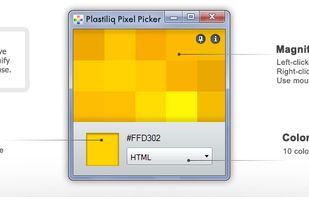
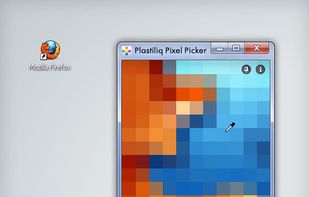
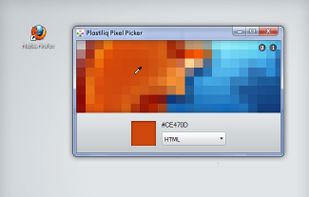
Plastiliq PixelPicker is a useful color picker tool that gets the pixels color under your mouse pointer on the screen and translates it into a number of different color formats.
 Russia


Use ColorPro to create and organize palletes of colors, and change the palette of colors in your HTML webpage simply by clicking
 United States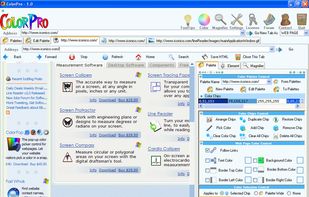


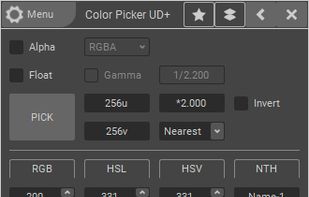
ColorPicker is a professional color creator and picker which has advanced features for artists and designers. It is written with C++ and Qt for the best performance and flexibility.



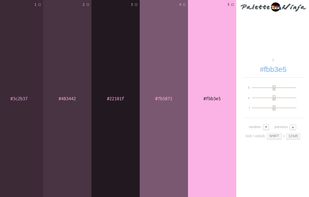
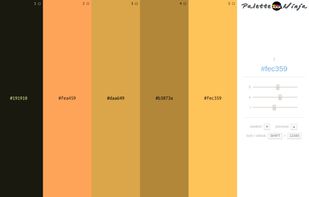
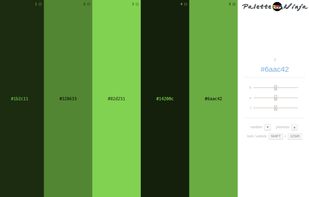
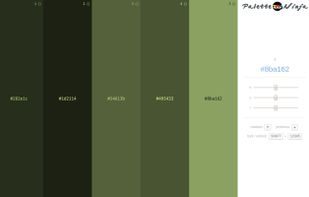
Palette Ninja is an online color scheme generator that allows you to create harmonious color schemes in seconds.

MouseZoom is a nice but small utility. It zooms the current mouse position (50x) and show the color value and the absolute + relative position of the point where the mouse is.
 Germany
 EU
EU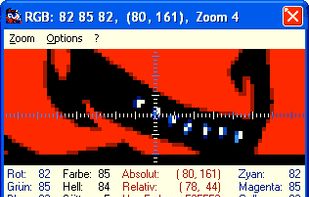

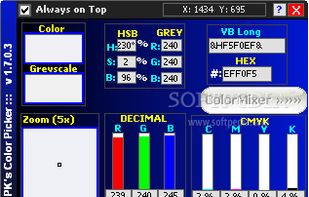
PK's Color Picker is a lightweight freebie application that allows you to pick any color from the desktop screen and get the RGB values.