


Platforms
- Mac


Apps similar to Colora include PicPick, which is free for personal use. Other options are gpick, Just Color Picker, Realtime Colors and Sip. Color Picker Tools like Colora are a crowded field, with more than 50 alternatives for Windows, Mac, Linux, the web and iPhone.
A custom color picker designed specifically for developers. Makes getting colors out of Photoshop/Acorn mock-ups quick and easy. Currently supports NSColor, UIColor, CGColorRef, CSS and HTML styles.


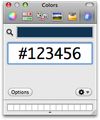
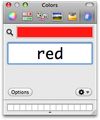
Hex Color Picker puts an extra tab in the system-wide color panel. Instantly see the hex color code for any color, and edit it just the same with a number of shorthands.

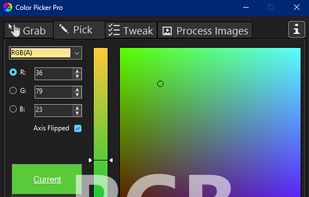
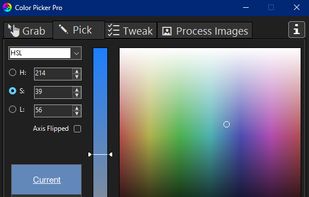
Grab single or multiple pixel colors anywhere on your screen in more than 50 different formats. Convert colors between any of the 17 color models like RGB, HSL, Lab, LCH, XYZ. Choose from over 100 color variations: invert, contrast, warmer, darker...
 United States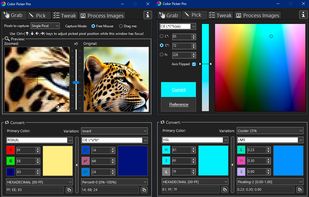


ColorSnapper — the missing color picker for OS X.
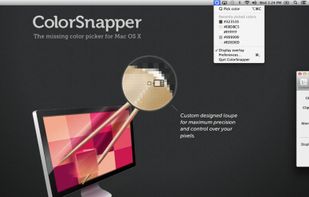
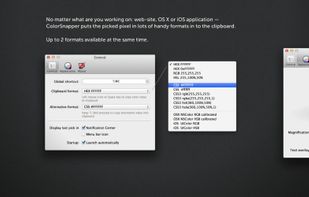
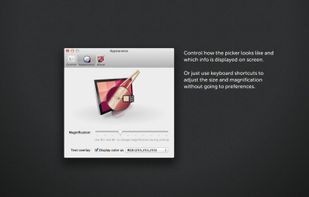
ColorSnapper is an easy-to-use tool for quickly finding out the color of any pixel on the screen. It is activated via a configurable system-wide hotkey, giving you a magnifying loupe to easily pick the pixel you need. The resulti.


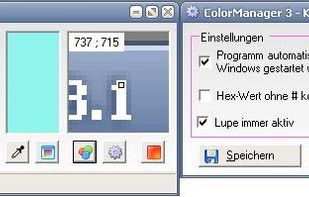
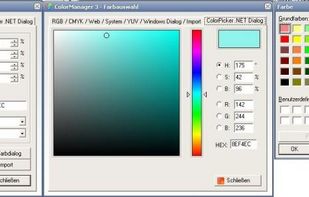
Color Manager is a color management utility. Color Manager expects colors in RGB, CMYK, HSV, YUV and hex value to for all sorts of purposes (for example, colors of an application or website). In the pipette mode can also easily one color can be chosen from the active desktop.
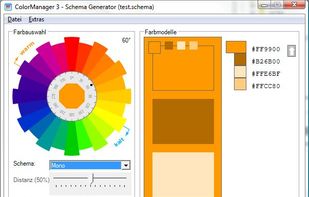
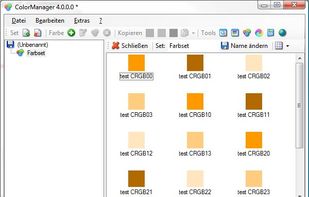


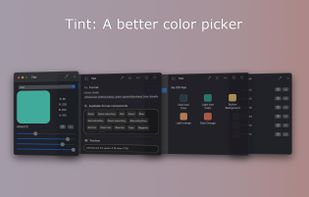
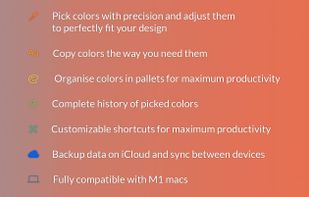
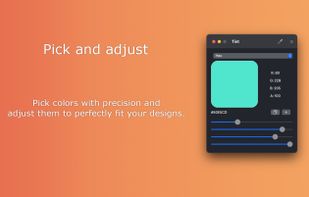
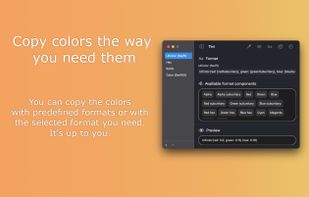




ColorPicker is a professional color creator and picker which has advanced features for artists and designers. It is written with C++ and Qt for the best performance and flexibility.

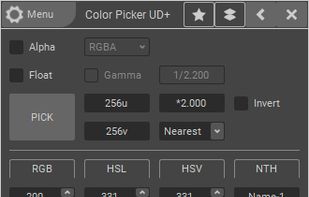


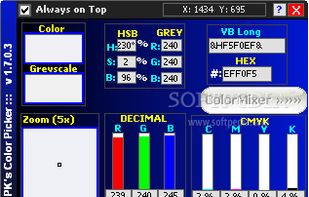
PK's Color Picker is a lightweight freebie application that allows you to pick any color from the desktop screen and get the RGB values.


Use ColorPro to create and organize palletes of colors, and change the palette of colors in your HTML webpage simply by clicking
United States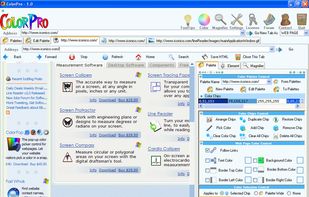


A macOS app for capturing, annotating and sharing screenshots. Quickly add comments, highlight what matters or blur any sensitive content. Upload screenshots to Google Drive or Dropbox. Copy screenshots to the clipboard and paste them directly into Slack, Skype, Jira, Trello and...


 Russia