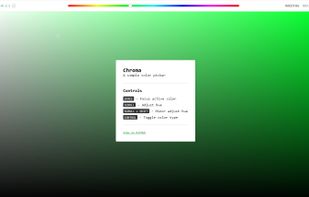
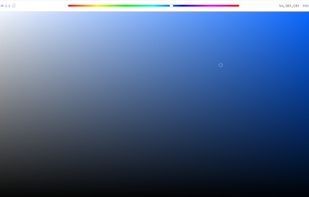
Chroma is a browser-based color picker that focuses on color selection. It was built using React Color.
Cost / License
- Free
- Open Source (MIT)
Application type
Platforms
- Online
- Self-Hosted



Apps similar to Color Picker for COSMIC include gpick, which is free and open source. Other options are Just Color Picker, Realtime Colors, Rickrack and Sip. Color Picker Tools like Color Picker for COSMIC are a crowded field, with more than 50 alternatives for Windows, the web, Mac, Linux and iPad.
Chroma is a browser-based color picker that focuses on color selection. It was built using React Color.

DigitalColor Meter is a utility built into Mac OS X for measuring and displaying the colour values of pixels displayed on the screen.
 United States







Pick Color Online is the best way to pick any color from your screen. With just one click you can easily extract any color from a PDF file, website, image or anywhere on your screen.


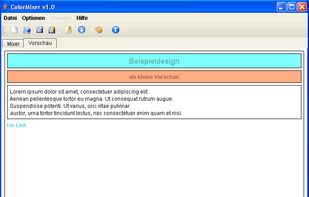
ColorMixer is a powerful application for mixing colors. You choose a color and ColorMixer will calculate 8 harmonic colors based on the one you’ve chosen. It’s user interface offers lots of utilities to choose colors.
 Germany
 EU
EU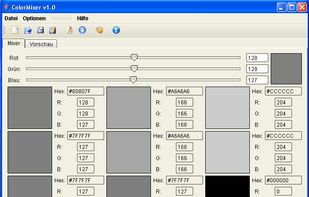


colortypist is a very simple Windows program that allows you to type in a color code and see that Color fill your entire screen, in real-time, while you type.
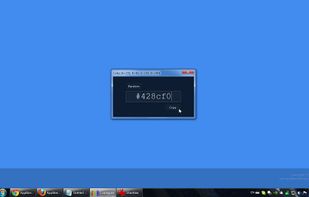


This color picker is an extensive and easy to use color selection tool for web designers, graphic producers and developers. Supported color number formats: decimal, vrml, hexadecimal and RGB hex.

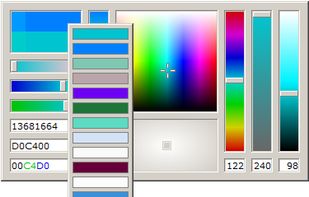


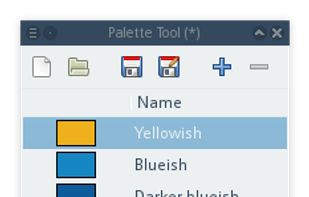
A cross-platform color picker. Select any color from screen, manage palettes, convert colors, etc.
 DenmarkEU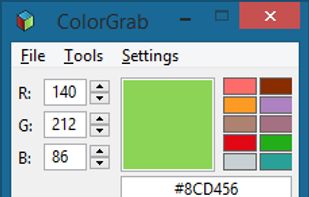
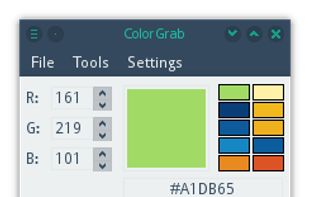


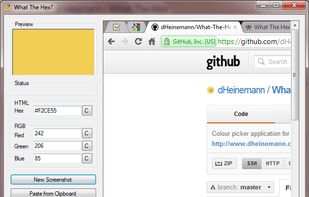
What The Hex? is a free and open-source colour picking tool, just like the eyedrop tool in image editors such as GIMP. But unlike those editors, What The Hex? is designed to provide you with the Hex or RGB information you're looking for in the fastest way possible.


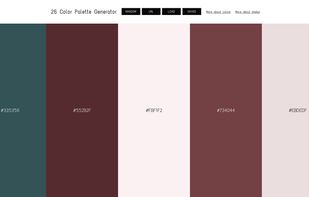
Get the right colors for your webpage. Make the users feel comfortable surfing your website.




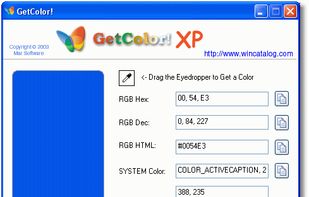
GetColor! - Free Color Picker for Windows. GetColor! allows you to retrieve the color of any pixel on your desktop easily: just move the eyedropper tool into any place of your desktop and GetColor! will show you the color value!


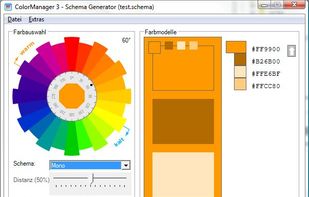
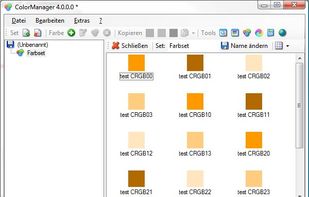
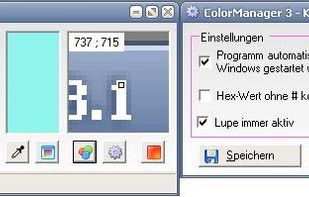
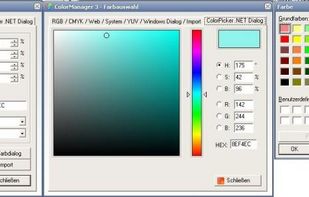
Color Manager is a color management utility. Color Manager expects colors in RGB, CMYK, HSV, YUV and hex value to for all sorts of purposes (for example, colors of an application or website). In the pipette mode can also easily one color can be chosen from the active desktop.