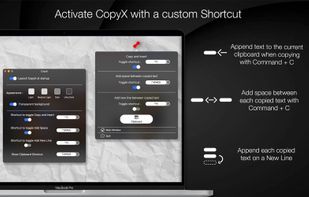
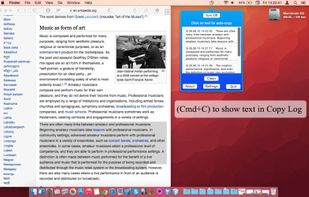
Copy text with Command + C and append it to the last copied text instead of replacing it! Activate inserting with a custom shortcut.



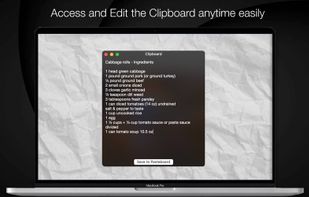


Apps similar to Clipboard Indicator include CopyQ, which is free and open source. Other options are Ditto, Rememory, Planck and CopyCat Clipboard. You're spoiled for choice with Clipboard Managers like Clipboard Indicator: we list more than 50 alternatives for Windows, Mac, Linux, Android and iPhone.
Copy text with Command + C and append it to the last copied text instead of replacing it! Activate inserting with a custom shortcut.

 United States


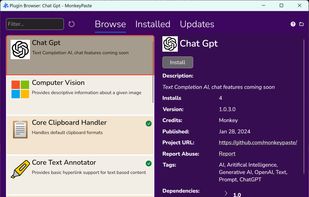
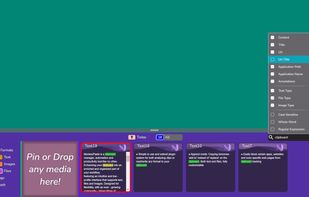
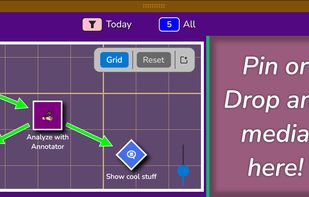
MonkeyPaste is a clipboard manager, automation and productivity tool with extensive hotkey, plugin and drag-and-drop features with more platforms coming soon.
United States


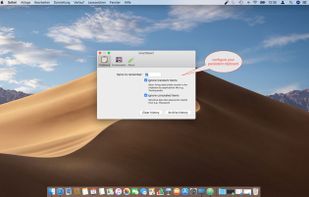
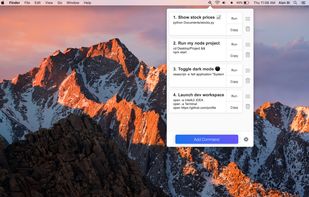
SmartReact is an awesome little utility combining functionality in one tool, you usually need multiple utilities for! For a start:





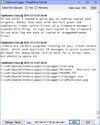
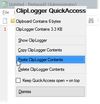
clipLogger logs text copied to the clipboard, putting everything in one textbox for easy access. Clipboard captures can be separated & labeled with a timestamp, or just appended by themselves. It can also log the paths of copied or dragged&dropped files.
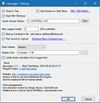


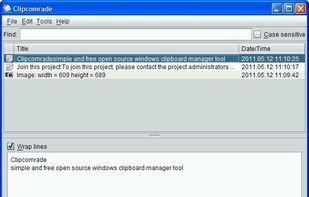
Clipcomrade is Windows clipboard manager. Remembers everything that you put to the clipboard, easy paste/drag anything from clipboard history, access …


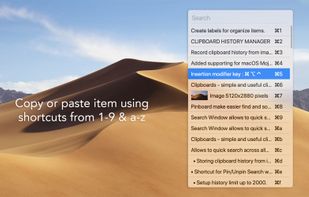
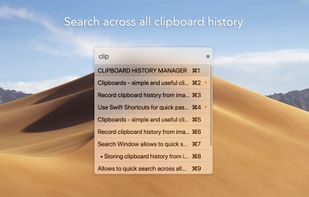


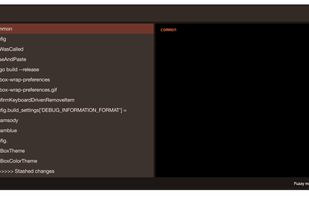
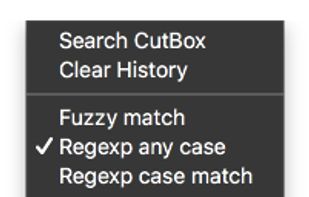
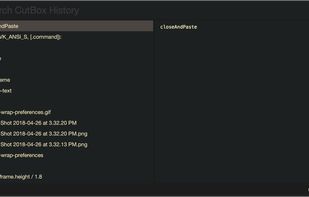
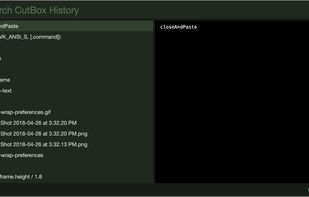
Pasteboard history for macOS done right. Using the proven UI style of Alfred, Spotlight etc. Use fuzzy searching to find what you want to paste.


Copy Log is a powerful app that makes your every day copy/paste operations much easier. It keeps every text youve copied and lets you access and use your saved text anywhere. More than this, Copy Log records date and hour of your copies and enumerates them.
 Romania
 EU


 United States


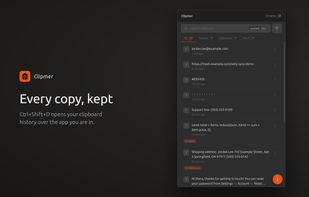
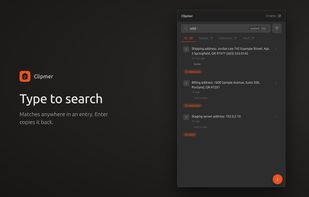
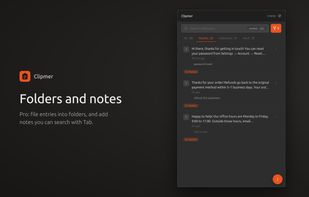
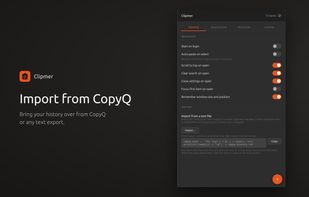
Secrets-aware clipboard manager for Linux. Mask entries before a screen share, annotate them with notes, and file SSH commands and API keys into folders. Ubuntu · GNOME · Wayland.


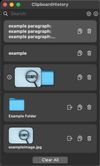
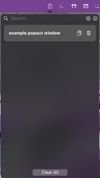
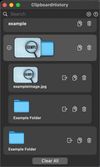
Mac clipboard history manager inspired by Windows, holding text, images, files, folders, and groups. Customize up to 50 items. Access via shortcuts and command keys. Opens at the bottom right, with a status menu bar icon. Provides comprehensive usage tips.