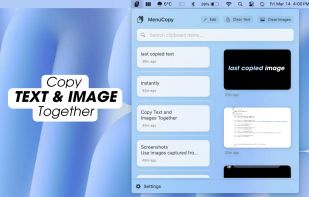
Access your last copied text and photo instantly from the menu bar. Boost productivity with MenuCopy on macOS!
Cost / License
- Paid
- Proprietary
Application type
Platforms
- Mac



+1


Access your last copied text and photo instantly from the menu bar. Boost productivity with MenuCopy on macOS!

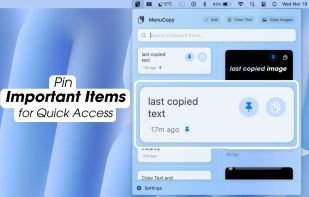
Pin clipboard information selectively and safely without a program by saving everything you copy.


ClipMenu can manage clipboard history. You can record 8 clipboard types, from plain text to image.
 Japan
Japan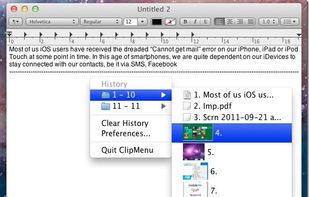


 China
China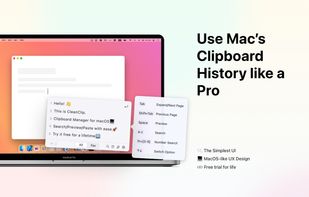



 United States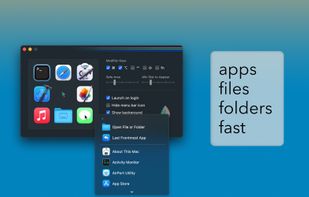
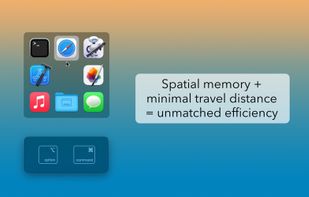


Pycopaste, the ultimate clipboard manager for macOS, designed to enhance your productivity by streamlining your copying and pasting experience!.
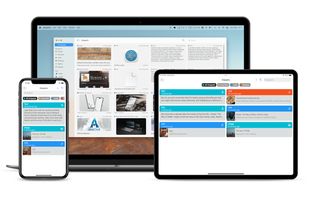
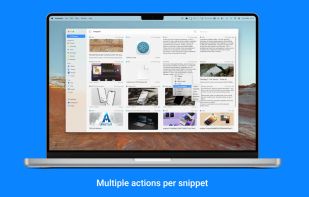
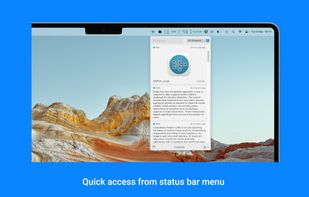
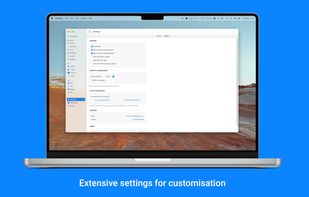


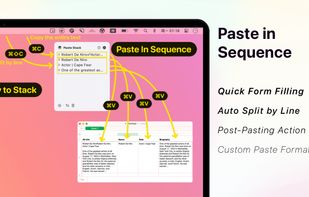
Clipboard tool for macOS built around a paste queue: collect several items, then paste them back one at a time in order, with text transformations and text capture from images.
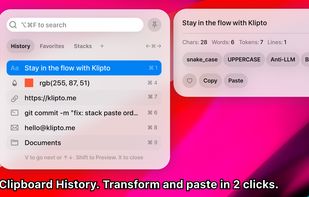
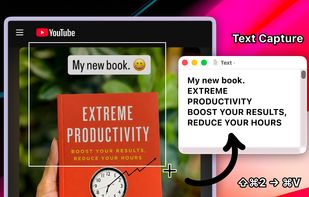


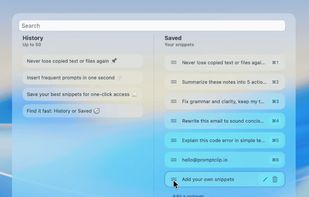
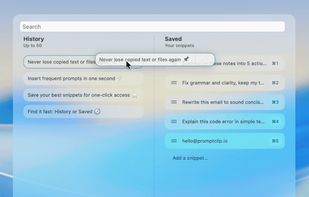
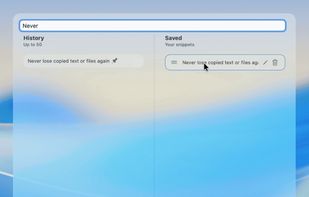
PromptClip is a clipboard manager for Mac built for anyone who uses AI tools, writes a lot, or copies and pastes all day. Keeps your full clipboard history, saves reusable snippets, and lets you paste anything instantly with a keyboard shortcut.


 Norway
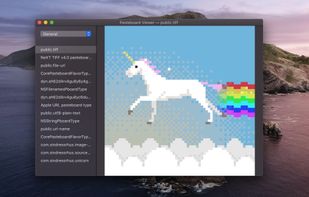


Flycut is a clean and simple clipboard manager for developers. It based on open source app called Jumpcut.
United States


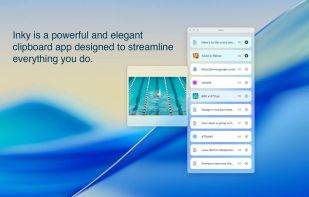
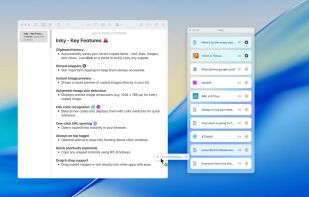
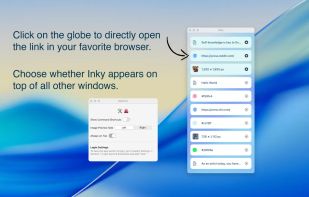
Inky is a clipboard app for designers, developers and creatives. Save text, links, images, and colors effortlessly to streamline your creative workflow.


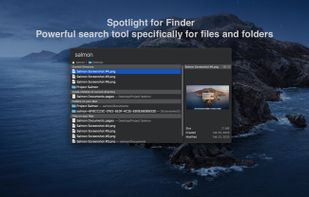
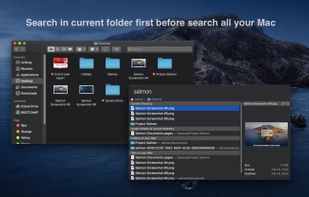
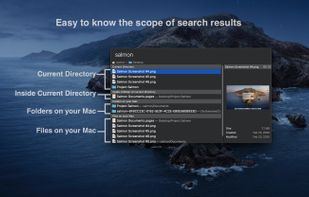
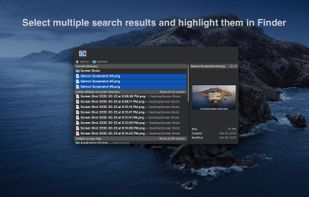
Salmon - Spotlight for Finder. Powerful search tool for files and folders with support for multiple selection. Powerful @modifiers to filter and sort.