


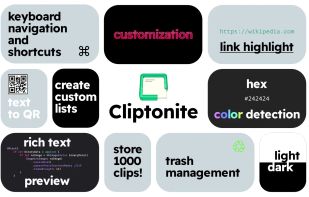
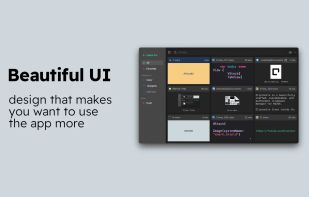
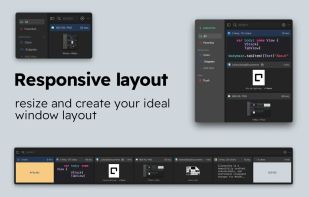
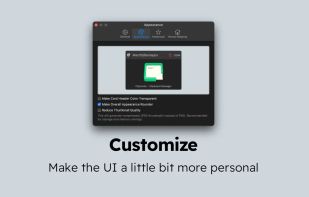
Cliptonite is a beautifully crafted, customizable, and performant clipboard manager for MacOS.
Cost / License
- Freemium
- Proprietary
Application type
Platforms
- Mac



+6


Apps similar to ClipAngel include CopyQ, which is free and open source. Other options are Ditto, PasteBar, Planck and CopyCat Clipboard. There's no shortage of Clipboard Managers like ClipAngel, with more than 100 alternatives for Mac, Windows, Linux, iPhone and iPad.
Cliptonite is a beautifully crafted, customizable, and performant clipboard manager for MacOS.

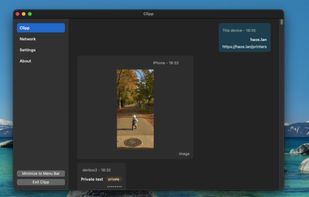
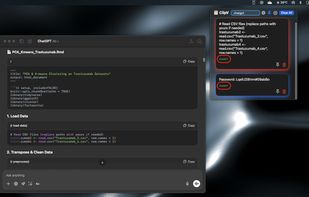
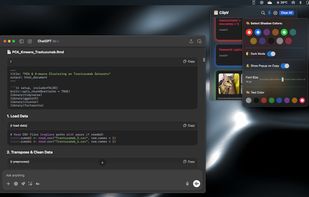
Clipp is a free, open source, peer-to-peer clipboard sync utility for Windows, macOS, and iOS, with a terminal-only client for Linux. It is built for devices you trust, on a network you control, sharing clipboard text and images without routing your clipboard through the cloud.
 United States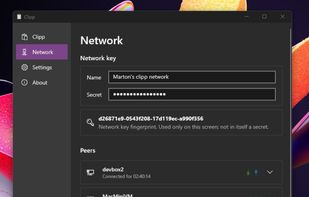

 United States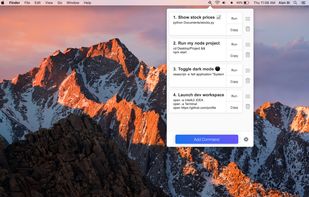

Keyboard-driven multiple-clipboard manager for Windows: hold Ctrl, tap V to walk back through everything you have copied, release to paste - no window, no mouse. A .NET 10 + WPF reimplementation of Clipjump, shipped as one self-contained portable exe.
 India
India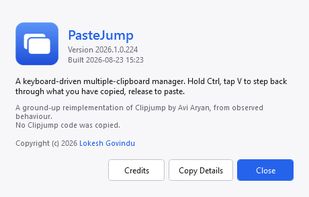
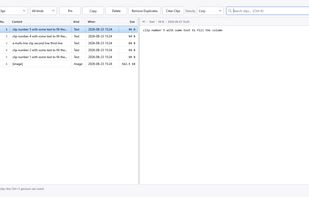
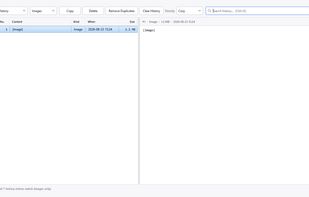
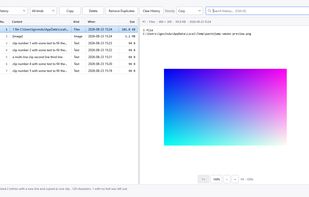

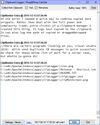
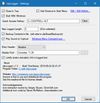
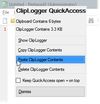
clipLogger logs text copied to the clipboard, putting everything in one textbox for easy access. Clipboard captures can be separated & labeled with a timestamp, or just appended by themselves. It can also log the paths of copied or dragged&dropped files.


Minimal, native clipboard manager for macOS — one-time purchase, cross-type history (text, code, images, files), and instant search.
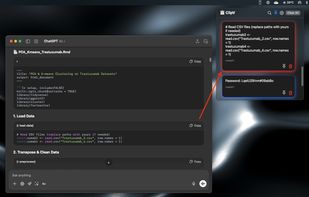


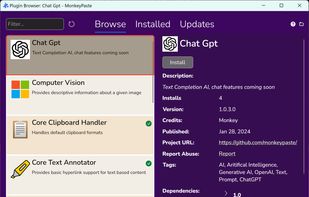
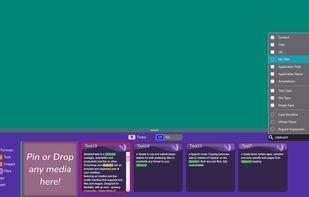
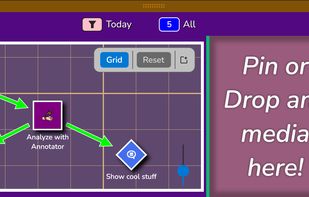
MonkeyPaste is a clipboard manager, automation and productivity tool with extensive hotkey, plugin and drag-and-drop features with more platforms coming soon.
United States


ClipCapsule is a minimalist clipboard manager for Linux. It supercharges your productivity by allowing you to manage and switch clipboard entries using only keyboard shortcuts—no mouse or GUI required.

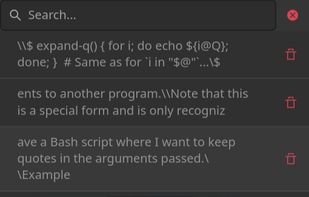


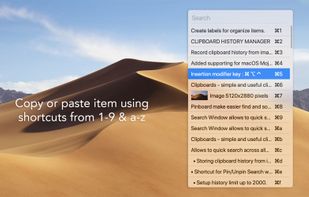
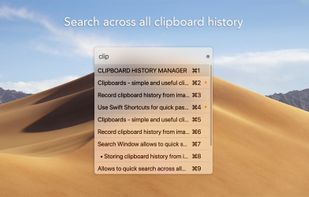


CleanBoard is a lightweight clipboard utility for macOS that removes unwanted formatting from copied text—so you can paste clean, plain text into any app with ease.
 Sweden
 EU
EU


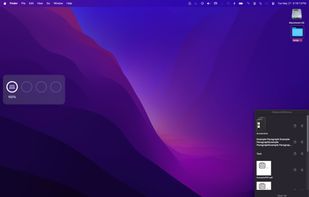
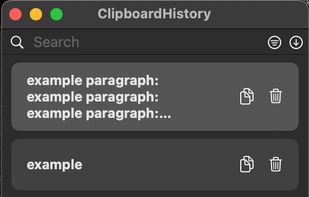
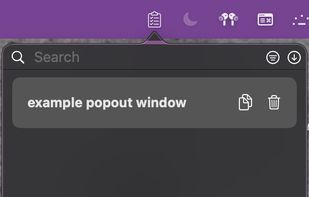
Mac clipboard history manager inspired by Windows, holding text, images, files, folders, and groups. Customize up to 50 items. Access via shortcuts and command keys. Opens at the bottom right, with a status menu bar icon. Provides comprehensive usage tips.


 Nigeria


