


Cline
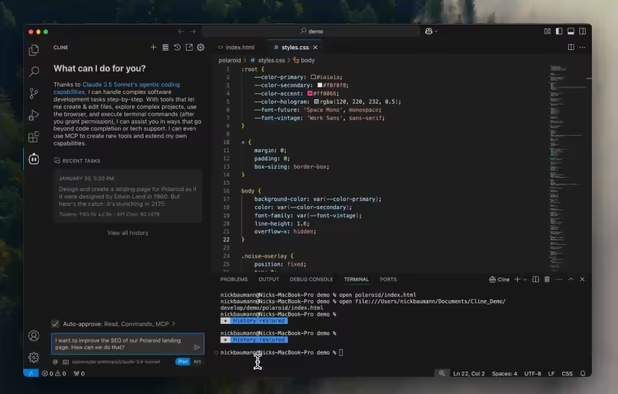
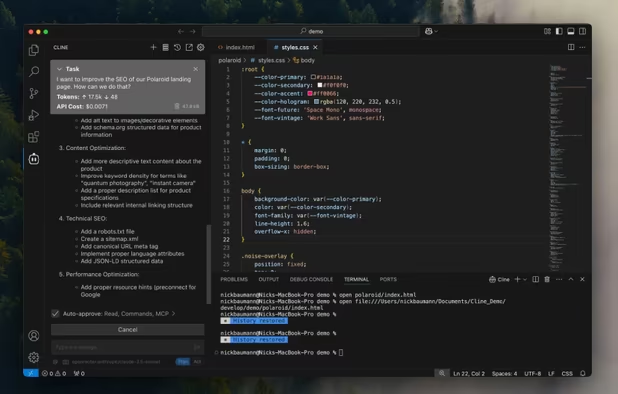
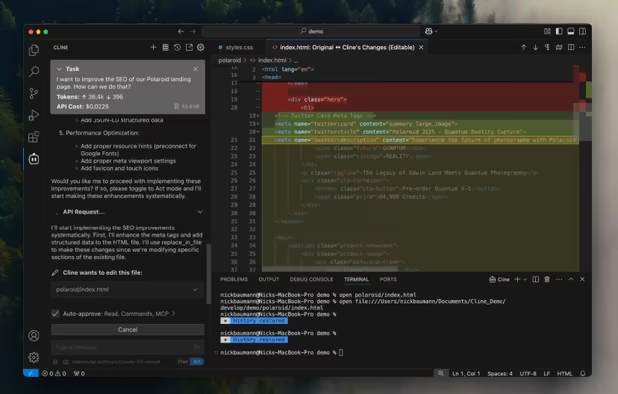
Autonomous coding agent right in your IDE, capable of creating/editing files, executing commands, using the browser, and more with your permission every step of the way.
Cost / License
- Freemium (Subscription)
- Open Source (Apache-2.0)
Application type
Platforms
- Visual Studio Code

Features
Properties
- Lightweight
Features
- No Tracking
- AI-Powered
- Ad-free
- No registration required
- Syntax Highlighting
- Dark Mode
- Autocompletion
 Git Support
- VSCode
 Claude Integration
Cline News & Activities
Recent News
- Fla published news article about Qwen
 Alibaba Cloud Model Studio introduces Qwen Coding Plan subscription
Alibaba Cloud Model Studio has introduced Qwen Coding Plan, a monthly subscription providing access...
- Fla published news article about Cline
 Cline 3.18 update: Gemini CLI, Claude 4 optimization & new WebFetch tool
Cline 3.18 adds Gemini CLI as a provider, making 1000 free daily requests of 2.5 Pro and Flash avai...


Recent activities
- koltci liked Cline
 FuryCow added Cline as alternative to CodeCritic
 GeiserX added Cline as alternative to LynxPrompt
 femtowin added Cline as alternative to Minion Agent Framework


Cline information
Developed by
 Cline Bot Inc.
 Licensing
Open Source (Apache-2.0) and Freemium product.Pricing
Subscription + free version with limited functionality.Written in
Alternatives
92 alternatives listedSupported Languages
- English

AlternativeTo Categories
Development, AI Tools & ServicesGitHub repository
- 59,455 Stars
- 6,036 Forks
- 696 Open Issues
- Updated


What is Cline?
Meet Cline, an AI assistant that can use your CLI aNd Editor.
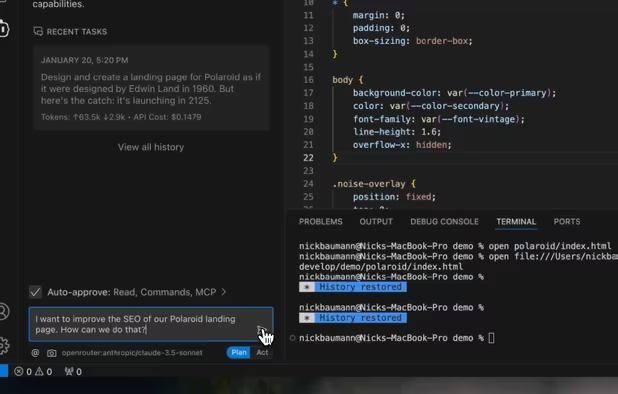
Thanks to Claude 3.5 Sonnet's agentic coding capabilities, Cline can handle complex software development tasks step-by-step. With tools that let him create & edit files, explore large projects, use the browser, and execute terminal commands (after you grant permission), he can assist you in ways that go beyond code completion or tech support. Cline can even use the Model Context Protocol (MCP) to create new tools and extend his own capabilities. While autonomous AI scripts traditionally run in sandboxed environments, this extension provides a human-in-the-loop GUI to approve every file change and terminal command, providing a safe and accessible way to explore the potential of agentic AI.
Comments and Reviews
It's free software, putting full control in your hands.
By far the best AI integration for VS Code. Better than Claude Desktop or ChatGPT desktop. Plenty of settings and agentic capabilities. Constantly updated and maintained. The challenge is dealing with the inconsistency of LLM models.